

Want fewer apps watching you by default?
Apple’s privacy policy update does exactly that: it keeps more personal data on-device and forces apps to ask for specific, limited permissions.
Tracking IDs are locked down, clipboard and sensor reads surface with clear notices, and more intelligence runs in the Secure Enclave or Neural Engine instead of the cloud.
The net result: less accidental data leakage, harder cross-app profiling, and stronger on-device encryption for sensitive items like health and passwords.
This guide breaks down what changed, who benefits, and the trade-offs to watch.
Key Security Enhancements in Apple’s Updated Privacy Policy
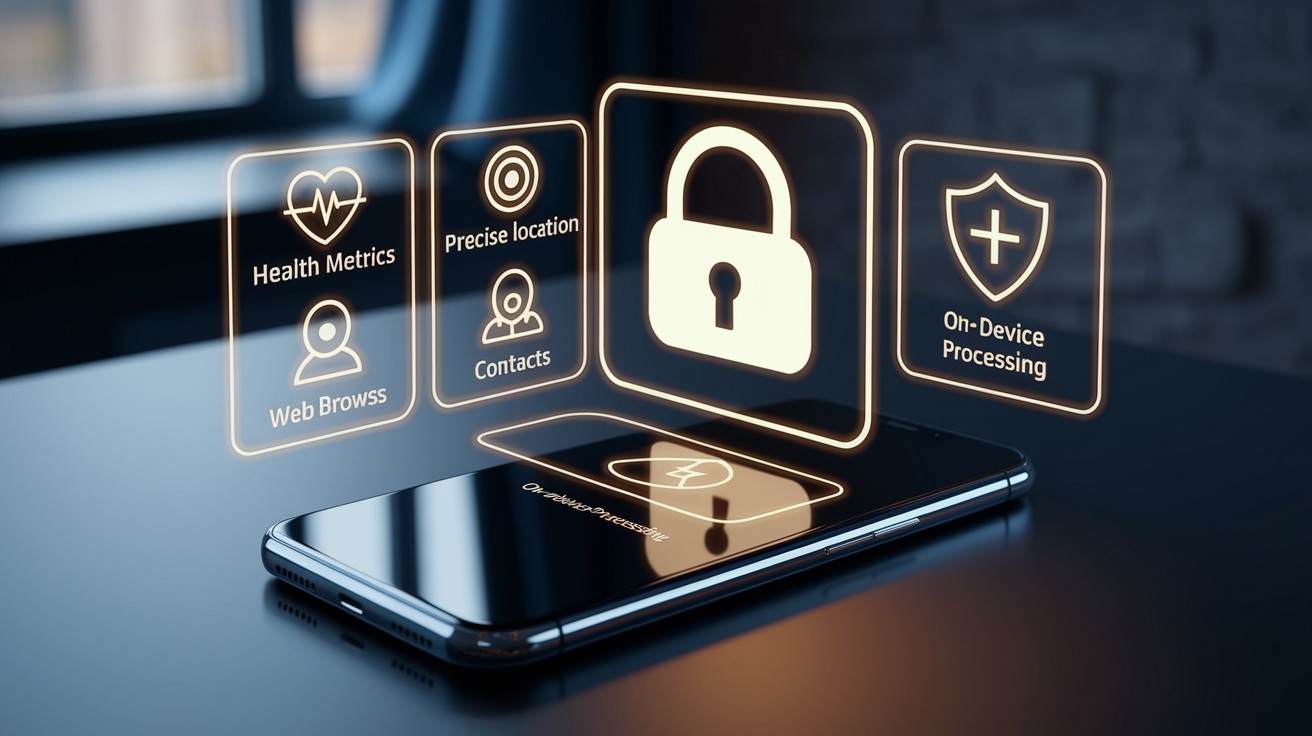
Apple’s latest privacy policy update pulls more personal data onto your device and sends less of it anywhere else. The company’s keeping health metrics, precise location, contacts, and browsing activity local rather than bouncing them through cloud servers or third-party services. You’ll see explicit consent prompts before apps can touch or share data across these categories. No more broad defaults that let apps grab everything without asking.
The update makes transparency harder to dodge. Apps have to tell you exactly which data they’re collecting and what they’re doing with it. Developers can’t bundle multiple data requests into one vague prompt anymore. If an app wants your location, it has to specify whether it needs constant background tracking or just when you’re actively using it. You can approve or deny each level separately. Apple’s also locked down cross-app identifiers, so third parties can’t stitch together detailed profiles by linking your activity across different apps and websites.
On-device intelligence does the heavy lifting now. Photo analysis, voice recognition, predictive text. Tasks that used to need cloud connectivity run locally on the device’s Secure Enclave and Neural Engine. Your personal data doesn’t leave the hardware for routine processing, closing exposure points during transmission and storage. The policy formalizes Apple’s commitment to process sensitive data locally whenever it’s technically feasible.
Detailed Breakdown of New Security Features

Apple’s privacy policy rework delivers security improvements through four connected systems: tracking prevention, permission granularity, API access controls, and on-device data handling. Each layer patches a specific vulnerability in the older framework. Together they build a defense-in-depth model that limits both intentional data collection and accidental leakage. The changes hit every app in the App Store and apply across iOS, iPadOS, and macOS.
Expanded Tracking Prevention
The new policy closes loopholes that allowed persistent cross-app and cross-site tracking. Apps can’t access the device’s advertising identifier (IDFA) unless you explicitly opt in through the App Tracking Transparency prompt. Even when you grant permission, the policy restricts how that identifier can be combined with other data or shared with brokers. Safari and WebKit-based browsers get enhanced Intelligent Tracking Prevention rules that delete cookies and local storage for tracker domains within seven days of last interaction. The update also strips known tracking parameters from URLs shared via Messages, Mail, and Safari, removing unique identifiers before the link reaches its destination. Fingerprinting (where apps infer device identity from hardware characteristics) faces new restrictions through randomized API responses and reduced access to system configuration details.
Granular Permission Prompts
Apple ditched broad, one-time permission requests for per-feature consent flows that activate only when an app actually tries to use protected data. Location permissions now offer three choices: “Allow Once,” “Allow While Using the App,” and “Allow Always,” with automatic expiration and periodic re-prompts when background access is granted. Health data access requires separate approval for each category (heart rate, sleep analysis, glucose levels) instead of blanket consent for all HealthKit data. Contact access got subdivided too. Apps can request the full contact list, or they can invoke a limited picker that lets you select individual contacts without granting broader directory access. Calendar and photo library permissions follow the same pattern.
Stricter API Data Boundaries
The updated policy curtails developer access to system APIs that previously returned rich data sets with minimal oversight. Clipboard access (which apps used to read copied passwords, links, and personal notes) now triggers a visible banner notification whenever an app reads clipboard contents. Cross-app clipboard snooping is blocked entirely unless you explicitly paste data into the app. Network APIs don’t return the device’s local IP address or subnet details without explicit permission anymore, closing a vector used for device fingerprinting and local network scanning. Apple restricted access to motion and orientation sensors too. Apps have to request permission before reading accelerometer or gyroscope data that could infer user activity or precise location. Background execution APIs enforce stricter time limits and require apps to declare specific background tasks in their privacy manifest, preventing apps from running indefinitely in the background to collect data unnoticed.
Advanced On‑Device Protection
Apple expanded the range of tasks handled entirely on-device. No need to send personal data to remote servers for processing. The new policy formalizes on-device operation for Siri requests that don’t require real-time web lookups. Voice commands for timers, reminders, app launches, and device settings never leave the hardware. Live Text recognition, visual lookup, and photo search features run locally using the device’s Neural Engine. Images and scanned documents stay private. Keyboard predictions and autocorrect models train on-device using differential privacy techniques that add mathematical noise to usage patterns before any aggregated statistics go to Apple’s servers. Even iCloud sync operations use end-to-end encryption for additional categories now (Health data, Notes, Passwords), ensuring that Apple’s servers store only encrypted blobs they can’t decrypt or read.
Comparison of Old vs. New Privacy Policy Standards
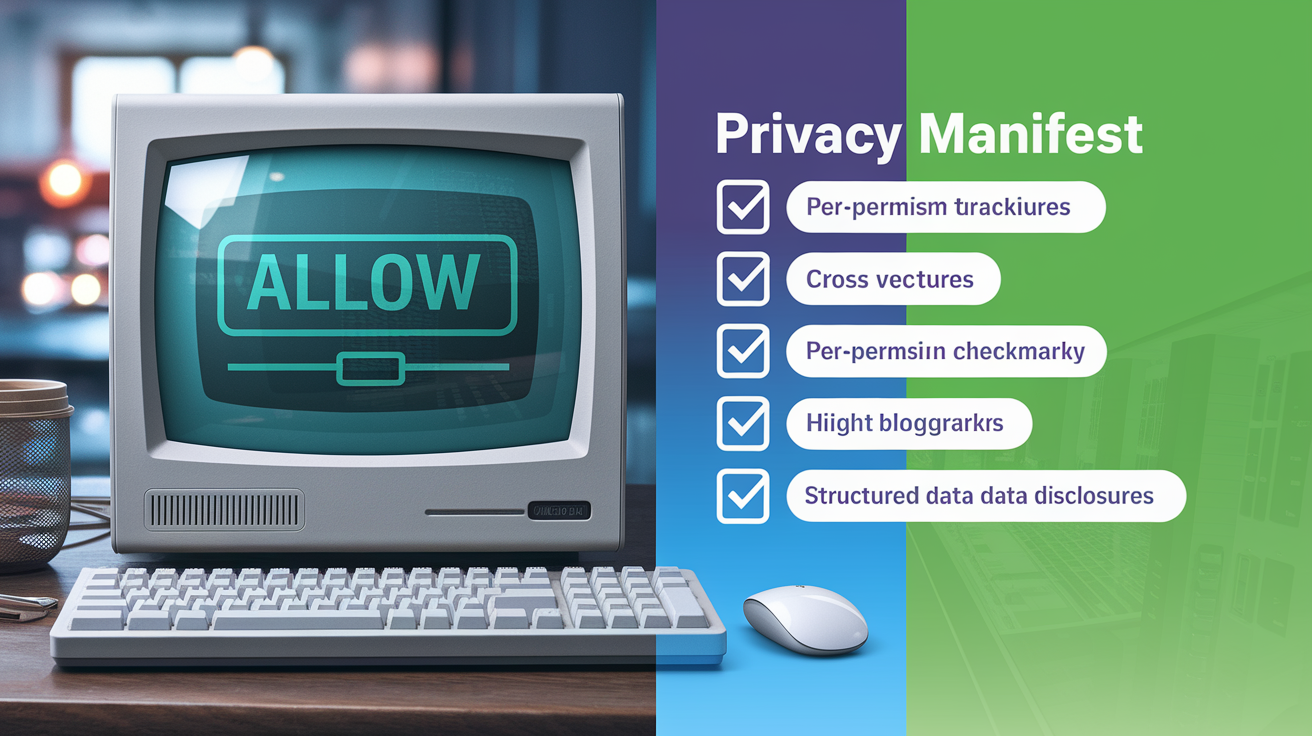
Before this update, Apple’s privacy policy let apps request broad permissions with simple binary consent dialogs. Many data-sharing practices operated by default until you discovered and disabled them in Settings. Tracking identifiers were accessible to any app without a prompt. Background data collection faced fewer technical and policy constraints. The new policy inverts several of these defaults, requiring explicit opt-in for cross-app tracking, imposing stricter limits on background activity, and mandating that apps disclose data collection practices in a machine-readable privacy manifest visible before installation.
The shift from implicit to explicit consent affects nearly every category of personal data. Under the old standards, an app granted location access could track you continuously in the background. The new policy requires a separate, elevated permission for background location and periodically reminds you which apps are accessing your location when not actively in use. Clipboard access was silent and unrestricted. Now every clipboard read surfaces with a visible notification and cross-app clipboard monitoring is blocked. Data retention and sharing rules tightened too. Previously, apps could pass collected data to third-party analytics services and ad networks without itemized disclosure. Now apps must declare each third-party SDK and data recipient in their privacy manifest and get your consent for any data sharing that constitutes tracking.
| Old Policy Standard | New Policy Standard | Impact on Users |
|---|---|---|
| Tracking identifier (IDFA) accessible by default to all apps | IDFA access requires explicit App Tracking Transparency opt-in | You can block cross-app tracking with a single denial; opt-out is now the norm |
| Single “Allow” prompt granted full, ongoing access to photos, contacts, location | Granular prompts for limited access, one-time use, or specific data subsets | You retain control over how much data apps receive and can limit access to only necessary items |
| Data collection and sharing practices disclosed in lengthy legal text | Privacy manifest and App Store “nutrition labels” provide structured, scannable disclosure before download | You can review data practices at a glance and make informed install decisions |
| Clipboard, local network, and sensor data readable without user notification | Clipboard reads trigger visible banners; local network and sensor access require permission | Silent data collection methods are eliminated; you see when apps access sensitive inputs |
Technical Foundations Behind Apple’s Security Improvements

Apple’s security enhancements rest on cryptographic and architectural changes that move sensitive operations closer to the hardware and further from network exposure. End-to-end encryption now covers additional iCloud data categories: Health records, passwords, notes, and voice memos. Data gets encrypted on the device using keys derived from your passcode and biometric authentication. Apple’s cloud infrastructure stores only ciphertext it can’t decrypt. Even if iCloud servers were compromised or subject to legal requests, the encrypted data stays unreadable without your device and credentials. Apple also introduced quantum-resistant cryptographic algorithms in its TLS stack, preparing the encryption layer for future threats from quantum computing advances.
The Secure Enclave (a dedicated hardware coprocessor in Apple silicon) received updates that expand its role in key management and biometric processing. The new policy uses the Secure Enclave to store cryptographic keys for app-specific data vaults. Decryption keys never leave the protected hardware environment and can’t be extracted by malware or forensic tools. Face ID and Touch ID authentication data stays exclusively within the Secure Enclave. Apps can’t access raw biometric images or templates. Instead, they receive only a boolean success or failure signal when you authenticate. This hardware-based isolation forms the root of trust for privacy features, making it computationally infeasible for software-based attacks to bypass consent controls or extract sensitive data from locked devices.
Differential privacy techniques extend to additional data collection scenarios, applying mathematical noise to usage statistics before they leave the device. Apple uses these methods to gather insights for feature improvement (emoji usage patterns, Safari crash reports, autocorrect accuracy) while preventing individual user behavior from being reverse-engineered from the aggregated data. The privacy budget allocated to each metric limits how much information can leak through repeated queries. On-device randomization ensures that even Apple can’t determine which specific data points came from a given user.
New User Controls and Practical Implications
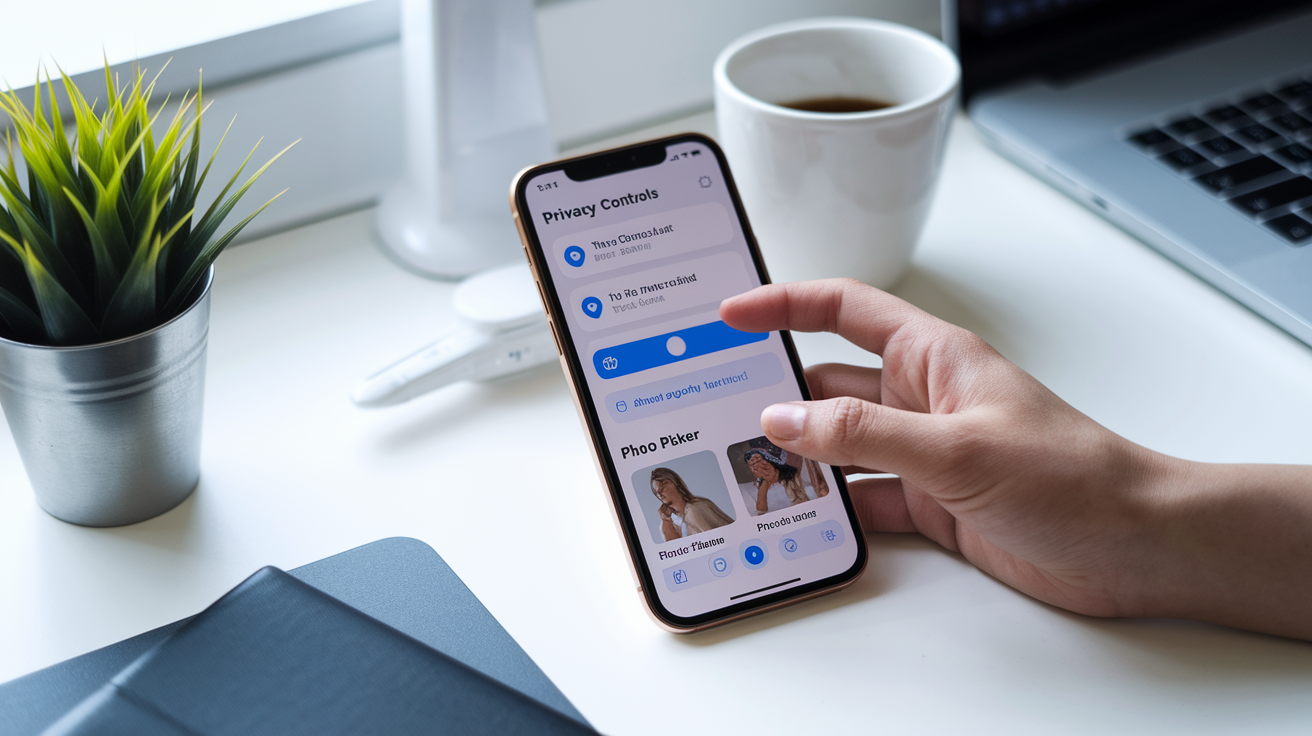
You get direct access to privacy controls through redesigned Settings panels that surface permission histories and provide one-tap revocation options. The Privacy & Security section now includes a dashboard showing which apps recently accessed location, photos, camera, microphone, and contacts, along with timestamps and frequency counts. You can tap any entry to review the specific permission granted and immediately revoke or downgrade it. Switch an app from “Always” location access to “While Using” or revoke photo library access entirely. This visibility eliminates the need to remember which apps were granted permissions weeks or months ago and makes it simple to audit data access regularly.
The updated policy also introduces controls for cloud sync and data sharing that were previously all-or-nothing. iCloud settings now let you disable sync for specific data categories (Health or Safari browsing history) while keeping other categories enabled. Advanced Data Protection, an optional mode available if you’re willing to manage your own recovery credentials, extends end-to-end encryption to nearly all iCloud data. It removes Apple’s ability to assist with account recovery or respond to law enforcement requests for decrypted data. If you prioritize privacy over convenience, you can enable this mode and accept the responsibility of safeguarding your recovery keys.
Practical improvements:
App Privacy Report: A built-in log that records every instance of sensor, camera, microphone, location, and contact access by each app over the past seven days, with exportable summaries for review.
One-Time Permissions: Automatic expiration of camera, microphone, and location permissions granted as “Allow Once.” Apps have to request access again the next time the feature is needed.
Photo Picker: A system-level UI that lets you select individual photos or albums to share with an app without granting access to the entire photo library, preventing apps from scanning all images.
Lockdown Mode: An extreme security setting designed for users at high risk of targeted attacks. It disables most web technologies, message attachments, and incoming FaceTime calls from unknown contacts to minimize attack surface.
Safety Check: A rapid privacy reset tool that revokes all app permissions, disables location sharing, and signs the device out of iCloud on secondary devices. Intended for users leaving abusive situations or regaining control after device compromise.
Implementation Timeline and Rollout Details
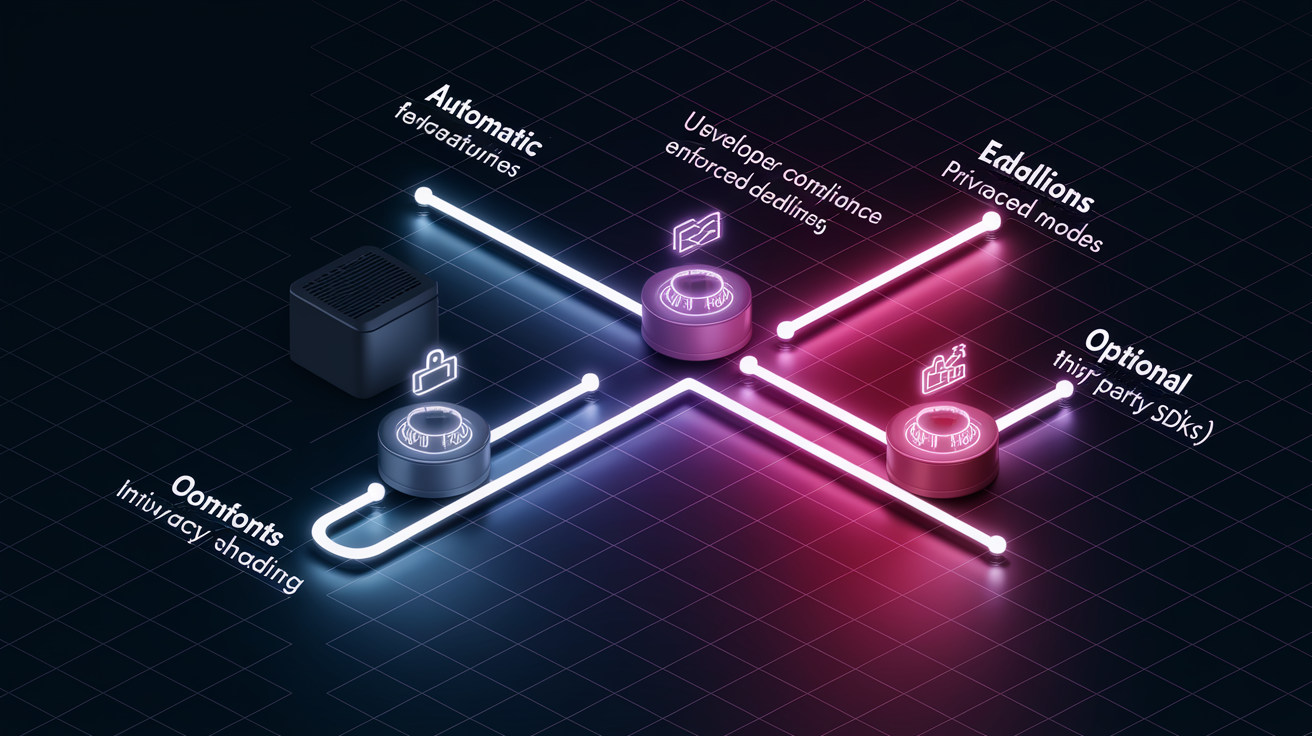
Apple’s privacy policy changes rolled out in phases aligned with recent operating system releases. The initial wave arrived with iOS 14.5 in April 2021, introducing App Tracking Transparency and mandatory privacy nutrition labels in the App Store. Subsequent iOS, iPadOS, and macOS updates delivered incremental improvements: expanding on-device intelligence, tightening API restrictions, adding new permission categories. The latest round of changes shipped with iOS 17 and macOS Sonoma in September 2023, alongside enforcement deadlines requiring all apps to include a privacy manifest file detailing data collection, required reasons for accessing specific APIs, and third-party SDK usage.
Developers face a staggered compliance timeline. Apps submitted or updated after May 1, 2024, must include a privacy manifest and declare required reasons for using certain APIs (file timestamp access, disk space queries, system boot time checks) that Apple identified as commonly misused for fingerprinting. Starting in fall 2024, apps that fail to meet these requirements get rejected during App Review. Apple also began enforcing stricter rules for third-party SDKs. Developers must ensure that any embedded analytics, advertising, or tracking libraries provide their own privacy manifests. Apple maintains a list of commonly used SDKs that require manifests before they can be included in submitted apps.
Rollout phases:
- User-Facing Features (Automatic): Tracking prevention, granular permission prompts, App Privacy Report, and clipboard notifications activated automatically with OS updates. No user configuration required.
- Developer Compliance (Enforced Deadlines): Privacy manifest requirement enforced for new app submissions as of May 2024. Required-reason API declarations enforced in fall 2024. Third-party SDK manifests required for apps using listed libraries starting late 2024.
- Optional Advanced Modes (User Opt-In): Advanced Data Protection for iCloud, Lockdown Mode, and Communication Safety for Messages are available in Settings but disabled by default. You must enable them manually after reviewing the trade-offs.
Official Sources and Expert Analysis

Apple published comprehensive technical documentation to support the privacy policy update: updated legal disclosures, developer guidance, and security whitepapers. The official privacy policy document details data collection practices, retention periods, and user rights under global privacy regulations. Apple’s Platform Security Guide (a public whitepaper exceeding 200 pages) explains the cryptographic architecture, hardware security features, and operating system protections that underpin the policy commitments. Developers can reference API usage guidelines and required-reason documentation in the App Store Review Guidelines and Human Interface Guidelines, which now include dedicated sections on privacy-preserving design patterns and best practices for requesting permissions only when necessary for core functionality.
Privacy researchers and security analysts have mostly praised the update for raising baseline protections across the ecosystem and forcing the app industry toward more transparent data practices. Experts highlight the shift from notice-and-consent (where you’re informed but defaults favor data collection) to privacy-by-default (where you must actively opt in for most tracking and sharing). Some analysts note that the policy’s reliance on on-device processing and end-to-end encryption sets a new standard for consumer technology platforms, particularly in categories like health data and financial information where sensitivity is high. Observers point to Apple’s enforcement mechanisms (App Review rejection, manifest validation, public privacy labels) as critical to ensuring compliance. Technical controls alone can’t prevent determined developers from finding workarounds without strong policy oversight and real consequences for violations.
Final Words
Apple moved quickly: the new rules keep more data on-device, tighten tracking limits, and add clearer permission prompts. These are the concrete security changes we covered, including protections for health, location, and contacts plus stricter API and on-device processing.
For users, that means clearer control and fewer surprises. For developers, expect tighter enforcement in the coming months.
Security improvements in Apple’s privacy policy update make privacy more practical and usable — a real win for everyday safety.
FAQ
Q: What is the Apple security improvement update?
A: The Apple security improvement update is a set of policy and OS changes that reduce data leaving the device, boost on‑device processing, tighten app permissions, and add stronger protections for health, location, contacts, and tracking.
Q: How can I tell if my iPhone is being monitored?
A: You can tell if your iPhone is being monitored by spotting unusual battery drain or data use, unknown configuration profiles or VPNs, unexpected pop‑ups, and apps with excessive permissions—check Settings > Privacy & Security and Profiles.
Q: What iPhones will stop working in 2027?
A: iPhones that will stop working in 2027 are not listed publicly; Apple hasn’t published a specific cutoff. Expect devices roughly seven years old or older to lose updates—check Apple’s official iOS compatibility and security pages for confirmation.
Q: What is the secret iPhone setting everyone should know?
A: The secret iPhone setting everyone should know is App Privacy Report (Settings > Privacy & Security > App Privacy Report); it shows which apps access location, camera, mic, contacts, and network activity so you can revoke misuse.