

Think App Store privacy labels are just window dressing? Think again.
Apple has steadily tightened how developers must report data collection since those labels launched in 2020.
The latest App Store Privacy Label Updates change what counts as tracking, how SDKs (software libraries) must be disclosed, and which data needs explicit purposes.
This piece walks developers and product teams through the label categories, common missteps, and the step‑by‑step App Store Connect updates you actually need.
Bottom line: get the mapping right or face rejections and lost user trust.
Understanding the Latest App Store Privacy Label Updates

App Store privacy labels show you what data an app collects before you download it. Think of them as nutrition labels, but for privacy. They sit right there on the app listing, below the description and above the reviews, so you can’t miss them.
Apple introduced these labels back in December 2020 with iOS 14. By 2025, they’re not just a nice-to-have anymore. They’re baked into how the App Store works, and Apple keeps tightening the rules around what developers have to disclose.
The labels break down into three sections: Data Used to Track You (stuff that follows you around the internet for ads, like advertising identifiers and behavioral data), Data Linked to You (things that connect to your identity, like your name, email, phone number, or browsing history), and Data Not Linked to You (anonymized info that supposedly can’t be traced back to you, like crash reports or performance stats). Apple makes developers sort every piece of data they collect into one of 13 categories, including Location, Browsing History, Identifiers, Diagnostics, Financial Data, Health and Fitness, Sensitive Information, and Purchases. Then they have to say why they’re collecting it: advertising, personalization, analytics, or app functionality.
Since iOS 14, a few big shifts have changed how this all works:
Mandatory opt-in for tracking. Apps can’t track you without asking first. This makes “Data Used to Track You” the section everyone pays attention to.
Stricter SDK disclosure enforcement. Apple checks that developers actually list all the third-party analytics and ad SDKs they’re using. Leave one out and your app might get rejected or pulled.
More detail and purpose specificity. Saying “We collect data” doesn’t cut it anymore. You need to be clear and specific about why you’re collecting each data type.
Expanded device coverage. Labels have to reflect what the app collects on iPhone, iPad, Apple Watch, and Mac.
Transparency as a competitive factor. Apps that track less and explain more clearly see about 15% better user retention. Over 75% of U.S. users say privacy matters when they’re choosing apps.
Being transparent isn’t just good ethics. It’s good business. Apps that keep tracking minimal, explain data use clearly, and lean on “Data Not Linked to You” for analytics tend to build stronger trust and avoid friction with permission requests.
Key App Store Privacy Label Categories Explained

The three core label types organize risk and control. Data Used to Track You means the app links your device to third-party data for targeted ads or measurement. Examples: advertising identifiers (IDFA), device IDs, behavioral data shared with ad networks or data brokers. This is the highest-risk category because it means the app follows you across other apps, websites, or services. If you see items here, expect personalized ads, retargeting campaigns, and potential sharing with multiple ad partners.
Data Linked to You includes anything that connects to your identity. Name, email, phone number, payment info, browsing history, location data, device identifiers used for analytics, in-app activity tied to a user account. The app knows who you are and can connect your behavior or preferences to your identity, even if it doesn’t share that data with third parties. This category often powers personalization features like recommendations or customized content, or internal analytics. Less invasive than tracking, but it’s still a direct link between your identity and your app usage.
Data Not Linked to You covers data developers claim can’t be traced back to a specific user. Anonymized crash reports, aggregated performance metrics, usage statistics stripped of identifiers, diagnostic logs without device IDs or account info. Sounds safer, but check the app’s privacy policy to verify anonymization claims. Data is only “not linked” if developers actually remove identifiers and prevent reidentification before collection.
| Category | Description | Example |
|---|---|---|
| Data Used to Track You | Data enabling cross-app or cross-site tracking, typically for personalized ads or measurement | Advertising identifier (IDFA), device ID shared with ad networks, behavioral data used for retargeting |
| Data Linked to You | Personally identifiable data connected to a user’s identity | Name, email, phone number, browsing history, location data tied to user account |
| Data Not Linked to You | Anonymized or aggregated data that cannot be traced back to a specific user | Crash reports without identifiers, aggregated usage metrics, performance logs stripped of device IDs |
Mapping Your App’s Data to Apple’s Required Privacy Categories
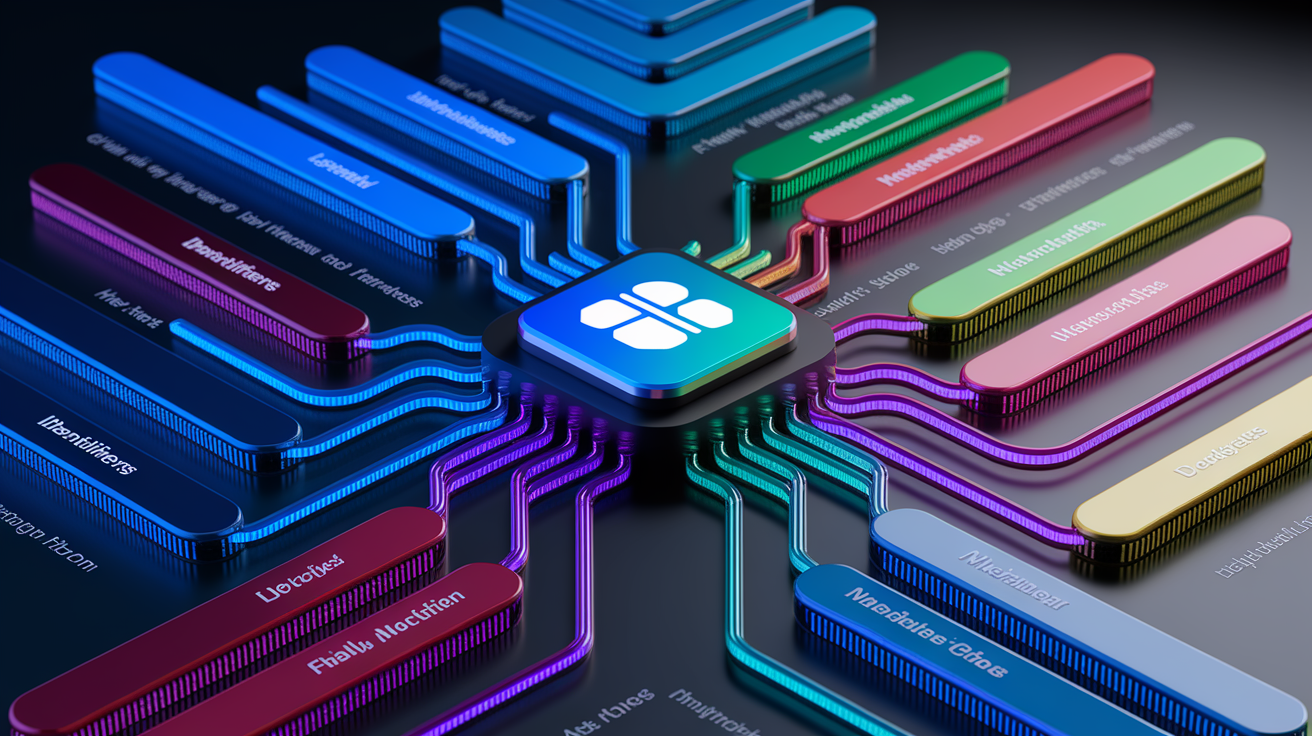
Apple’s framework requires developers to classify every data point into one of 13 standardized categories: Contact Info, Health and Fitness, Financial Info, Location (with separate designations for precise and coarse), Sensitive Info, Contacts, User Content, Browsing History, Search History, Identifiers, Purchases, Usage Data, Diagnostics, and Other Data. Each category needs a stated purpose: advertising, analytics, personalization, or app functionality. That purpose has to actually reflect why the app collects the data. Collecting a user’s zip code to provide local offers? That’s “Location (coarse)” with the purpose “App Functionality” or “Personalization,” plus a clear explanation like “We collect zip code to provide offers available in your area.”
Getting the mapping right starts with a full audit of every data collection point in the app. That includes data captured by first-party code, third-party SDKs, analytics services, and advertising networks. Developers need to identify the data type (name, email, device ID, whatever), assign it to the correct Apple category, determine whether it’s linked to the user or anonymized, check if it’s used for tracking, and specify the purpose. Misclassification is one of the most common reasons apps get rejected, especially when developers overlook data collected automatically by SDKs or misunderstand what Apple means by “linked” and “tracking.”
Stuff developers often get wrong:
Advertising identifiers (IDFA). Mistakenly placed under “Identifiers” without marking them as “used for tracking” when they’re shared with ad networks.
Device IDs and IP addresses. Left out or mislabeled when used for analytics or fraud detection, even though they qualify as “Identifiers” linked to the user unless stripped before collection.
Crash report logs. Incorrectly labeled as “not linked” when they contain device identifiers or user session data that can be reidentified.
Usage data from analytics SDKs. Underreported when developers assume internal analytics don’t require disclosure, despite Apple’s requirement to disclose all data transmitted off-device.
Third-party authentication data (e.g., Facebook Login). Overlooked when developers don’t realize that using Facebook Login shares user profile data with Facebook, triggering “Contact Info” and potentially “Identifiers” disclosures.
Location data granularity. Confused between precise (GPS-level) and coarse (city or region-level). Apple treats these as separate disclosure requirements.
Handling Sensitive and Identifier Data
Apple treats identifiers and sensitive data with heightened scrutiny. Identifiers like IDFA (Apple’s advertising identifier), device IDs, user account IDs, and profile identifiers must be disclosed under the “Identifiers” category and marked as “Data Linked to You” unless developers have actively stripped them from the data before transmission. If an identifier is shared with third-party ad networks, data brokers, or analytics platforms for cross-app tracking or targeted advertising, it must also be listed under “Data Used to Track You,” and the app must request explicit user opt-in via Apple’s App Tracking Transparency (ATT) prompt.
Sensitive data categories include race, ethnicity, sexual orientation, pregnancy status, disability, religious or philosophical beliefs, union membership, political opinions, genetic information, and biometric data. Any collection of sensitive data requires clear, specific disclosure and a strong justification tied to core app functionality. Collecting sensitive data for advertising or broad analytics will trigger extra App Review scrutiny and user concern. Limit sensitive data collection to cases where it’s genuinely necessary (a health app collecting biometric data to deliver fitness insights, for example) and always classify it under “Sensitive Info” with the purpose “App Functionality” or “Product Personalization,” never “Advertising.”
Step-by-Step Process to Update App Store Privacy Labels in App Store Connect

Updating App Store privacy labels requires developers to complete the App Privacy questionnaire in App Store Connect before uploading any new app version or updating an existing app. Only account holders or admins can access and edit privacy disclosures. Apple auto-generates the privacy labels shown on the app listing based on the answers you provide in the questionnaire, so getting it right matters. Incorrect or incomplete disclosures can result in app rejection, listing delays, or removal from the App Store.
Here’s how to update privacy labels correctly:
Conduct a full data collection audit. List every data point your app collects, including data captured by first-party code, third-party SDKs, analytics services, advertising networks, and any backend services that receive user data. Document the data type, collection method, and whether it’s shared with third parties.
Classify each data point using Apple’s 13 categories. Map every collected data type to the appropriate Apple category (Contact Info, Location, Identifiers, Usage Data, etc.). Include both data collected automatically (device identifiers, IP addresses) and data provided by users (name, email, photos).
Determine data linking and tracking status. For each data point, decide whether it’s “linked to the user,” “not linked to the user,” or “used to track the user.” Data is linked unless you’ve removed identifiers and taken steps to prevent reidentification. Data is used for tracking if it’s shared with third parties for targeted ads, measurement, or sold to data brokers.
Access App Store Connect and navigate to the App Privacy section. Log in to App Store Connect, select your app, choose the version you’re preparing, and click on the “App Privacy” section in the left sidebar.
Complete the privacy questionnaire for all data types and purposes. Answer each question accurately, listing all data categories you collect, all purposes for collection (advertising, analytics, personalization, functionality), and whether data is linked or used for tracking. Be specific. Vague answers increase rejection risk.
Review and verify disclosures using Apple’s internal tools. App Store Connect provides a preview of the generated privacy label. Compare the preview to your audit and check for missing data types, incorrect purposes, or undisclosed third-party SDKs.
Submit the updated privacy information with your app version. Once the questionnaire is complete and verified, submit your app for review. Apple will validate your disclosures during the review process and may request clarification or corrections if disclosures don’t match the app’s behavior.
Timing and verification are ongoing responsibilities. Review and update privacy disclosures at least once every three months (quarterly) or immediately after adding or removing SDKs, changing data collection features, or updating backend services. Apple expects developers to keep answers up-to-date. Failing to update disclosures after SDK or feature changes is a common cause of user complaints and App Review flags. Use App Store Connect’s testing environment and Apple’s feedback during the review process to spot mismatches between stated disclosures and actual app behavior. Keep internal documentation of each SDK’s data flows and vendor agreements to make future updates easier.
Third-Party SDKs and Their Impact on Privacy Label Accuracy
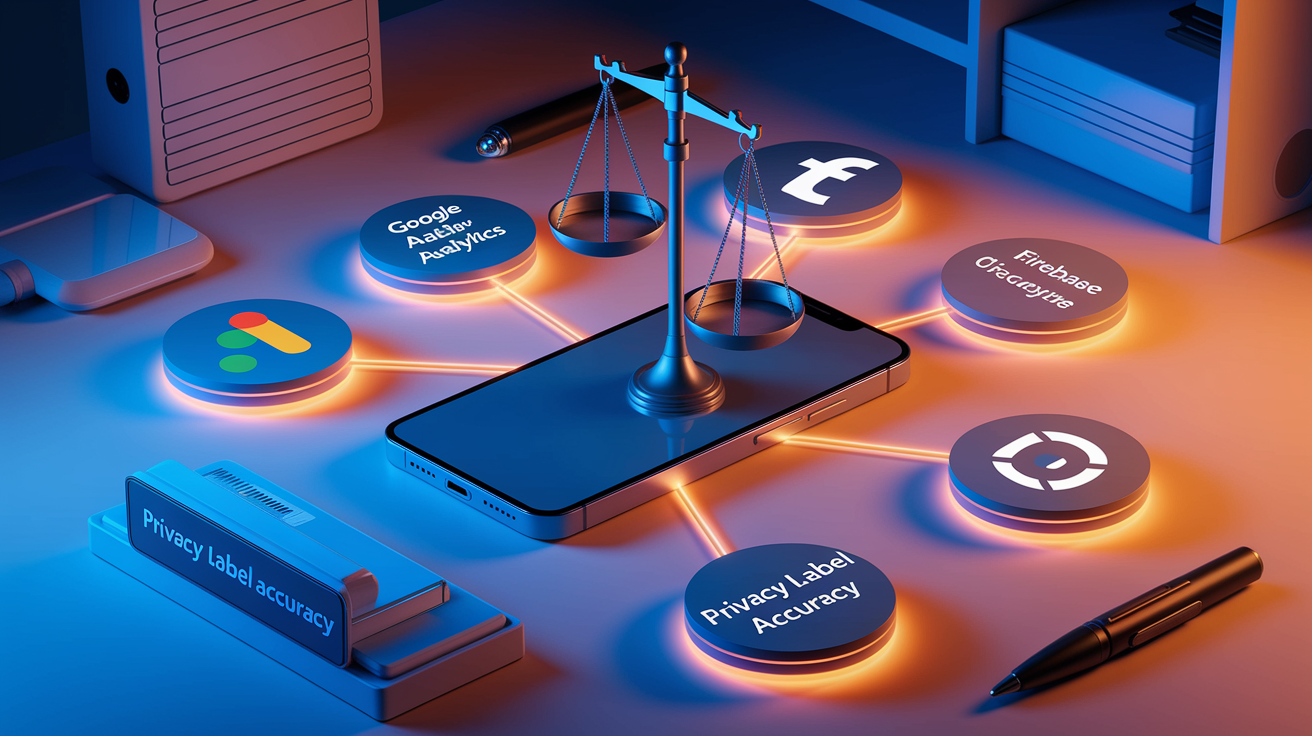
Third-party SDKs (software libraries integrated into apps for analytics, advertising, crash reporting, or authentication) directly shape privacy label accuracy because developers must disclose all data collected or shared by any embedded SDK. Common SDKs requiring disclosure include Google Analytics, Google AdMob, Facebook Analytics, Facebook Login, Facebook App Events, Crashlytics, Firebase, and similar advertising or measurement services. Each SDK typically collects device identifiers, usage data, and behavioral information, and many share that data with ad networks or data brokers, triggering disclosures under “Data Used to Track You” and “Data Linked to You.”
Developers are responsible for auditing every SDK’s data collection behavior, even if the SDK vendor provides its own privacy documentation. Apple holds the app developer accountable for incomplete or inaccurate disclosures, so relying solely on vendor claims without verification is risky. Failing to disclose SDK data can lead to app rejection, removal from the App Store, or user backlash when privacy-conscious users discover undisclosed tracking. To keep labels accurate, document each SDK’s data flows, review vendor privacy policies, test SDK behavior in a controlled environment, and update disclosures immediately when SDK versions change or new services are integrated.
SDK behaviors that typically trigger tracking or linked-data disclosures:
Advertising identifiers (IDFA) collection. Any SDK that accesses the IDFA for ad targeting, attribution, or measurement requires disclosure under “Data Used to Track You” and must request user opt-in via Apple’s App Tracking Transparency prompt.
Cross-app or cross-site data sharing. SDKs that share user behavior, device identifiers, or profile data with third-party ad networks, analytics platforms, or data brokers must be disclosed as tracking.
Device fingerprinting or identifier generation. SDKs that create persistent device IDs, hash combinations of device attributes, or use IP addresses for user identification require disclosure under “Identifiers” and potentially “Data Used to Track You.”
Behavioral analytics and event logging. SDKs that log in-app events, screen views, clicks, or session data and transmit it off-device require disclosure under “Usage Data,” and the data must be marked as linked to the user unless identifiers are removed before transmission.
Frequent Mistakes When Updating Privacy Labels and How to Avoid Them

Vague or incomplete disclosures are the most common mistake developers make. Statements like “We collect data to improve the app” or “We use third-party services” don’t meet Apple’s specificity requirement. Disclosures must name the exact data type, the purpose, and whether the data is linked or used for tracking. “We collect zip code to provide offers available in your area” meets Apple’s standard. “We collect location data” doesn’t. Vague disclosures increase the likelihood of app rejection and reduce user trust, especially when users compare labels across competing apps.
Another frequent error is failing to update disclosures after SDK changes, feature additions, or backend service modifications. Developers often add new analytics tools, advertising networks, or authentication services without revisiting the App Privacy questionnaire, leaving labels outdated and inaccurate. Apple’s App Review process may catch these discrepancies, but user reports or automated audits can also flag inconsistencies, leading to listing delays or removal. Treat privacy label updates as a mandatory step in every release cycle and integrate disclosure reviews into sprint planning or pre-release checklists.
Critical errors to watch for:
Omitting data types. Forgetting to disclose device identifiers, IP addresses, or data collected by SDKs that run in the background or during app initialization.
Not specifying purpose. Leaving purpose fields blank or using generic terms like “other” when specific categories (advertising, analytics, personalization, functionality) apply.
Misunderstanding tracking rules. Assuming that data shared with third parties for analytics or measurement doesn’t count as tracking when it’s actually used for targeted advertising or sold to data brokers.
Ignoring partner data collection. Overlooking data collected by authentication providers (Facebook Login, Google Sign-In) or payment processors (Stripe, PayPal) that receive user information as part of the service.
Failing to mark data as linked. Assuming that anonymized data qualifies as “not linked” without verifying that identifiers have been removed and reidentification is prevented.
Disclosing only iOS data collection. Forgetting to declare data collected from iPad, Apple Watch, or Mac versions of the same app.
Apple verifies disclosures during App Review by comparing stated privacy practices to the app’s actual behavior, including network traffic analysis, SDK inspection, and testing data requests. Apps with inaccurate or incomplete labels face rejection and must resubmit with corrected disclosures, delaying launch or update timelines. Repeated violations or intentionally misleading disclosures can result in app removal, developer account penalties, or loss of App Store visibility. Apps with poor or missing disclosures also risk negative user reviews, lower download rates, and decreased retention, especially as privacy-conscious users increasingly check labels before installing.
How Users Can Compare App Store Privacy Labels Before Downloading
Start by checking the “Data Used to Track You” section first. This is the highest-risk category because it means the app tracks you across other apps, websites, or services for targeted ads or shares data with data brokers. If this section lists anything (advertising identifiers, device IDs, behavioral data), expect personalized ads, retargeting, and potential data sharing with multiple third parties. Apps with an empty “Data Used to Track You” section are generally safer for privacy because they don’t engage in cross-app tracking, though they may still collect personally identifiable data for internal use.
Next, review the “Data Linked to You” section to see what personally identifiable information the app collects. Look for contact information (name, email, phone number), location data, browsing history, identifiers (device IDs, account IDs), and usage data. Apps that list many items under “Data Linked to You” know who you are and can associate your behavior with your identity. This is common for apps with user accounts, personalized features, or internal analytics. Compare the listed data types to the app’s stated functionality: a weather app collecting precise location makes sense, but a flashlight app collecting your name, email, and browsing history doesn’t.
Check the “Data Not Linked to You” section and verify anonymization claims by reading the app’s privacy policy. Apps that collect only anonymized crash reports, performance metrics, or aggregated usage data for diagnostics and internal improvements pose the lowest privacy risk. But be cautious. Data is only “not linked” if the developer has removed identifiers before collection and taken steps to prevent reidentification. Some apps misclassify data as “not linked” when it’s still traceable.
Steps to evaluate apps before installing:
Compare the three label sections across similar apps. Choose apps with fewer items under “Data Used to Track You” and “Data Linked to You” for lower privacy exposure.
Check stated purposes for each data type. Apps that list “App Functionality” or “Product Personalization” as the primary purpose are less tracking-oriented than those listing “Advertising” or “Third-Party Advertising.”
Look for specific explanations of data use. Apps that provide clear, detailed purposes (e.g., “We collect location to show nearby stores”) are more transparent and trustworthy than apps with vague or missing explanations.
Cross-check the app’s privacy policy when labels are ambiguous. If an app lists sensitive data categories or claims data is “not linked,” read the full privacy policy to understand collection methods, retention periods, and third-party sharing.
Prioritize apps that limit tracking and minimize linked data. Favor apps that rely on “Data Not Linked to You” for analytics or diagnostics, especially if they explain how anonymization works and commit to not selling data.
Timeline of App Store Privacy Label Evolution
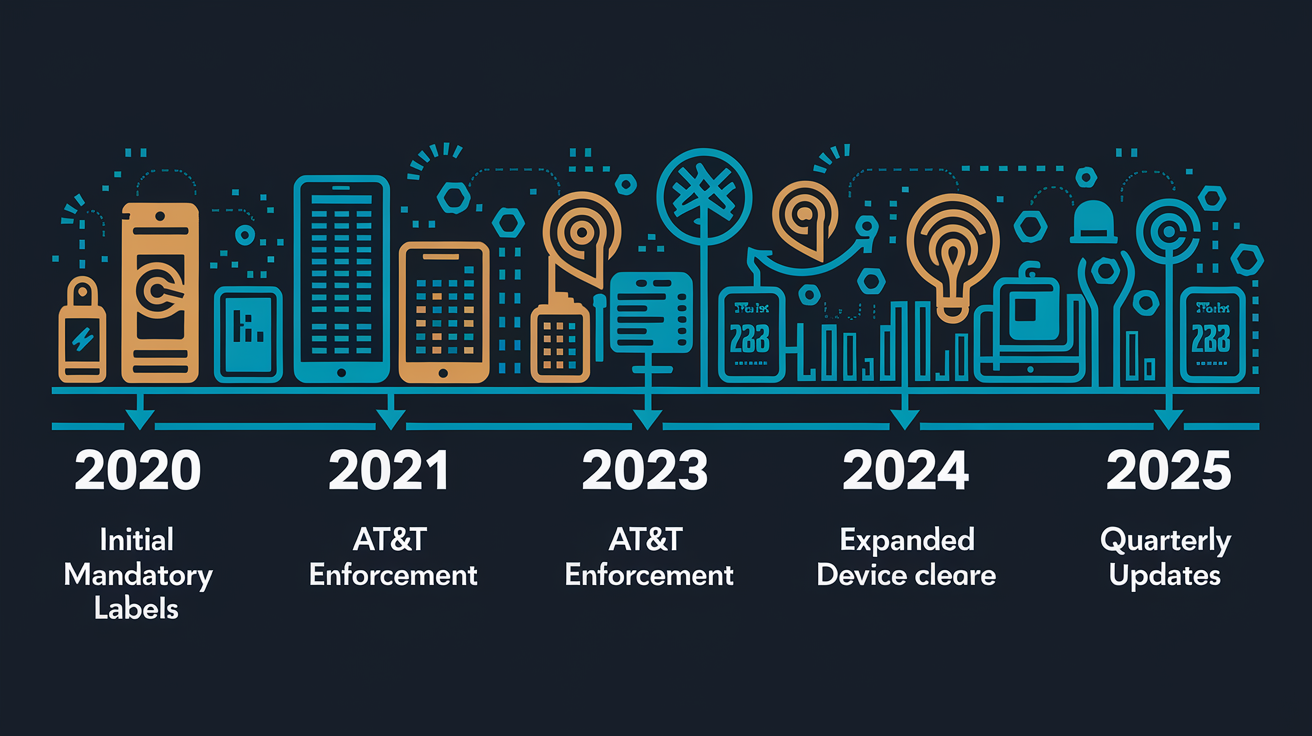
Apple announced App Store privacy labels as part of its broader iOS 14 privacy initiative and made them mandatory starting December 8, 2020 for all iOS and tvOS apps. Developers were required to complete the App Privacy questionnaire in App Store Connect before uploading new apps or updating existing ones, and Apple began displaying generated privacy labels on every app listing page. The initial rollout focused on educating developers about the 13 data categories, three label types, and disclosure requirements, with enforcement gradually ramping up through 2021 as Apple refined its review process and addressed common misclassifications.
By 2025, privacy labels have matured into a core App Store feature with stricter enforcement, more detailed granularity, and heightened user awareness. Apple has expanded disclosure requirements to cover all Apple device types (iPhone, iPad, Apple Watch, Mac), increased scrutiny of third-party SDK reporting, and improved verification tools to catch incomplete or misleading disclosures. The company has also signaled that future updates may include feature-level privacy controls, allowing users to see which specific app features collect which data types, and more proactive notifications when apps change their data collection practices. Developers are now expected to treat privacy labels as a strategic product element, not just a compliance checkbox, and update disclosures quarterly or whenever data practices change.
| Year | Update | Impact |
|---|---|---|
| 2020 (iOS 14) | Privacy labels mandatory from December 8, 2020; developers must complete App Privacy questionnaire before app submission | First industry-wide transparency requirement; users gain visibility into data collection before download; tracking apps see initial download declines |
| 2021–2023 | App Tracking Transparency (ATT) framework enforced; stricter SDK disclosure verification; increased App Review scrutiny of vague or incomplete labels | Opt-in tracking rates drop below 25% industry-wide; ad-supported apps pivot to contextual ads or subscription models; privacy becomes a competitive differentiator |
| 2024–2025 | Labels mature into core App Store feature; Apple expands granularity, adds device-type coverage, and signals future feature-level controls; quarterly update expectations formalized | Transparency expectations rise; apps with clear, minimal tracking disclosures see ~15% higher retention; privacy-first apps gain market share; non-compliant apps face faster removal |
Final Words
In the action, we covered what App Store privacy labels show, the three core categories, and why Apple tightened requirements through 2025.
We also walked through mapping your app’s data to Apple’s 13 categories, handling third‑party SDKs, the App Store Connect update steps, and the common mistakes that trigger rejections. Plus how users should compare labels before installing.
If you manage an app, update labels when data or SDKs change — it lowers review risk and builds trust. Bottom line: app store privacy label updates explained here give a clear, practical path forward.
FAQ
Q: Can you tell if someone is checking your location on an iPhone?
A: You can sometimes tell if someone is checking your location on an iPhone by watching Share My Location, per-app Location Services, the location arrow icon, unexpected battery drain, or unfamiliar devices in Find My.
Q: What should I avoid when using an iPhone, and which app permissions should I not allow?
A: You should avoid installing untrusted apps and granting unnecessary permissions—deny Background Location, Microphone, Camera, Contacts, and Photos unless an app clearly needs them for core functionality.
Q: Is it good to turn on the app privacy report on iPhone?
A: Turning on the App Privacy Report is recommended because it shows which apps access sensitive data and network activity, helping you spot misuse and adjust permissions for better privacy.