

Apple’s Nov 5, 2024 privacy update gives every Apple ID holder formal rights to access, correct, delete, and port their personal data across devices and services.
But does that actually put you back in control, or is it mostly legal wording over the same data flows?
This post shows what you can do—get data copies, correct errors, delete accounts, and block cross‑app tracking—where the controls live, and the key limits like identity checks and fraud exceptions.
Bottom line: Apple centralizes the tools, but using them involves steps and tradeoffs.
Key User Rights Introduced Under Apple’s Updated Privacy Policy

Apple’s November 5, 2024 privacy update brought formal alignment with GDPR and CCPA, giving every Apple ID holder explicit power to access, correct, delete, and port their personal data. The company says it collects only what’s necessary: identifiers, device metrics, location, analytics. And it doesn’t sell personal information. These rights work across all devices and services tied to your account. One deletion request can wipe data from iCloud, App Store purchase history, and device analytics at the same time.
These protections reach through the whole Apple ecosystem. On iPhone, iPad, and Mac, you can manage tracking permissions with App Tracking Transparency (launched April 26, 2021 with iOS 14.5), review app data collection through Privacy Nutrition Labels on the App Store, and adjust ad personalization to limit targeting. The policy puts weight on encryption, data minimization, and transparency. Every app has to disclose what it collects and why before you download.
Beyond visibility, the update gives you actual enforcement tools. You can request deletion by emailing Apple’s privacy team or contacting the Data Protection Officer at One Apple Park Way, Cupertino, CA 95014. Apple verifies your identity before processing anything, and the company commits to responding within legal timelines. Every major privacy control lives in Settings > Privacy & Security, centralizing consent, tracking, location, analytics, and ad personalization in one spot.
What you can actually do:
- Access – Get a copy of all personal data Apple holds.
- Correction – Fix inaccurate account or device info.
- Deletion – Permanently remove personal data and close your Apple account.
- Tracking denial – Block cross-app and cross-website tracking via App Tracking Transparency.
- Transparency – See Privacy Nutrition Labels before installing any app.
- Ad personalization control – Turn off personalized ads from Apple.
How Apple’s Updated Data Collection Practices Affect User Rights

Apple collects personal identifiers (name, address, email, payment details), device usage data, location, and analytics to deliver and improve services. The company frames every collection decision around purpose limitation. It says it requests only what’s functionally necessary. iCloud needs an email for account recovery. Maps needs location for navigation. Payment processors see transaction data to complete purchases. This approach cuts down the volume of data at risk and limits third-party exposure, because Apple shares data with service partners only when required and only under strict contracts that mirror Apple’s own policy.
Data minimization strengthens your rights by shrinking the attack surface. Less stored data means fewer points of vulnerability in a breach, fewer chances for misuse, and simpler deletion when you exercise your right to be forgotten. Apple encrypts data in transit and at rest. The policy explicitly bans selling information to data brokers, reducing the risk that your details end up in marketing databases you can’t control.
| Data Type | Purpose | User Control Option |
|---|---|---|
| Contact info (email, phone) | Account creation, service delivery, account recovery | Manage via Apple ID settings; delete via data & privacy portal |
| Location data | Navigation, local recommendations, emergency services | Settings > Privacy & Security > Location Services (per-app permission) |
| Device usage & analytics | Product improvement, diagnostics, feature optimization | Settings > Privacy & Security > Analytics & Improvements (opt out) |
Understanding Privacy Nutrition Labels and What They Reveal About Your Data
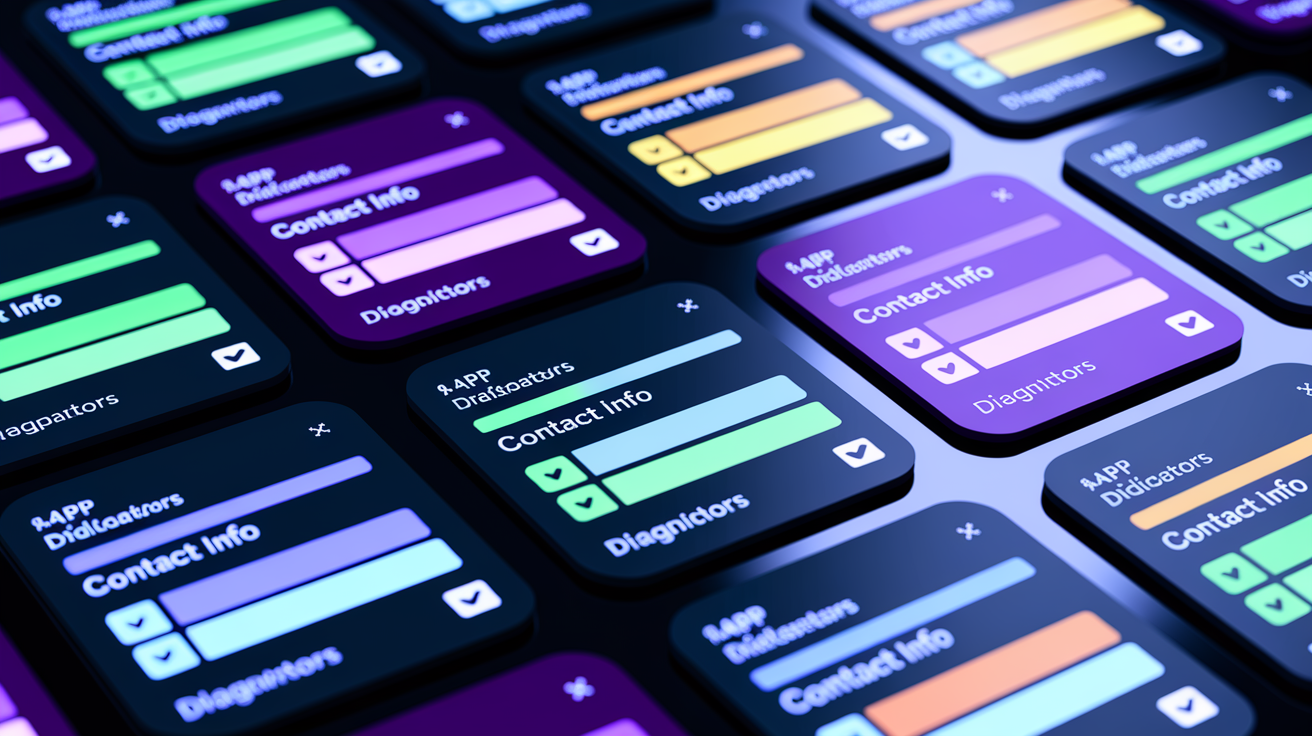
Privacy Nutrition Labels show up in the “Privacy” section of every App Store listing. They tell you what data an app collects, how it’s used, and whether it’s linked to you or shared with third parties. Each label breaks collection into categories: contact info, location, diagnostics, financial information. It clarifies whether data is used for advertising, analytics, app functionality, or something else. The Disney+ label shows it collects contact details, location, and diagnostics. National Geographic’s label says contact information is used to track users across other companies’ websites.
These labels let you compare privacy practices before downloading. A productivity app requesting only crash logs looks very different from a social app sharing browsing history with ad networks. That pre-download transparency gives you the power to avoid apps with invasive practices, turning privacy into a competitive factor and pushing developers to justify every data request.
Labels also surface third-party tracking and data broker involvement. If an app sends user identifiers to companies the developer doesn’t directly control, the label has to say so. This disclosure ties directly to your rights by making tracking visible and enforceable. You can deny tracking via App Tracking Transparency if you see a label that raises concerns. You can report apps that fail to keep labels current. Apple requires developers to update labels whenever collection practices change. Non-compliance can lead to app removal or account suspension.
App Tracking Transparency (ATT) and Your Right to Control Tracking

App Tracking Transparency requires apps to request explicit permission before tracking you across apps or websites owned by other companies. “Tracking” means linking data collected in one app (advertising identifiers, browsing history, location) to data from another company’s app or website to build cross-app profiles for targeted advertising or analytics. When an app wants to track, iOS displays a system prompt with a developer-supplied explanation and two buttons: “Ask App Not to Track” or “Allow.” Declining blocks the app from accessing your device’s advertising identifier (IDFA) and prevents cross-app data sharing for tracking purposes.
If you tap “Ask App Not to Track,” the app can’t bypass that decision by using fingerprinting or other covert methods. Apple’s App Store Review Guidelines explicitly ban workarounds. The only exception to ATT is tracking done solely for fraud prevention or security, which doesn’t require permission. This means ad networks, analytics providers, and data brokers lose deterministic identifiers unless you opt in, shifting the default from “track unless you notice and object” to “ask first.”
The impact on personalized ads is significant. Apps that rely on cross-app behavioral profiles see lower opt-in rates, forcing advertisers to use contextual targeting or privacy-preserving methods like Private Click Measurement instead of individual-level tracking. Third-party data sharing for advertising purposes drops because most users, when asked, decline. Some large ad-driven companies have publicly opposed ATT because it reduces monetization precision. But Apple has maintained the requirement across all App Store apps since April 26, 2021.
Steps to disable tracking globally on iPhone or iPad:
- Open Settings and tap Privacy & Security.
- Tap Tracking.
- Toggle off Allow Apps to Request to Track.
- Apps will no longer display tracking prompts and will be automatically denied tracking access.
- To review which apps have previously requested tracking, check the list below the toggle.
Exercising Your Rights: Access, Correction, Deletion, and Data Portability

You can request a copy of your Apple data, correct inaccurate information, or initiate account deletion through Apple’s Data & Privacy tools. Access them from Apple ID account settings on any device or via the Apple privacy website. Access requests generate a download containing iCloud files, App Store history, device analytics, location data, and other personal information Apple holds. Correction is simpler. Most account details (name, email, payment methods) can be edited directly in Apple ID settings without filing a formal request. Deletion is permanent. Submitting a deletion request triggers identity verification, a waiting period, and irreversible removal of the account and all associated data.
Apple requires identity verification before fulfilling any data request to prevent unauthorized access. Verification typically involves confirming your Apple ID password, answering security questions, or receiving a two-factor authentication code on a trusted device. Requests are processed within the timelines required by GDPR (generally 30 days) and CCPA (45 days), though Apple often responds faster. For complex cases or escalations, you can email Apple’s privacy team or write to the Data Protection Officer at One Apple Park Way, Cupertino, CA 95014, USA, including account details and a clear description of the request.
Summary of rights-exercise steps:
- Access request – Sign in to Apple ID account settings, navigate to Data & Privacy, select “Request a copy of your data,” choose categories, verify identity, and receive a download link.
- Correction – Open Apple ID settings, tap name/email/payment section, edit details directly, and save changes.
- Download (portability) – Same process as access request; export formats allow transfer to other services.
- Deletion – Navigate to Data & Privacy, select “Delete your account,” confirm identity, review consequences, and submit request.
- Verification – Apple requires password, security questions, or two-factor authentication code; in some jurisdictions, additional proof of identity may be requested.
Device-Level Privacy Controls on iPhone, iPad, and Mac
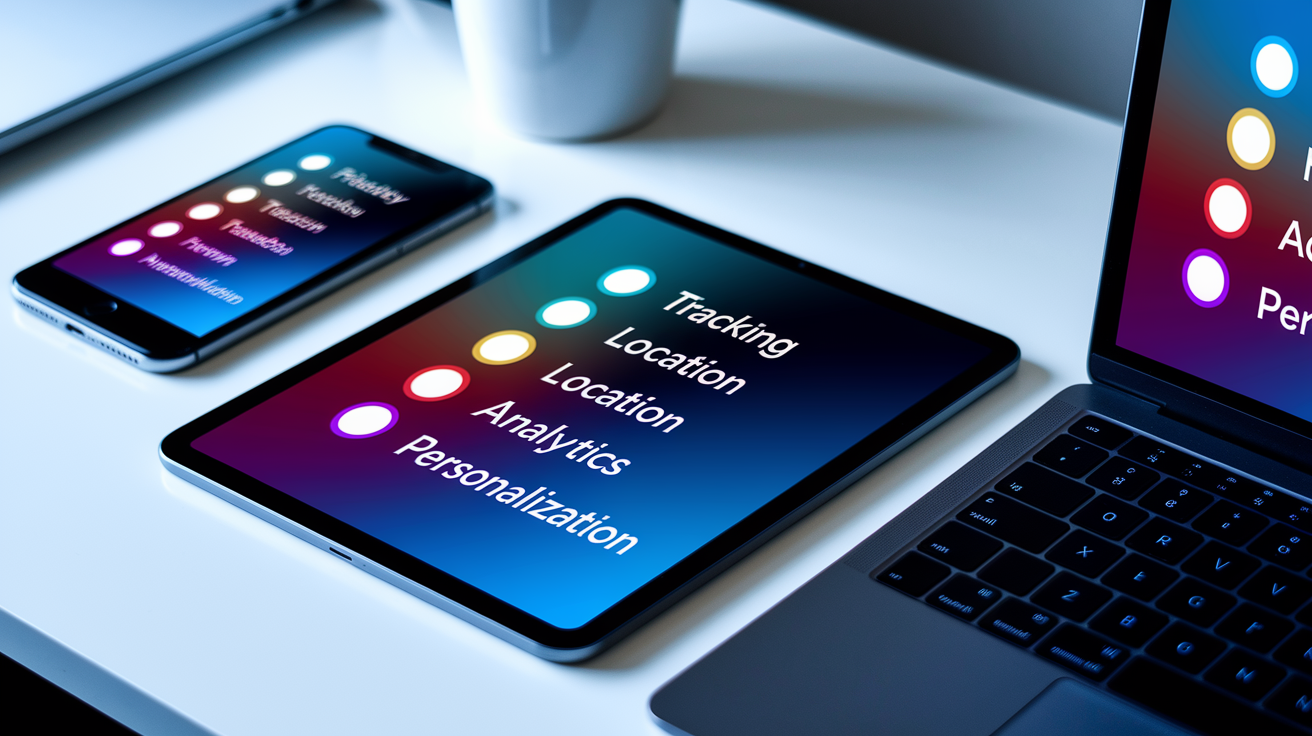
Apple places granular privacy controls directly in device settings, giving you real-time power over tracking, location, analytics, and app permissions without submitting formal requests or contacting support. Every sensitive data type (camera, microphone, location, contacts, photos) requires explicit per-app permission. You can revoke access at any time. These controls are the front line of privacy enforcement, operating before data ever leaves your device.
iPhone/iPad Controls
To manage App Tracking Transparency on iPhone or iPad, open Settings > Privacy & Security > Tracking. The “Allow Apps to Request to Track” toggle controls whether apps can ask for tracking permission at all. Turning it off blocks all tracking requests system-wide. Below the toggle, a list shows which apps have requested tracking and your current choice for each. Changing a setting here immediately updates the app’s access.
For location, navigate to Settings > Privacy & Security > Location Services. Each app appears with four options: Never, Ask Next Time, While Using the App, or Always. “While Using the App” is the safest default. Apps get location only when open. “Ask Next Time” resets permission after each use, forcing the app to request location again. “Always” grants background location access, which most apps don’t need. Tapping an app name reveals additional controls, including “Precise Location” (which can be turned off to share only approximate location) and a map showing recent location access.
To opt out of sharing device analytics, go to Settings > Privacy & Security > Analytics & Improvements and toggle off “Share iPhone Analytics” and “Share iCloud Analytics.” This stops Apple from collecting diagnostic and usage data for product improvement. To disable personalized ads, open Settings > Privacy & Security > Apple Advertising and turn off “Personalized Ads.” Apple will still show ads in the App Store and News, but they won’t be based on your app usage or browsing history.
The App Privacy Report provides a transparency log. Enable it at Settings > Privacy & Security > App Privacy Report, then return after a few days to see which apps accessed your camera, microphone, location, or contacts, and which network domains each app contacted. This reveals hidden data flows. For example, a flashlight app connecting to an ad network. It helps you decide which apps to uninstall or restrict.
Mac Controls
On Mac, open System Settings (System Preferences on older macOS versions) and select Privacy & Security. The left sidebar lists data types: Camera, Microphone, Location Services, Analytics & Improvements, and Advertising. Each section works like iOS. Apps must request permission, and you can revoke access per app. To manage location, click Location Services, then review the list of apps and their permission levels. The “System Services” button at the bottom shows additional location features (Wi-Fi networking, time zone detection) that can be disabled individually.
For analytics, click Analytics & Improvements and uncheck “Share Mac Analytics” to stop sending diagnostic data to Apple. To disable personalized ads, navigate to Privacy & Security > Apple Advertising and turn off “Personalized Ads.”
Safari privacy controls live in Safari > Settings > Privacy. The “Prevent cross-site tracking” checkbox blocks cookies and trackers from following you across websites. To see which trackers Safari has blocked, click the shield icon in the address bar or go to Safari > Privacy Report for a full list of domains blocked over the past 30 days. Private Click Measurement operates in the background, requiring no user configuration. Safari automatically delays and anonymizes ad attribution without exposing your identity.
Comparing the Updated Privacy Policy to Previous Versions

Before Privacy Nutrition Labels launched in December 2020, you had no standardized way to see what data an app collected before downloading. Apps could silently request permissions after installation. Tracking was opt-out at best, often requiring buried settings or third-party tools to detect. The 2020 label requirement forced developers to disclose collection practices upfront, turning privacy into a visible App Store attribute alongside ratings and screenshots.
App Tracking Transparency, introduced with iOS 14.5 on April 26, 2021, marked the single largest shift. Prior to ATT, apps used the advertising identifier (IDFA) freely for cross-app tracking and could share user data with ad networks without explicit consent. ATT flipped the default to opt-in, requiring a system prompt and user approval before any cross-app tracking. This change triggered significant pushback from advertisers and data brokers who relied on deterministic tracking. But it fundamentally strengthened user control by making tracking visible and revocable.
The November 5, 2024 update consolidated and clarified rights that were already emerging under GDPR and CCPA enforcement. It emphasized device-level tools (App Privacy Report, Safari Privacy Report, refined location controls) and streamlined access, correction, and deletion workflows through the Data & Privacy portal. The policy also formalized Apple’s commitment to data minimization and added explicit disclosure of how to contact the Data Protection Officer, making enforcement pathways clearer for users in regulated jurisdictions.
Major differences between versions:
- Pre-2020 – No privacy labels; limited visibility into app data practices; opt-out tracking via settings.
- 2020–2021 – Privacy Nutrition Labels required; ATT introduced; IDFA became opt-in; Safari tracking prevention expanded.
- 2024 update – Streamlined deletion and access workflows; App Privacy Report and transparency tools emphasized; data minimization and DPO contact formalized.
Private Click Measurement and How It Protects User Identity

Private Click Measurement (PCM) is Apple’s privacy-preserving ad attribution system, designed to let advertisers measure clicks and conversions without tracking individual users. When you click an ad in Safari, PCM records the click on-device in a dedicated Private Browsing mode that has no access to cookies or site data. If you later complete a conversion (such as a purchase), Safari generates an anonymized attribution report that contains only limited data: source site, destination site, and conversion event. No user-identifiable information.
Reports are delayed randomly between 24 and 48 hours to disassociate the timing of the conversion from your individual session. This delay prevents advertisers from correlating attribution data with other logs or real-time activity. Because PCM operates entirely on-device and reports are sent through isolated network connections, there’s no centralized database linking ads to users. No opportunity for cross-site tracking or fingerprinting. Advertisers receive aggregate signal (enough to measure campaign effectiveness) but not enough to build individual user profiles or retarget based on behavior.
The trade-off is reduced precision. Advertisers lose the ability to track users across websites, correlate browsing history with purchases, or attribute conversions in real time. But for you, PCM eliminates the privacy cost of traditional ad measurement: no persistent identifiers, no behavioral profiles, no data shared with third parties. Apple’s implementation reflects the policy’s core principle (transparency, minimization, user control) by moving attribution from a surveillance model to an anonymous, privacy-first model.
Children’s and Family Privacy Rights Under Apple’s Updated Policy

Apple aligns its child privacy protections with regulations such as COPPA (Children’s Online Privacy Protection Act) and requires parental consent for children under 13 to create an Apple ID. When a parent sets up a child account through Family Sharing, the parent controls which apps the child can download, which in-app purchases are allowed, and which device permissions (camera, microphone, location) the child’s apps can request. These controls are managed through Screen Time, which logs app usage and enforces restrictions set by the parent.
Family Sharing privacy settings let parents review and approve app permission requests before they’re granted. For example, if a game requests location access on a child’s device, the parent receives a notification and can allow or deny the request remotely. This extends the transparency and consent model to minors, ensuring that children’s data isn’t collected or shared without parental oversight. Apps in the App Store that are designed for children must meet stricter privacy standards and can’t include third-party advertising or tracking without explicit parental consent.
Key child and family privacy protections:
- Parental consent required for children under 13 to create an Apple ID.
- App permission approval managed by parents via Screen Time and Family Sharing.
- Screen Time restrictions limit app usage, content access, and communication features.
- Stricter app review for apps marketed to children, prohibiting tracking and requiring privacy-label accuracy.
Final Words
We walked straight into the practical changes: access, correction, deletion, portability, App Tracking Transparency, Privacy Nutrition Labels, and Private Click Measurement — and what they mean for your data.
The article shows how those rights work across iPhone, iPad, and Mac, and gives step‑by‑step actions for requesting or managing your information.
Bottom line: users rights under updated apple privacy policy are more concrete and easier to exercise, so you can take control of your data starting now. Worth doing.
FAQ
Q: Which iPhones will no longer work in 2027?
A: The iPhones that will no longer work in 2027 are not yet listed by Apple; historically, models older than about six years lose iOS update support—check Settings > General > Software Update or Apple’s support site.
Q: How do I tell if my iPhone is being monitored?
A: You can tell your iPhone is being monitored by watching for unusual battery drain, data spikes, unknown apps or profiles, unexpected camera/mic activity, or Settings changes; run security scans and review Privacy settings.
Q: What is Apple’s new privacy policy?
A: Apple’s new privacy policy gives users access, correction, deletion, and portability rights; enforces App Tracking Transparency, requires Privacy Nutrition Labels, stresses data minimization and encryption, and says it does not sell personal data.
Q: What is the secret iPhone setting everyone should know?
A: The secret iPhone setting everyone should know is App Privacy Report; enable it in Settings > Privacy > App Privacy Report to see which apps access location, camera, mic, contacts, and network activity.