


What if a missing manifest or an unsigned SDK could make your app fail App Store upload?
Apple’s 2023–2025 privacy update tightened third‑party SDK rules, and enforcement is already blocking builds and silent calls.
Every embedded SDK now needs a Privacy Manifest, declared Required Reason APIs, a list of tracking domains, and cryptographic signatures on binaries.
Miss one and App Store Connect can reject your build or let key analytics stop working.
This post breaks down each requirement, shows practical steps to add manifests and verify signatures, and lists the deadlines you need to hit.
Apple’s Updated Requirements for Third‑Party SDKs (2024–2025): What Developers Must Do Now

Apple rolled out major changes to third‑party SDK privacy rules starting in 2023, with enforcement hitting hard through 2024 and into 2025. Every SDK now needs a Privacy Manifest file, declarations for all Required Reason APIs it touches, disclosed tracking domains, and cryptographic signatures on binary dependencies. Miss any of these? App Store Connect rejects your build automatically once the deadlines pass.
Enforcement kicked off with developer warnings in March 2024, turned mandatory on May 1, 2024, and keeps expanding to cover all third‑party SDKs throughout 2025. Not just the ones on Apple’s “commonly used” list. Apps submitted after May 1 without proper Required Reason API declarations get rejected. Network calls to undeclared tracking domains? Silently blocked if the user denies App Tracking Transparency. Your analytics and ad attribution just stops working. No error message.
These rules apply to you if you bundle, embed, or wrap any third‑party SDK. Even if it’s archived, unmaintained, or distributed as a static library. Four pieces you can’t skip:
- Privacy Manifest file (PrivacyInfo.xcprivacy) that declares data collection, tracking behavior, and API usage
- Required Reason API declarations with approved codes for file timestamps, system boot time, disk space, active keyboards, and UserDefaults
- Tracking domain disclosure listing every internet domain used for tracking or ad attribution
- SDK signatures on all binary dependencies to confirm they haven’t been tampered with
Apple’s been clear: the app owner is responsible for manifest completeness. If your third‑party vendor ships a bad file or ghosts the SDK entirely, that’s still your problem.
Understanding and Implementing Privacy Manifests

A Privacy Manifest is a property list file, usually named PrivacyInfo.xcprivacy. It records what data types an SDK collects, whether it does tracking under App Tracking Transparency, which APIs it accesses, and the approved reasons for those API calls. Xcode merges all Privacy Manifests from embedded SDKs into one app‑wide manifest during the archive step. That feeds the Privacy Nutrition Labels on the App Store and enforces compliance when you submit.
Creating one in Xcode is straightforward. Go to File → New → File → Resource → App Privacy and save it with the default name. The root dictionary needs four top‑level keys: NSPrivacyTracking (Boolean for ATT tracking), NSPrivacyTrackingDomains (array of tracking endpoint domains), NSPrivacyCollectedDataTypes (array of dictionaries describing each data category), and NSPrivacyAccessedAPITypes (array of dictionaries declaring Required Reason APIs). For static‑library SDKs, you’ll need Xcode 15 or later. Create a framework target, set the Mach‑O Type build setting to “Static Library,” and add the manifest to the target’s bundle resources.
<?xml version="1.0" encoding="UTF-8"?>
<!DOCTYPE plist PUBLIC "-//Apple//DTD PLIST 1.0//EN" "http://www.apple.com/DTDs/PropertyList-1.0.dtd">
<plist version="1.0">
<dict>
  <key>NSPrivacyTracking</key>
  <true/>
  <key>NSPrivacyTrackingDomains</key>
  <array>
    <string>analytics.example.com</string>
  </array>
  <key>NSPrivacyCollectedDataTypes</key>
  <array>
    <dict>
      <key>NSPrivacyCollectedDataType</key>
      <string>NSPrivacyCollectedDataTypeEmailAddress</string>
      <key>NSPrivacyCollectedDataTypeLinked</key>
      <true/>
      <key>NSPrivacyCollectedDataTypeTracking</key>
      <false/>
      <key>NSPrivacyCollectedDataTypePurposes</key>
      <array>
        <string>NSPrivacyCollectedDataTypePurposeAnalytics</string>
      </array>
    </dict>
  </array>
  <key>NSPrivacyAccessedAPITypes</key>
  <array>
    <dict>
      <key>NSPrivacyAccessedAPIType</key>
      <string>NSPrivacyAccessedAPICategoryFileTimestamp</string>
      <key>NSPrivacyAccessedAPITypeReasons</key>
      <array>
        <string>C617.1</string>
      </array>
    </dict>
  </array>
</dict>
</plist>
Required Reason APIs: When and How to Declare Them
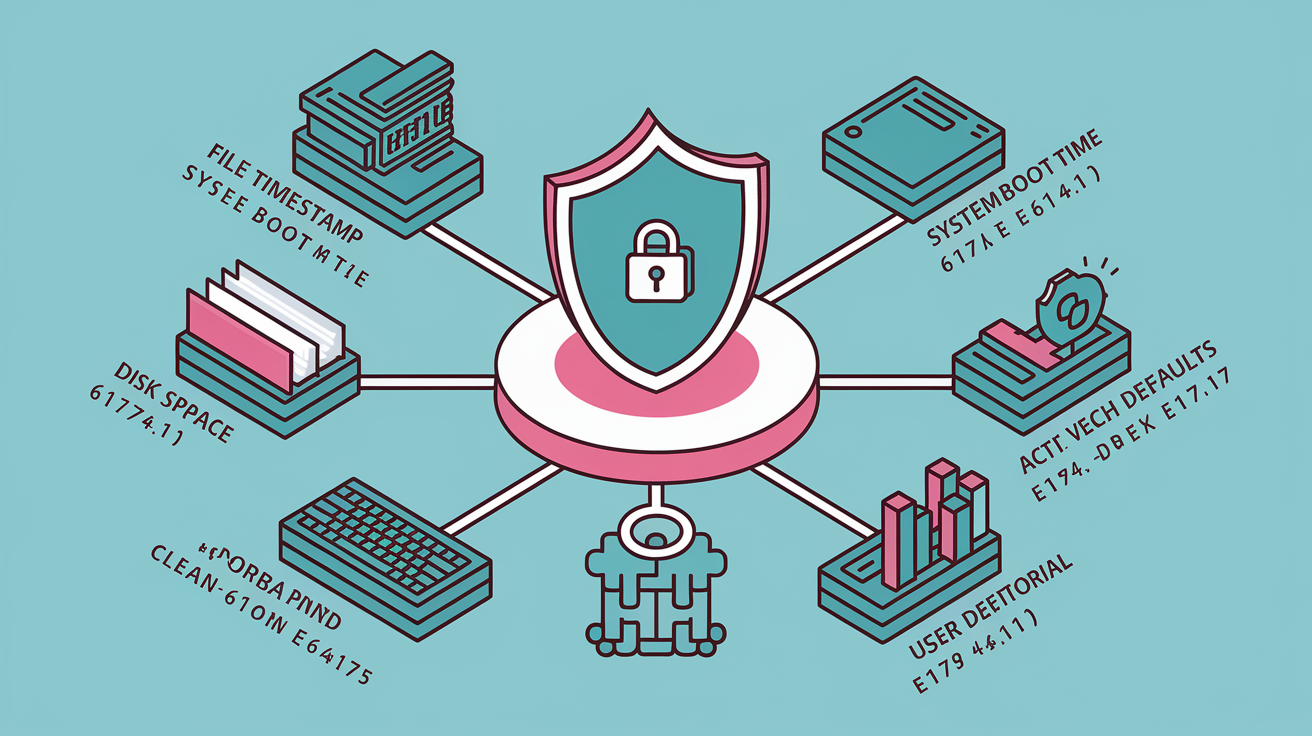
Apple now makes you explicitly declare any use of APIs that can derive device signals, access system metadata, or touch files outside your app’s sandbox. These “Required Reason APIs” can’t be called without a matching declaration in the Privacy Manifest. You have to pick from Apple’s pre‑approved list of justification codes. Using a Required Reason API for undeclared purposes, especially fingerprinting, is a policy violation. Doesn’t matter if the user granted App Tracking Transparency permission or not.
The requirement covers five major API categories. Each has its own set of allowed reason codes. You need to audit your SDK code paths to spot every Required Reason API call, then add a dictionary entry to NSPrivacyAccessedAPITypes with the correct category identifier (NSPrivacyAccessedAPIType) and an array of reason codes (NSPrivacyAccessedAPITypeReasons). The most common categories you’ll run into:
- File timestamp APIs like creationDate, modificationDate, fileModificationDate, contentModificationDateKey, and stat system calls. Reasons include displaying timestamps to the user, accessing app‑container metadata, or processing files in directories the user explicitly granted access to.
- System boot time APIs such as systemUptime and machabsolutetime(). Reasons include calculating time intervals for core app functionality or including uptime in user‑initiated bug reports.
- Disk space APIs like volumeAvailableCapacityKey and volumeTotalCapacityKey. Reasons include user‑facing disk‑space warnings, download‑size checks, or optional crash‑report context.
- Active keyboard APIs (ActiveInputModes). Reasons include adjusting UI layout or supporting core app features that require on‑device keyboard state.
- UserDefaults APIs for reading or writing. Reasons include app‑restricted data storage, app‑group sharing, third‑party SDK internal state, or managed app configurations.
A minimal Required Reason API declaration looks like this:
<dict>
  <key>NSPrivacyAccessedAPIType</key>
  <string>NSPrivacyAccessedAPICategoryDiskSpace</string>
  <key>NSPrivacyAccessedAPITypeReasons</key>
  <array>
    <string>E174.1</string>
  </array>
</dict>
Tracking Domain Disclosure Requirements

Any internet domain your SDK connects to for tracking, ad attribution, or cross‑app data correlation must be listed in the NSPrivacyTrackingDomains array of the Privacy Manifest. Apple defines “tracking” as linking user or device data collected from the app with data from other companies’ apps, websites, or offline properties for targeted advertising or advertising measurement. If NSPrivacyTracking is set to true, the manifest must include at least one tracking domain. If it’s false, the array should be empty or left out.
Unlisted tracking domains trigger silent network failures once the user denies App Tracking Transparency permission. Your analytics pipelines, attribution SDKs, and ad‑network callbacks just break. No runtime errors. No logs. You’re responsible for inventorying every endpoint your SDKs contact, including third‑party analytics services, ad exchanges, and measurement pixels. Then declare each unique domain. During App Store review, Apple cross‑references declared domains against observed network traffic. Discrepancies can result in immediate rejection or post‑release enforcement.
SDK Signatures and Verification Rules

Apple now requires that all binary dependencies bundled with third‑party SDKs carry cryptographic signatures. SDK signatures confirm the framework or static library you’re integrating matches the version the original vendor published and hasn’t been modified in transit or swapped out by a malicious actor. Starting in 2024, App Store Connect validates SDK signatures during upload and rejects builds that contain unsigned or incorrectly signed binaries.
To comply, SDK vendors must sign their distributable binaries using an Apple Developer Program certificate before publishing to package managers, direct‑download repositories, or private distribution channels. If you’re integrating third‑party SDKs, verify signatures at integration time to confirm authenticity. The verification workflow involves three steps:
- Download the SDK from the vendor’s official source (CocoaPods, Swift Package Manager, or direct repository link) and confirm the download URL matches the vendor’s published documentation.
- Inspect the binary signature using codesign ‑‑verify ‑‑verbose=4
- Re‑verify after Xcode integration by archiving your app, generating a privacy report, and checking that the embedded SDK signature chains back to a trusted certificate authority listed by Apple.
Unsigned or invalidated signatures will cause App Store Connect to reject the entire build. No option to override or request a waiver.
Compliance Deadlines and Enforcement Timeline (2024–2025)

| Requirement | Enforcement Date | Notes |
|---|---|---|
| Developer notifications and guidance released | March 13, 2024 | Apple began contacting developers whose apps lacked Required Reason API declarations |
| Mandatory Privacy Manifests and Required Reason API declarations | May 1, 2024 | New apps and updates rejected if manifests are missing or incomplete; tracking domain blocking begins |
| SDK signature enforcement on all third‑party binaries | May 1, 2024 | App Store Connect rejects builds with unsigned or tampered binary dependencies |
| Expanded coverage to all third‑party SDKs | Early 2025 | Requirements extend beyond Apple’s “commonly used SDKs” list to every third‑party framework |
Apple’s enforcement escalated through 2024. The May 1, 2024 deadline marked the point where App Store Connect began automatic rejection of non‑compliant submissions. Developers who missed the cutoff received rejection notices citing missing NSPrivacyAccessedAPITypes entries or unsigned binaries. In early 2025, Apple plans to expand enforcement to cover all third‑party SDKs embedded in an app binary. Doesn’t matter if the SDK appears on the official “commonly used” list published in 2024.
Developer Implementation Checklist for Full Compliance

You need to verify that every embedded framework or static library meets Apple’s updated requirements before submitting to App Store Connect. Start by auditing your project’s dependencies and confirming that each SDK includes a valid PrivacyInfo.xcprivacy file with complete NSPrivacyTracking, NSPrivacyTrackingDomains, NSPrivacyCollectedDataTypes, and NSPrivacyAccessedAPITypes entries. If a third‑party vendor hasn’t provided a manifest (common with archived or unmaintained SDKs), you’re responsible for authoring one yourself or removing the SDK and replacing it with a compliant alternative.
- Create or update the Privacy Manifest for every SDK using Xcode’s File → New → File → App Privacy workflow. Verify the filename is PrivacyInfo.xcprivacy and don’t rename it.
- Declare all Required Reason APIs by adding NSPrivacyAccessedAPITypes dictionaries with correct category identifiers and approved reason codes for file timestamps, system boot time, disk space, active keyboards, and UserDefaults.
- List all tracking domains in NSPrivacyTrackingDomains if NSPrivacyTracking is true. Include analytics endpoints, ad‑network callbacks, and attribution services.
- Verify SDK signatures using codesign in Terminal before integrating binaries. Reject any unsigned or invalidated frameworks.
- Generate a privacy report by archiving your app in Xcode, control‑clicking the archive in Organizer, and selecting Generate Privacy Report. Review the PDF to confirm all SDK manifests merged correctly.
- Test network behavior with ATT permission denied to confirm that unlisted tracking domains are blocked and don’t cause crashes or silent data loss.
- Re‑submit before deadlines to avoid rejection. Apps uploaded after May 1, 2024 without complete manifests and signed binaries are automatically rejected by App Store Connect.
Final Words
in the action: Apple’s 2024–2025 rules mean SDKs must ship a Privacy Manifest, declare Required Reason APIs, list tracking domains, and include cryptographic SDK signatures. Enforcement ramps through 2024 and is mandatory by early 2025.
Follow the practical checklist in this post: build accurate manifests, justify APIs, surface every tracking endpoint, and verify signatures to avoid App Store rejection.
If you implement those steps now, you’ll meet apple third party sdk requirements after privacy update and reduce rejection risk — and your app will be more trustworthy for users.
FAQ
Q: What are Apple’s updated requirements for third‑party SDKs in 2024–2025?
A: Apple’s updated requirements for third‑party SDKs in 2024–2025 require a Privacy Manifest, Required Reason API declarations, tracking domain disclosures, cryptographic SDK signatures, and App Store compliance by early 2025.
Q: What is a Privacy Manifest and what must it declare?
A: A Privacy Manifest is a bundled SDK file that must declare data types collected, tracking behaviors, tracking domains, and any Required Reason API usage, with clear purpose and category fields.
Q: How should developers bundle and implement a Privacy Manifest into an SDK?
A: Developers should bundle the manifest inside the SDK package, include mandatory fields for data categories, tracking and reasons, and update it for every SDK release to match app submission details.
Q: Which APIs need Required Reason declarations?
A: Required Reason declarations are needed for APIs that access device signals, disk access, system configuration, advertising identifiers, and other tracking vectors, with a clear technical justification for each.
Q: How do third‑party SDKs declare Required Reason APIs?
A: Third‑party SDKs declare Required Reason APIs by listing the API, providing a concise technical justification, and adding that entry to the Privacy Manifest using Apple’s required declaration format.
Q: What tracking domains must developers disclose?
A: Developers must disclose every tracking domain the SDK contacts, including ad, analytics, telemetry, and metadata endpoints, and ensure those domains are listed in the Privacy Manifest before submission.
Q: What happens if tracking domains or SDK behavior are not listed?
A: If tracking domains or SDK behavior are not listed, Apple can reject the app during review; unlisted endpoints are a frequent rejection reason and can block App Store approval.
Q: What are the SDK signature and verification rules?
A: SDK signatures must be cryptographic attestations included with the SDK to prove origin and integrity; integrators must verify signatures and manifest hashes before bundling or at runtime.
Q: How do I verify an SDK signature during integration?
A: To verify an SDK signature during integration, validate the cryptographic signature against the vendor’s public key, confirm the manifest hash matches, and reject any package with mismatches.
Q: What is the compliance timeline and enforcement schedule?
A: The compliance timeline escalates through 2024 with phased checks and becomes fully mandatory in early 2025, after which App Store enforcement and rejections increase for non‑compliant apps.
Q: What are the consequences for non‑compliance?
A: Consequences for non‑compliance include App Store rejection, required SDK updates, delayed releases, and potential removal until manifests, declarations, and signatures meet Apple’s rules.
Q: What is a practical developer checklist for full compliance?
A: The developer checklist requires accurate Privacy Manifests, declared Required Reason APIs, complete tracking domain lists, verified SDK signatures, regular updates, submission testing, and audit-ready documentation.