


Think skipping Apple’s privacy nutrition labels will save time?
It won’t — App Store Connect will block your upload.
Since iOS 14, every update must declare which of the 14 data categories you collect and whether that data is tracked, linked to a person, or not linked.
This guide gives developers a practical plan: inventory every data source, map items to Apple’s categories, set linkability and purpose flags correctly, and keep labels updated so your releases and user trust don’t break.
Core Implementation Steps for Apple’s Privacy Nutrition Labels

Since iOS 14, every developer has to fill out Apple’s privacy nutrition labels before pushing a new app or update to the App Store. Skip it and your submission gets blocked. This isn’t a review-time thing, it’s platform-level enforcement. The requirement kicked in for all new binaries uploaded after December 8, 2020, and it doesn’t matter if you’re shipping a tiny indie app or an enterprise tool.
Apple sorts collected data into three buckets that show up on your product page: Data used to track you (cross-app or cross-site tracking with identifiers), Data linked to you (anything tied to your identity, like email or account ID), and Data not linked to you (anonymized telemetry that can’t be tied back to a specific person). The label auto-generates from whatever you put into the App Store Connect questionnaire. It appears as collapsible cards in the App Privacy section, right below your description. Users tap to see which data types you’re collecting and why.
You need accuracy across all platforms. If you ship on iPhone, iPad, Apple Watch, or Mac, declare data collection for each one. A lot of devs audit the iOS binary and forget about watchOS complications or macOS helpers. Apple doesn’t line-check your declarations before approval, but wrong or incomplete labels can trigger user complaints, regulator attention, or removal later.
How to get it done:
-
Inventory all data sources. List everything: in-app code, server APIs, analytics SDKs, ad networks, crash reporters, third-party libraries.
-
Map each data element to Apple’s 14 categories. Assign contact info, identifiers, location, usage data, diagnostics, whatever fits from Apple’s list.
-
Classify linkability. Is it tracked (used for cross-app targeting)? Linked to an individual (connected to an account or persistent ID)? Not linked (fully anonymized and not re-identifiable)?
-
Tag purposes. For every data type, declare one or more: advertising, personalization, analytics, or app functionality.
-
Fill out the App Store Connect questionnaire. Only Account Holders or Admins can submit answers. Cover every required field per app, including third-party SDK data and server-side collection.
-
Monitor and update. Re-audit when you add features, update SDKs, or change backend telemetry. Resubmit updated answers with your next release to keep labels accurate.
Data Categories Developers Must Declare for Privacy Nutrition Labels
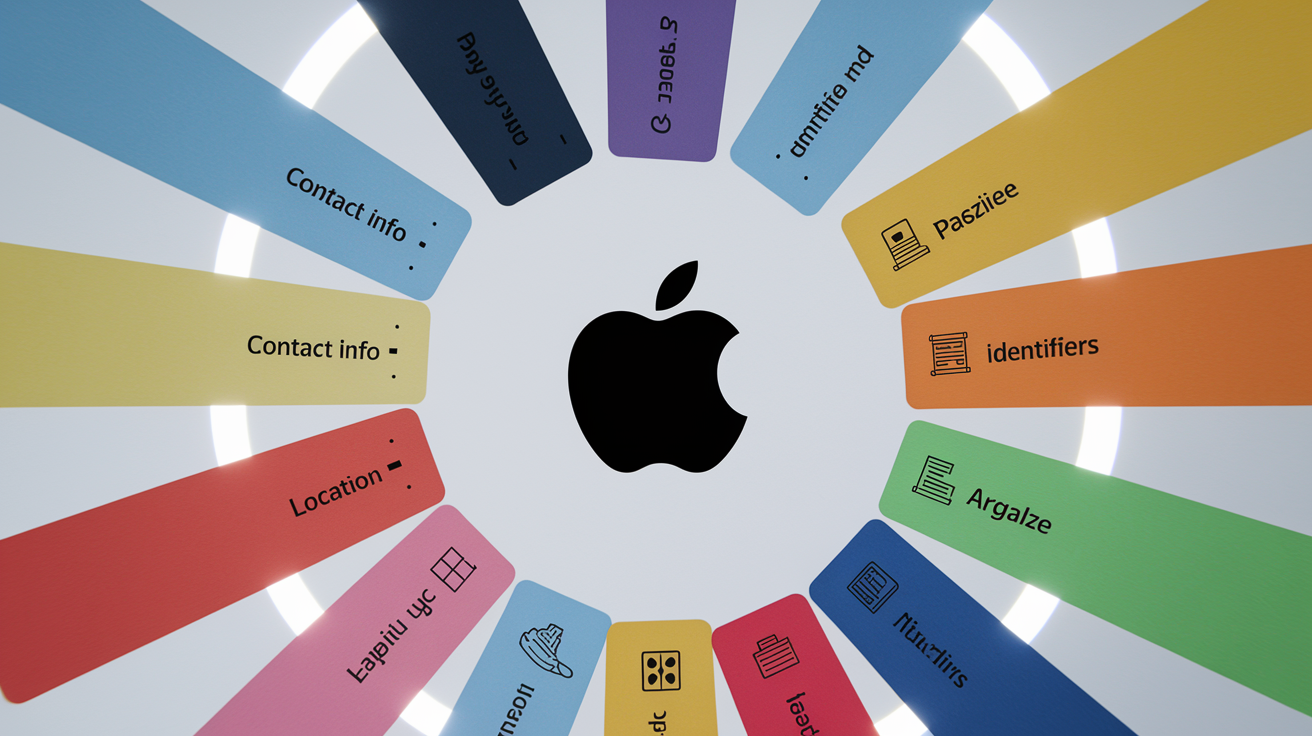
Apple recognizes 14 distinct data categories you have to evaluate for every app. Each one maps to a specific type of personal or device information, and you’re required to disclose which you collect, how you use them, and whether the data ties to a user’s identity. The 14 categories appear in the App Store Connect questionnaire as checkboxes. If you collect zero data, you can select “Data Not Collected,” but any collection, no matter how small, has to be declared unless it meets Apple’s narrow exemption rules.
For each declared category, you also specify linkability (tracked, linked to you, or not linked) and purpose (advertising, personalization, analytics, or functionality). Linkability decides which label card the data shows up under on the product page. Purpose tags explain to users why you collect it. Apple publishes detailed definitions and examples in App Store Connect help docs. When in doubt, choose the broader disclosure to avoid underreporting.
The 14 required categories:
- Contact Info — Names, email addresses, phone numbers, physical addresses, or any other contact identifiers.
- Health & Fitness — Health records, medical history, fitness metrics, exercise logs, motion tracking, wellness data, or biometric signals.
- Financial Info — Payment methods, credit card details, salary, income, assets, debts, purchase history, or transaction records.
- Location — Precise location (GPS coordinates, street-level accuracy) or coarse location (city, region, or IP-derived geolocation).
- Sensitive Info — Race, ethnicity, sexual orientation, pregnancy status, disability status, religious or philosophical beliefs, political opinions, union membership, or biometric identifiers used for authentication.
- Contacts — Address book entries, phone numbers, or names imported from the user’s contacts list or social graph.
- User Content — Photos, videos, audio recordings, text messages, emails, documents, in-app chat, gameplay recordings, customer-support tickets, or any media created or shared by the user.
- Browsing History — Websites or content viewed outside your app (including in-app web views if tracking spans multiple sessions or sites).
- Search History — Search queries entered within your app or external search engines if tracked persistently.
- Identifiers — User IDs, account handles, device identifiers (IDFA, IDFV, UUID), advertising identifiers, profile IDs, session tokens, or any persistent or resettable ID that can link activity over time.
- Purchases — Transaction logs, subscription status, in-app purchase receipts, order history, or product catalog interactions.
- Usage Data — Feature interactions, session duration, tap sequences, advertiser conversion events, time spent per screen, crash frequency, or performance telemetry tied to user behavior.
- Diagnostics — Crash reports, error logs, stack traces, device performance metrics, battery usage, memory consumption, or technical debug data collected for troubleshooting.
- Other Data — Any information not covered by the 13 categories above, such as custom telemetry schemas, proprietary scoring models, or domain-specific datasets.
Purpose tagging matters just as much as category selection. If you collect usage data for analytics and personalization, check both purposes in the questionnaire. Linkability has to reflect the true technical state: if your crash reporter includes a hashed device ID that can be correlated across sessions, the data is linked, not anonymized. Apple expects honest self-assessment, and mislabeling linkability or purpose can lead to user distrust or regulatory complaints.
Understanding “Tracking,” “Linked,” and “Not Linked” Data for Developers
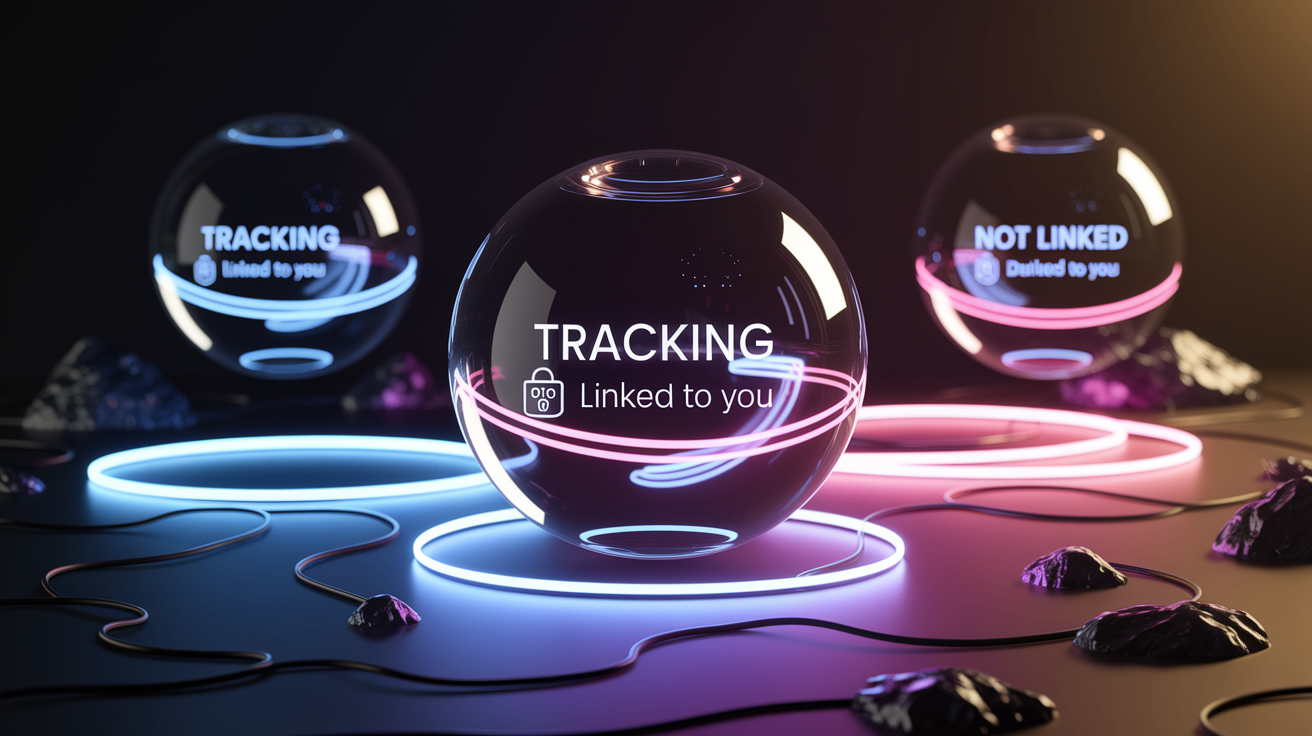
Tracking, in Apple’s definition, means connecting data collected from your app with data from other companies’ apps, websites, or offline properties for targeted advertising or ad measurement. The most common tracking signals are advertising identifiers (IDFA), device fingerprints, and hashed email addresses shared with ad networks or data brokers. If you pass any identifier to a third party that uses it to build cross-app profiles or retarget users, you have to declare that data under “Data used to track you.” For example, sending the IDFA to an ad SDK that syncs it with web cookies for attribution across multiple publishers.
Data linked to you includes anything tied to the user’s identity, account, or persistent profile, even if it never leaves your own servers. Examples include email addresses stored in your user database, phone numbers used for two-factor authentication, purchase histories associated with an account ID, or usage logs keyed to a login session. Linked data doesn’t require third-party sharing. It just means the data can be connected to a specific individual. If you anonymize an identifier by hashing it but later join it with other datasets that reveal identity (such as combining a hashed email with an IP address and timestamp), the data stays linked.
Data not linked to you has to be truly anonymized and not re-identifiable through joins, correlation, or reverse lookups. Aggregated crash reports stripped of device IDs, session tokens, and user metadata can qualify as not linked. “In the past 24 hours, 312 users experienced a launch crash on iOS 17.2.” But only if you can’t tie individual crash events back to specific devices or accounts. Anonymized performance metrics, such as average load times sampled at random without unique identifiers, also fall into this category. Apple allows two narrow tracking exceptions: data linked solely to a device (not a person) and data shared with a data broker exclusively for fraud detection, prevention, or security purposes (for example, sending a hashed transaction fingerprint to a fraud-scoring service that doesn’t use it for marketing).
App Store Connect Workflow for Privacy Nutrition Labels

The privacy questionnaire lives inside App Store Connect under the App Privacy section, accessible per app from the sidebar. Only users with the Account Holder or Admin role can edit and submit answers. Developers with App Manager or Marketing roles can view the questionnaire but can’t save changes. Before uploading a new binary or releasing an update, the assigned Account Holder or Admin has to complete every required field for that app. Missing or incomplete responses block the “Submit for Review” button at the platform level, preventing any release until the privacy section is marked complete.
Apple auto-generates the product-page label from your answers. There’s no manual override or separate label-editing UI. The cards displayed to users are derived directly from the categories you check, the purposes you select, and the linkability flags you set. This means accuracy in the questionnaire translates one-to-one to public transparency. Developers have to account for all data sources: code embedded in the app binary, server-side collection triggered by API calls, analytics sent from the client, and any third-party SDKs or libraries that transmit telemetry independently. If an ad SDK collects device identifiers and you integrate that SDK, you own the disclosure, even if the SDK vendor provides its own privacy policy.
Required Questionnaire Fields
The App Store Connect questionnaire asks you to declare linkability by choosing whether each data type is used for tracking, linked to the user, or not linked. You also select one or more purposes from a fixed list: advertising (serving ads, measuring ad performance, or sharing with ad networks), personalization (customizing UI, content recommendations, or user experience based on behavior), analytics (measuring app performance, user engagement, or feature usage), and app functionality (core features that require the data to work, such as location for a maps app or contacts for a messaging app). Multi-purpose data requires checking every applicable box. Collecting email addresses for both account creation (functionality) and targeted email campaigns (advertising) means declaring both purposes.
| Field | Description | What Developers Must Prepare |
|---|---|---|
| Data Types Collected | Checkboxes for each of the 14 Apple-defined categories (contact info, identifiers, location, etc.) | Complete data inventory mapping every collected element to one or more categories, include SDK and server-side flows |
| Linkability | Radio buttons per data type: “Used to track you,” “Linked to you,” or “Not linked to you” | Technical analysis of identifiers, joins, and correlation, confirm anonymization is irreversible and not pseudonymized |
| Purposes | Multi-select checkboxes: advertising, personalization, analytics, app functionality | Document how each data element is used, align with internal data-use policies and third-party SDK disclosures |
| Tracking | Yes/No toggle per data type indicating cross-app or cross-site tracking | Review SDK contracts and ad-network integrations, flag any identifier sharing for attribution, retargeting, or audience syncing |
| Third-Party Data | Checkbox indicating whether data is shared with or collected by third parties (ad networks, analytics vendors, data brokers) | List all SDKs, cloud services, and API endpoints, verify vendor data practices and update if vendors change behavior |
Mandatory, Optional, and Exempt Data Disclosures in Privacy Nutrition Labels

Most data collection has to be disclosed, but Apple provides a narrow exemption for data that meets all three of the following criteria simultaneously: the data is provided directly by the user through an obvious, explicit in-app action (such as typing a message in a contact form), the data is collected infrequently and isn’t part of the app’s primary function, and the data isn’t used for tracking, advertising, or marketing purposes. All three conditions have to be true. If even one fails, disclosure is mandatory.
A one-time feedback form where users voluntarily enter their email to request a feature might qualify as optional if the email is stored locally, never shared, and not used for ads or analytics. But if that same email is uploaded to a CRM, matched with existing user profiles, or used to send promotional emails, it no longer meets the exemption criteria and has to be declared under Contact Info with purposes of advertising or personalization. The exemption is intentionally strict to prevent developers from underreporting routine telemetry or SDK collection as “optional.”
| Data Type | Mandatory? | Notes on Exemption |
|---|---|---|
| Analytics SDK sending anonymized crash reports | Yes | Even if anonymized, diagnostics collected automatically on every crash don’t meet the “infrequent” or “explicit user action” criteria |
| User-entered email in a voluntary feedback form, stored locally only | No (optional) | Qualifies only if all three exemption criteria are met: explicit action, infrequent, and not used for tracking/advertising |
| Device identifier sent to ad network for attribution | Yes | Used for tracking and advertising, no exemption applies regardless of collection method |
Performing a Data Inventory and Mapping It to Apple’s Privacy Nutrition Labels
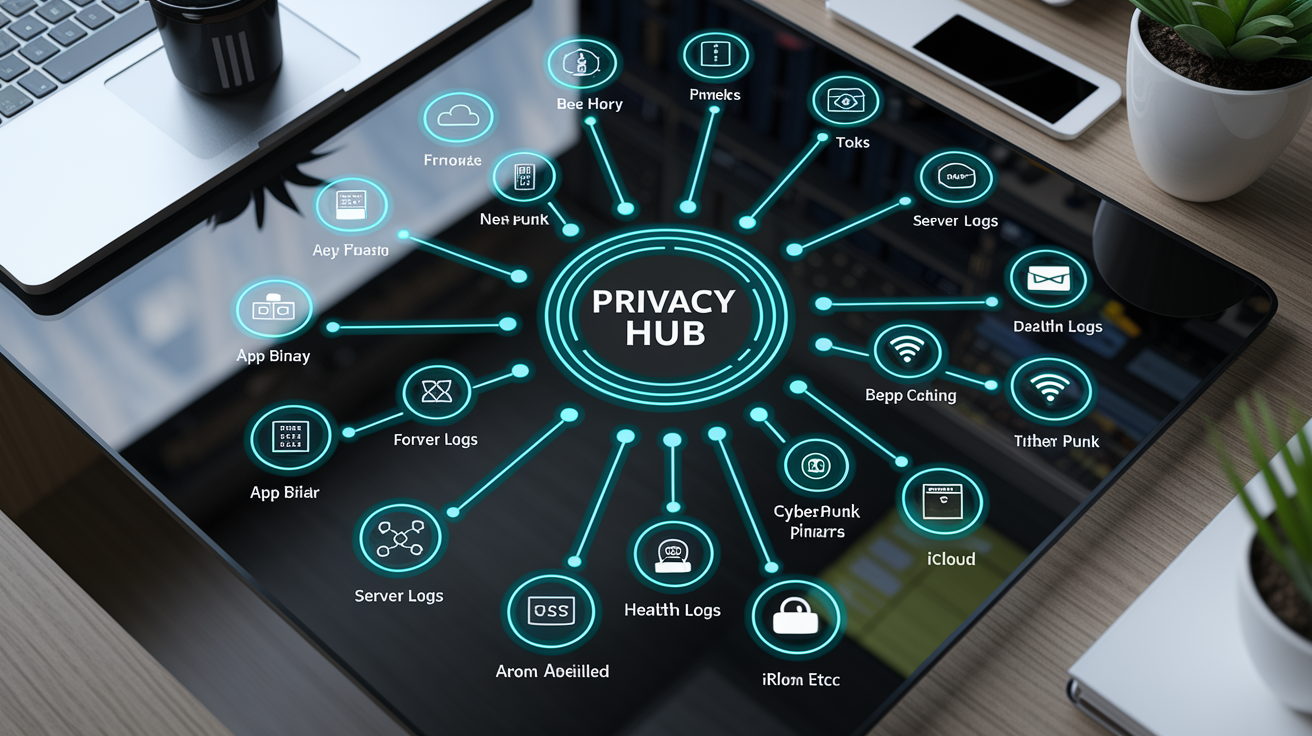
A complete data inventory starts by listing every location where your app collects, transmits, or stores user information. This includes client-side code (Swift, Objective-C, or cross-platform frameworks), server-side APIs that log request metadata, third-party SDKs bundled in the app binary, and platform-specific features such as HealthKit integrations on iOS or iCloud sync on macOS. Developers often underestimate the scope by focusing only on the main app binary and missing backend telemetry, watchOS complications, or iPad-specific UI flows that collect location or contacts.
Apple’s App Store Connect questionnaire lists 32 detailed data types internally, though the public-facing label groups them into the 14 categories covered earlier. During inventory, map each collected element to the most specific Apple data type available, then roll it up into the appropriate category for disclosure. If you collect email, phone number, and mailing address, all three map to the “Contact Info” category, but you should document each separately in your internal audit to make sure no element is missed when SDKs are updated or features are added.
Cross-functional coordination is necessary. Engineering teams understand what the code collects, but legal or privacy teams define linkability and exemption criteria, while product teams document feature intent and user flows. Run the inventory as a collaborative workshop or spreadsheet shared across functions, and update it on a release-by-release basis to catch SDK upgrades, new analytics vendors, or backend schema changes that introduce additional data points.
Key inventory targets to review:
- App binary embedded code — All data collection logic in Swift, Objective-C, or third-party frameworks compiled into the .ipa or .app bundle.
- Third-party SDKs and libraries — Analytics (Firebase, Mixpanel), ads (Google Ad Manager, Meta Audience Network), crash reporting (Sentry, Crashlytics), A/B testing, attribution, and any other dependencies.
- Server-side logging and APIs — Request headers (IP address, user agent, device type), authentication tokens, session IDs, and any telemetry sent from the app to your backend.
- Platform-specific features — HealthKit, CoreLocation, Contacts framework, Photo Library access, microphone or camera permissions, iCloud sync, Handoff, or Apple Watch complications.
- Data brokers and ad networks — Any service that receives identifiers, behavioral data, or user profiles for targeting, measurement, or audience syncing.
- Backend databases and data warehouses — User tables, event logs, analytics schemas, and any stored data that can be joined with app-collected identifiers.
- On-device storage — UserDefaults, Keychain, local databases (Core Data, SQLite), cached files, or logs written to the device filesystem that may later be uploaded.
- Third-party integrations via APIs — Payment processors, customer-support platforms, email-marketing services, push-notification providers, or any external API that receives user data from your app or backend.
SDK Audits, Tracking Prevention, and Code-Level Requirements for Privacy Nutrition Labels
Third-party SDKs are the most common source of undeclared data collection. Many analytics, advertising, and crash-reporting libraries automatically collect device identifiers, IP addresses, and usage telemetry the moment they initialize, often before developers realize what data is being transmitted. Apple holds you responsible for SDK behavior. If an embedded library sends the IDFA to an ad network, you have to declare it under “Identifiers” and “Data used to track you,” even if you didn’t write the tracking code yourself. SDK vendors sometimes update their data practices in new versions, adding new telemetry or changing linkability without notification. Regular audits (ideally automated and run on every dependency update) are the only way to catch these changes before they invalidate your App Store disclosures.
Reducing the data surface area improves compliance and user trust. Remove unused SDKs or analytics modules that collect data you don’t need. Many developers inherit dependencies from legacy code or starter templates without reviewing their actual data flows. Strip permissions your app doesn’t use. If you never access the camera, delete the NSCameraUsageDescription key from Info.plist and remove any SDKs that request it. Use feature flags or conditional compilation to disable telemetry in builds submitted to privacy-sensitive regions or user segments. Sampling strategies can also reduce linkability: instead of logging every user action with a persistent ID, sample 1% of sessions anonymously and aggregate the results, which may qualify as “not linked” if session IDs are discarded after upload.
Techniques for Reducing Linkability
Anonymization requires removing all identifiers that allow re-identification, correlation, or joining with other datasets. Hashing or encrypting an email address isn’t sufficient if the hash can be reversed via rainbow tables or matched against known datasets. True anonymization means stripping device IDs, session tokens, account handles, and timestamps precise enough to fingerprint individual users. Instead of logging “User A12345 tapped feature X at 14:32:18 on device D98765,” log only “Feature X was tapped 47 times today across all users,” and discard the individual event records immediately after aggregation.
Identifier removal goes beyond deleting explicit IDs. IP addresses, user agents, screen resolutions, installed app lists, and timezone offsets can combine to create a unique fingerprint. If you have to collect diagnostics or analytics, use device-only linking (data tied to an IDFV that resets on app reinstall and isn’t shared across developers) instead of account-based or advertising identifiers. Sampling and rate-limiting further reduce linkability. Randomly select 0.1% of crash reports for detailed logging and anonymize the rest, or rotate session IDs every hour and don’t persist them server-side. Runtime detection and conditional telemetry let you disable tracking for users who opt out of App Tracking Transparency (ATT) or who enable system-level tracking restrictions, making sure your declared “not linked” data stays truly anonymized in practice.
Common Mistakes When Completing Apple’s Privacy Nutrition Labels
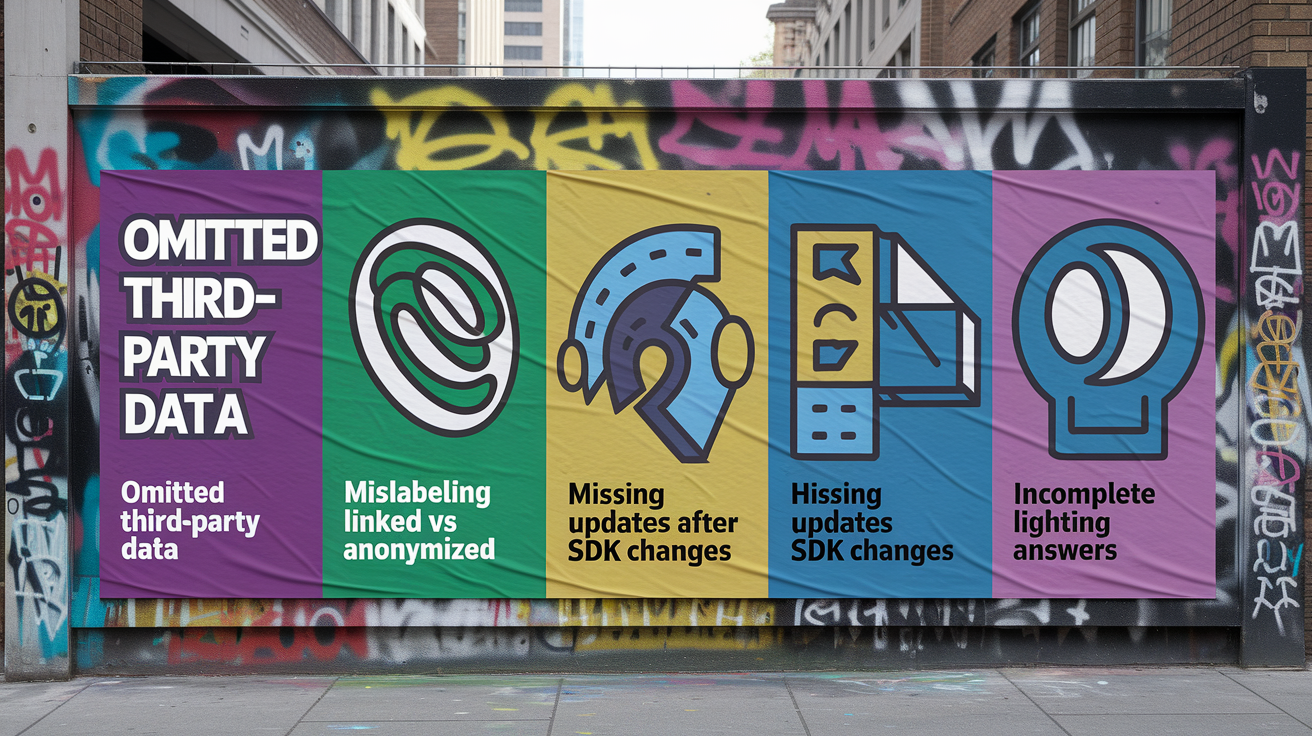
The most frequent error is failing to include third-party SDK data in disclosures. Developers often audit their own code thoroughly but assume SDK vendors handle privacy declarations independently. In reality, you’re the data controller for anything your app collects or transmits, and Apple holds you accountable for every SDK bundled in your binary. If your crash reporter sends device IDs or your analytics library tracks screen flows, those have to appear in your App Store Connect answers even if the SDK vendor publishes its own privacy policy.
Misclassifying linked versus anonymized data is another common pitfall. Developers sometimes believe that hashing, aggregating, or stripping direct identifiers qualifies data as “not linked,” but linkability depends on whether the data can be correlated or re-identified through joins, behavioral fingerprinting, or external datasets. If you hash a user ID and later join it with session logs that include IP addresses and timestamps, the data is linked. If you aggregate usage metrics but include enough granularity to isolate individual users (such as “User in postal code 12345 with device model XYZ opened the app 47 times this week”), the data is linked, not anonymized.
Five mistakes to avoid:
- Omitting data collected on other Apple platforms — Failing to audit and declare collection from watchOS complications, macOS menu-bar apps, or iPadOS widgets that share code with the iOS app.
- Underreporting SDK telemetry — Not reviewing third-party libraries’ data practices and assuming they collect nothing or that their collection is exempt.
- Mislabeling pseudonymized data as anonymized — Treating hashed IDs, session tokens, or aggregated metrics as “not linked” when they can still be correlated or reversed.
- Failing to update labels after SDK or feature changes — Shipping new analytics, ads, or backend APIs without re-auditing data flows and resubmitting updated App Store Connect answers.
- Providing incomplete or false answers to avoid user concerns — Intentionally under-declaring data types to make the app appear more privacy-friendly, which can lead to removal or user complaints.
Verification, Testing, and Ongoing Maintenance of Privacy Nutrition Labels

Testing privacy labels requires comparing your App Store Connect declarations against the actual runtime behavior of your app. Start by instrumenting a debug build to log every outgoing network request, permission prompt, and SDK initialization call. Capture the full request payloads sent to your backend, analytics vendors, ad networks, and crash reporters, then verify that every transmitted data element appears in your declared categories and purposes. If you find a device identifier, location coordinate, or usage event that you didn’t disclose, either remove it from the app or add it to your App Store Connect questionnaire before the next release.
Automated tools can help catch undeclared telemetry. Proxy your app’s network traffic through a local debugging proxy like Charles or mitmproxy, filter for requests to third-party domains, and inspect headers and POST bodies for identifiers, user attributes, or behavioral signals. Static analysis tools can scan your app binary for embedded SDK versions and compare them against known data-collection behaviors published by SDK vendors. Some privacy-focused CI/CD pipelines now include automated checks that fail the build if a new SDK or API call introduces data collection not present in the last release.
Ongoing maintenance isn’t optional. Every time you update an SDK, add a feature, or change backend telemetry, you have to re-audit and update your App Store Connect privacy answers. Apple doesn’t version privacy labels per build. The label displayed on the product page reflects the most recent answers you submitted, so even a minor SDK upgrade that adds new tracking can invalidate your public disclosures. Maintain an internal change log that records which data types were added or removed in each release, and assign a privacy owner (often a product manager or legal team member) to review and approve all changes before submission. Regular audits (quarterly or per major release) help catch drift between declared and actual behavior, reducing the risk of user complaints, regulatory scrutiny, or App Store enforcement actions.
Final Words
We covered the concrete steps developers must take now: inventory, mapping, categorization, answering App Store Connect, SDK audits, and ongoing testing to keep labels accurate.
You saw how Apple groups 14 data types into three buckets—Data used to track you, Data linked to you, and Data not linked to you—and why linkability and purpose-tagging matter across iPhone, iPad, Apple Watch, and Mac.
Keep this Developers guide to Apple’s privacy nutrition labels handy. Treat label work as part of your release checklist and you’ll cut review delays and surprises.
FAQ
Q: What is the privacy nutrition label on Apple?
A: The privacy nutrition label on Apple is a summary shown on App Store product pages that lists the types of data an app collects, how it’s used, and whether data is linked to you or used to track you.
Q: Is that iPhone app spying Apple’s app privacy report revealing all?
A: The iPhone app spying Apple’s app privacy report reveals many app behaviors (network requests, sensor access, contacted domains), but it doesn’t expose everything — server-side data use, internal logic, or undeclared SDK activity can remain hidden.
Q: What is the Apple data privacy scandal?
A: The Apple data privacy scandal refers to incidents and public criticism where apps or Apple services exposed or mishandled user data, which spurred stricter App Store rules, disclosure labels, and policy enforcement.
Q: How to get rid of labels under apps on iPhone?
A: To get rid of labels under apps on iPhone, iOS doesn’t offer a built-in hide option; use a Shortcuts-created app icon with an empty name, custom widgets, or a launcher workaround to remove visible app names.