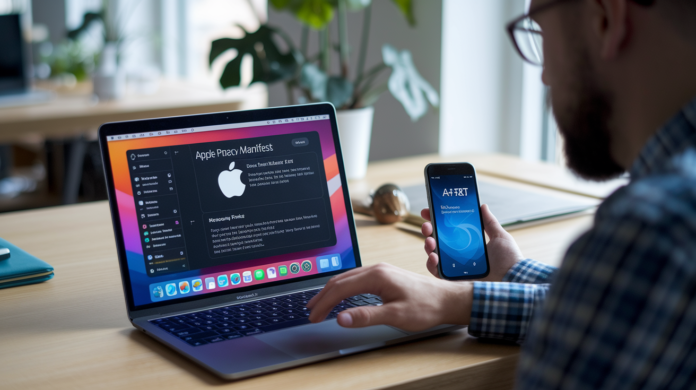

What happens when Apple starts rejecting apps for missing privacy manifest entries?
Apple began warning developers in March 2024 and on May 1 made PrivacyInfo.xcprivacy mandatory for new submissions, so missing declarations now trigger automatic rejections.
This change tightens App Store Connect checks, links SDK behavior to your Privacy Nutrition Label, and creates real risks: takedowns, account suspensions, and regulatory fines that raise the bar for everyone.
Read on to learn what’s required, what penalties you face, and the fixes that keep your app live.
Overview of Apple’s New Privacy Enforcement Rules
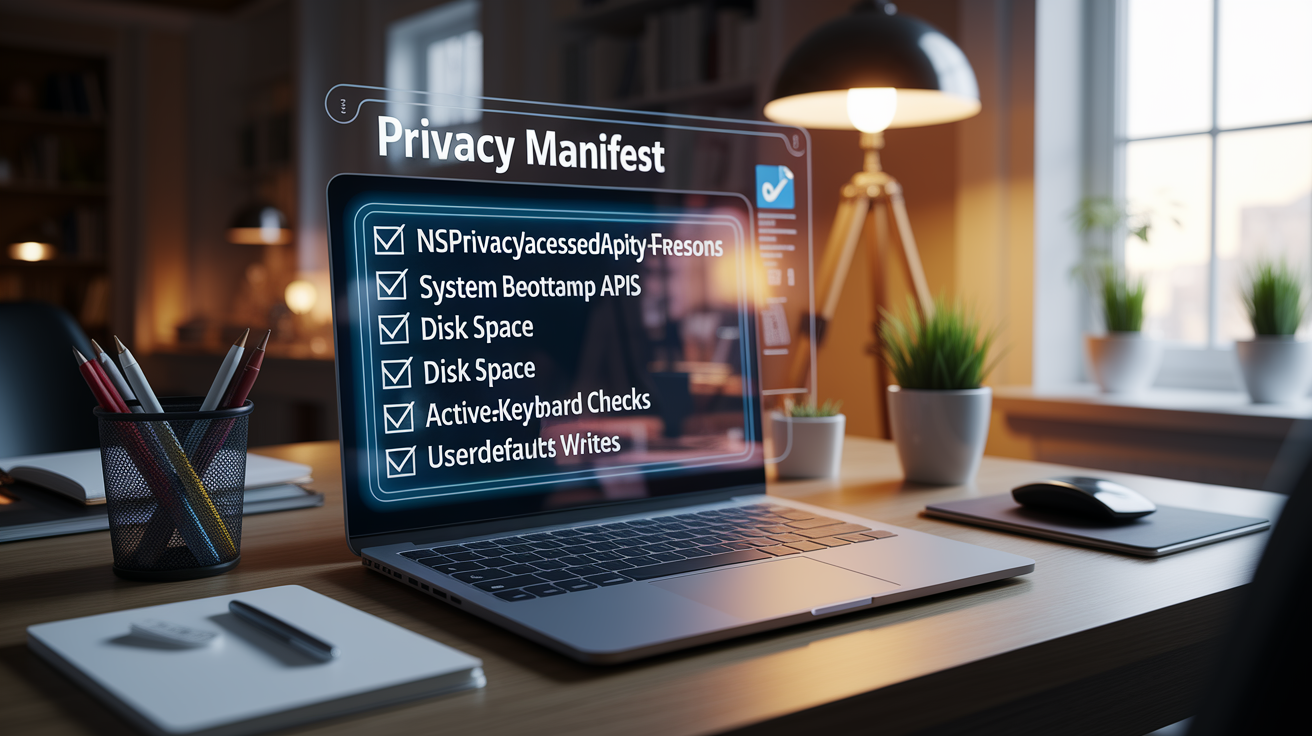
Apple started reaching out to developers on March 13, 2024, flagging apps that needed clearer explanations for data collection. Two months later, on May 1, 2024, those warnings became real enforcement: new apps submitted to App Store Connect without a compliant privacy manifest got rejected automatically. The manifest requirement isn’t just a box you tick. Apps now have to declare every instance of required reason API usage, tracking domains, collected data types, and the purpose behind each permission, using structured keys in a PrivacyInfo.xcprivacy file. If your app calls file timestamp APIs, accesses system boot time, reads disk space, checks active keyboards, or writes to UserDefaults, you declare the reason or you don’t ship.
This enforcement builds on App Tracking Transparency (ATT), which launched in 2021 and moved tracking to an opt in model with user facing consent screens. Regulators have been watching Apple’s implementation closely. In December 2025 the Italian Competition Authority fined Apple $115 million for forcing developers into a “double consent” flow that the regulator called extremely burdensome and harmful, especially for small developers relying on ad revenue. That penalty was part of a bigger pattern: Apple faced $851 million in privacy and antitrust fines in 2025 alone, down from $2.1 billion the year before but still a signal that both regulators and the App Store itself are actively enforcing privacy rules.
Apple’s enforcement system now works on two levels. For developers, violations trigger immediate App Store Connect rejection, post release takedowns, or account suspension. For Apple itself, regulatory bodies can impose fines reaching up to 6 percent of global revenue under EU privacy law. You’re operating in a dual pressure environment where technical compliance, policy accuracy, and SDK hygiene all matter before your app reaches users.
Categories of developer penalties for privacy non compliance:
- Immediate App Store Connect rejection at submission
- Post release app takedown for manifest inaccuracies
- Account suspension for repeated violations
- Metadata correction requirements and mandatory re review
- Account termination for deceptive or misleading practices
Evolution of Apple’s App Privacy Requirements and Recent Policy Changes
Apple’s privacy enforcement timeline started with Privacy Nutrition Labels in iOS 14, a feature designed to surface data collection practices in a standardized format on the App Store. When ATT launched in 2021, it layered opt in tracking consent on top of those labels, requiring every app that tracks users across other companies’ apps or websites to display a system prompt and respect the user’s choice. Early adoption rates were low. Users overwhelmingly opted out, and ad supported developers saw immediate revenue drops. Regulators responded by investigating whether the implementation imposed disproportionate burdens on third parties while leaving Apple’s own advertising division subject to lighter constraints.
By 2024 Apple had formalized the privacy manifest requirement. The PrivacyInfo.xcprivacy file became mandatory for new apps on May 1, 2024, and Apple announced plans to expand enforcement to cover the entire app binary in the future. The manifest ties directly into Privacy Nutrition Labels: Xcode aggregates manifest data from every bundled SDK and generates a combined privacy report, which developers use to populate the labels users see before downloading. Regulatory pressure, especially the $115 million Italian penalty for double consent flows, pushed Apple to clarify consent prompt design and tighten enforcement around SDK level disclosures.
| Year | Policy Update | Impact on Developers |
|---|---|---|
| 2020 | Privacy Nutrition Labels introduced (iOS 14) | Manual disclosure required, no automated validation, high risk of label inaccuracy |
| 2021 | App Tracking Transparency (ATT) enforcement begins | Opt in tracking consent required, ad revenue declined, regulator scrutiny intensified |
| 2024 | Privacy manifest enforcement starts May 1 | Automatic App Store Connect rejection for missing required reason API declarations, SDK manifests aggregated in Xcode reports |
Detailed Breakdown of Apple’s App Privacy Enforcement Mechanisms
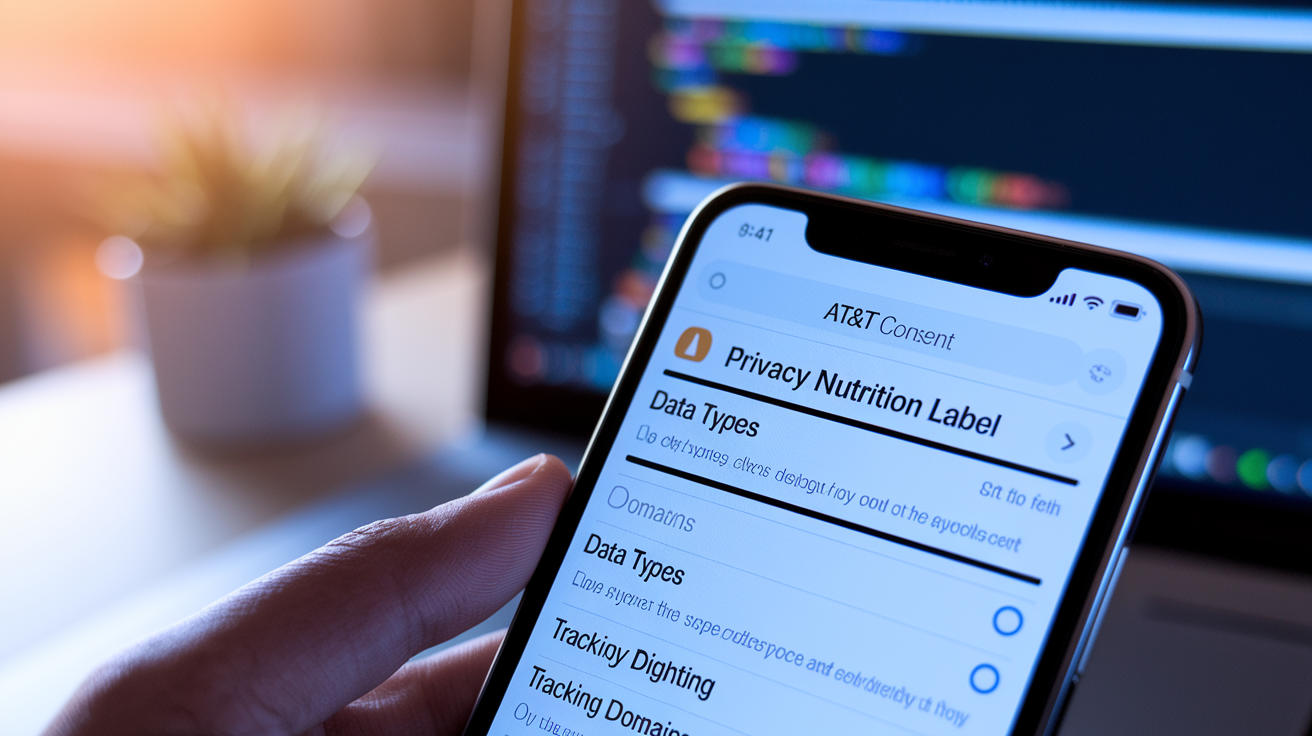
App Store Connect’s automated review process now scans every new and updated app for privacy manifest compliance before approval. When you archive a build in Xcode and submit to App Store Connect, the system checks whether required reason APIs are declared in PrivacyInfo.xcprivacy. If your app calls a file timestamp API (creationDate, modificationDate, stat) or accesses system boot time via systemUptime or machabsolutetime(), and you haven’t listed an approved reason under NSPrivacyAccessedAPITypeReasons, the upload fails. Same logic applies to disk space APIs (volumeAvailableCapacityKey, volumeTotalCapacityKey), active keyboard checks, and UserDefaults reads or writes. Each category has a predefined set of acceptable reason codes, and you must pick at least one that matches your use case.
ATT enforcement runs parallel to manifest validation. If your manifest sets NSPrivacyTracking to true, you must also populate NSPrivacyTrackingDomains with at least one domain string. Any network request to a domain listed as a tracking domain will fail at runtime unless the user has granted tracking permission through the ATT framework prompt. Xcode’s privacy report generator, accessible via Product → Archive then control click the archive and choose Generate Privacy Report, aggregates manifests from all third party SDKs into a single combined report. That aggregated report feeds directly into the Privacy Nutrition Label you publish on the App Store, ensuring label accuracy reflects real SDK behavior rather than developer guesswork.
Five automated checks App Store Connect performs during submission:
- Required reason API usage scan. The system inspects the binary for calls to file timestamps, boot time, disk space, keyboard, and UserDefaults APIs and cross references each call against declared reasons in NSPrivacyAccessedAPITypes.
- Tracking domain validation. If NSPrivacyTracking is true, App Store Connect verifies that NSPrivacyTrackingDomains contains at least one domain and that the manifest structure is valid.
- SDK manifest aggregation check. The system confirms that every third party SDK on Apple’s commonly used SDK list is either bundled with its own PrivacyInfo.xcprivacy or excluded from the build. Missing SDK manifests trigger immediate rejection.
- Privacy Nutrition Label consistency audit. App Store Connect compares the combined privacy report generated by Xcode against the label metadata you entered in App Store Connect and flags mismatches for correction.
- ATT prompt presence verification. Apps that declare tracking usage must include the NSUserTrackingUsageDescription key in Info.plist to display the ATT permission prompt. Omitting the key while setting NSPrivacyTracking to true results in rejection.
Penalties Developers Face for App Privacy Violations on the App Store

When your app fails manifest validation or misrepresents data collection in its Privacy Nutrition Label, the first consequence is immediate rejection at App Store Connect. The rejection notice specifies which required reason API lacks a declaration or which SDK is missing a manifest, and your app remains unavailable for download until you submit a corrected build. This initial rejection is automated and non negotiable. There’s no manual override for missing manifest keys.
For apps already live on the App Store, Apple conducts periodic audits of privacy labels and manifest accuracy. If an audit uncovers a mismatch between declared practices and actual runtime behavior (tracking users without an ATT prompt, collecting data types not listed in NSPrivacyCollectedDataTypes, or calling required reason APIs without documented reasons) Apple can pull the app from the store and require a compliance re review before reinstating it. Repeated violations or evidence of intentionally misleading users escalate the penalty to account suspension, freezing all apps under that developer account and blocking new submissions. In cases involving deceptive marketing, hidden tracking, or systematic evasion of privacy rules, Apple moves to account termination, a permanent removal that also affects any associated memberships and prevents the developer from creating new accounts under the same identity.
The regulatory environment compounds these developer level penalties. When Apple itself violates privacy or competition rules, regulators impose fines that run into hundreds of millions of dollars. $115 million for the ATT double consent issue, $851 million across privacy and antitrust cases in 2025. Those corporate penalties don’t directly punish individual developers, but they shape enforcement priorities. Apple tightens automated checks, expands manifest requirements, and accelerates audit cycles in response to regulatory pressure, which means developers face a compliance bar that rises in tandem with Apple’s own legal exposure.
Case Studies: High Profile Privacy Enforcement Actions Involving Apple Policies
In December 2025 the Italian Competition Authority handed Apple a $115 million fine for its App Tracking Transparency implementation. The regulator found that ATT forced third party developers to obtain “double consent,” separate, duplicative consent screens for the same profiling activity, which it described as extremely burdensome and harmful, especially for small developers relying on ad revenue. The investigation revealed that while third party developers faced higher opt out rates and revenue declines after ATT’s 2021 launch, Apple’s own advertising division and App Store services revenues climbed. The regulator argued Apple should have ensured the same privacy protection through a single step consent flow and classified the conduct as an abuse of dominant position in app distribution. Apple announced it would appeal, defending ATT as critical privacy protection and asserting the rules apply equally to all developers.
Apple was fined a total of $851 million last year across four enforcement actions in 2025, two for privacy violations and two for antitrust issues related to market dominance. The $851 million figure represented a decline from $2.1 billion in 2024 but still placed Apple among the most penalized Big Tech companies. According to Proton’s Tech Fines Tracker, Google faced $4.2 billion in fines the same year, Amazon $2.5 billion, and Meta $228 million, bringing the aggregate to $7.8 billion. Apple’s free cash flow could cover its four 2025 fines in roughly three days, a detail regulators cited to argue that current penalty levels function as a cost of doing business rather than a deterrent. The EU’s statutory maximum allows fines up to 6 percent of total annual global revenue for privacy breaches, a ceiling Apple has not yet approached.
| Case | Year | Issue | Penalty |
|---|---|---|---|
| Italian Competition Authority ATT enforcement | 2025 | Double consent requirement, abuse of dominant position, harm to small developers and advertisers | $115 million |
| Aggregate Apple privacy and antitrust fines | 2025 | Two privacy violations, two antitrust/competition violations | $851 million total |
| DMA non compliance (April 2025 action) | 2025 | Failure to comply with Digital Markets Act obligations | €500 million (~$540 million USD) |
| Big Tech aggregate fines (all companies) | 2025 | Privacy and antitrust across Apple, Google, Amazon, Meta | $7.8 billion |
Compliance Requirements: How to Meet Apple’s Updated Privacy Standards
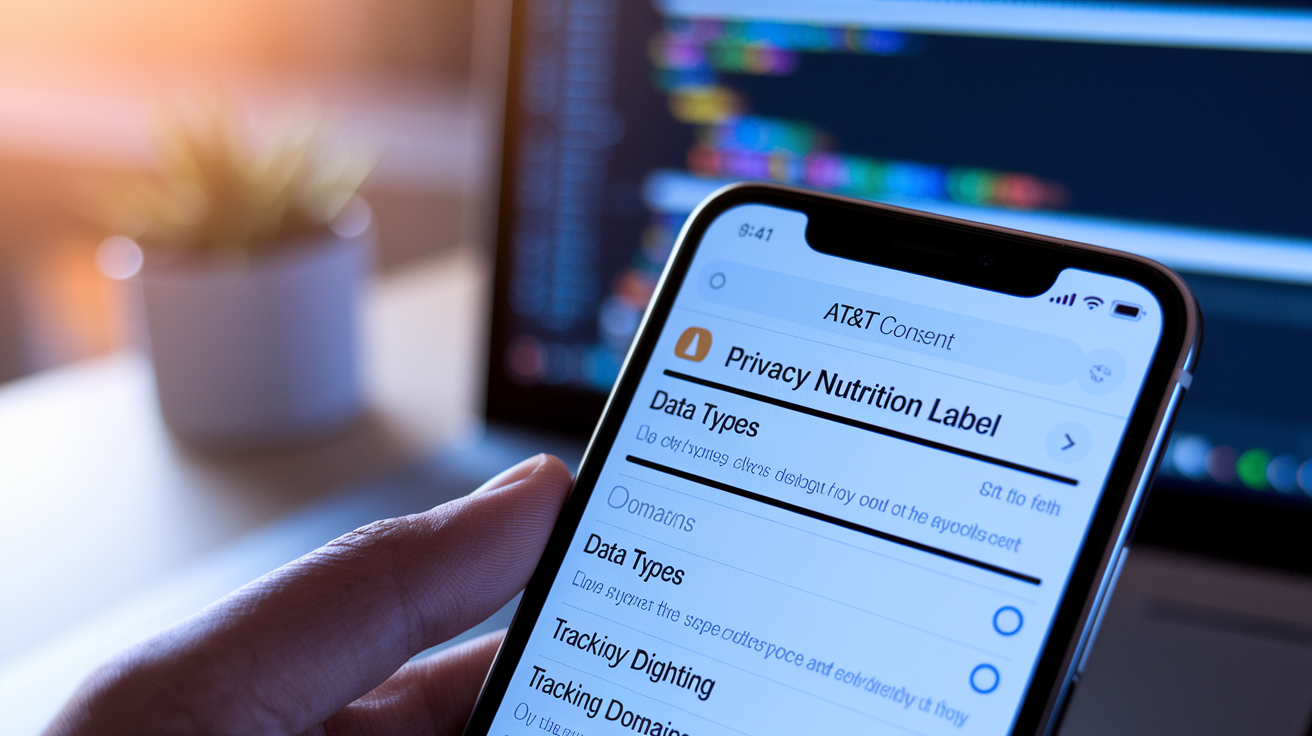
Meeting Apple’s updated privacy standards starts with creating and bundling a valid PrivacyInfo.xcprivacy file. In Xcode go to File → New → File → App Privacy under Resources to generate the default manifest. The file must include four top level keys: NSPrivacyTracking (Boolean), NSPrivacyTrackingDomains (array of domain strings), NSPrivacyCollectedDataTypes (array of dictionaries), and NSPrivacyAccessedAPITypes (array of dictionaries). If your app tracks users across other companies’ apps or websites, set NSPrivacyTracking to true and list at least one domain in NSPrivacyTrackingDomains. For every data type you collect (location, contacts, photos, identifiers) add a dictionary to NSPrivacyCollectedDataTypes with keys NSPrivacyCollectedDataType (the type), NSPrivacyCollectedDataTypeLinked (Boolean), NSPrivacyCollectedDataTypeTracking (Boolean), and NSPrivacyCollectedDataTypePurposes (array of purpose strings). Privacy Nutrition Labels pull from this manifest, so accuracy here determines what users see on the App Store.
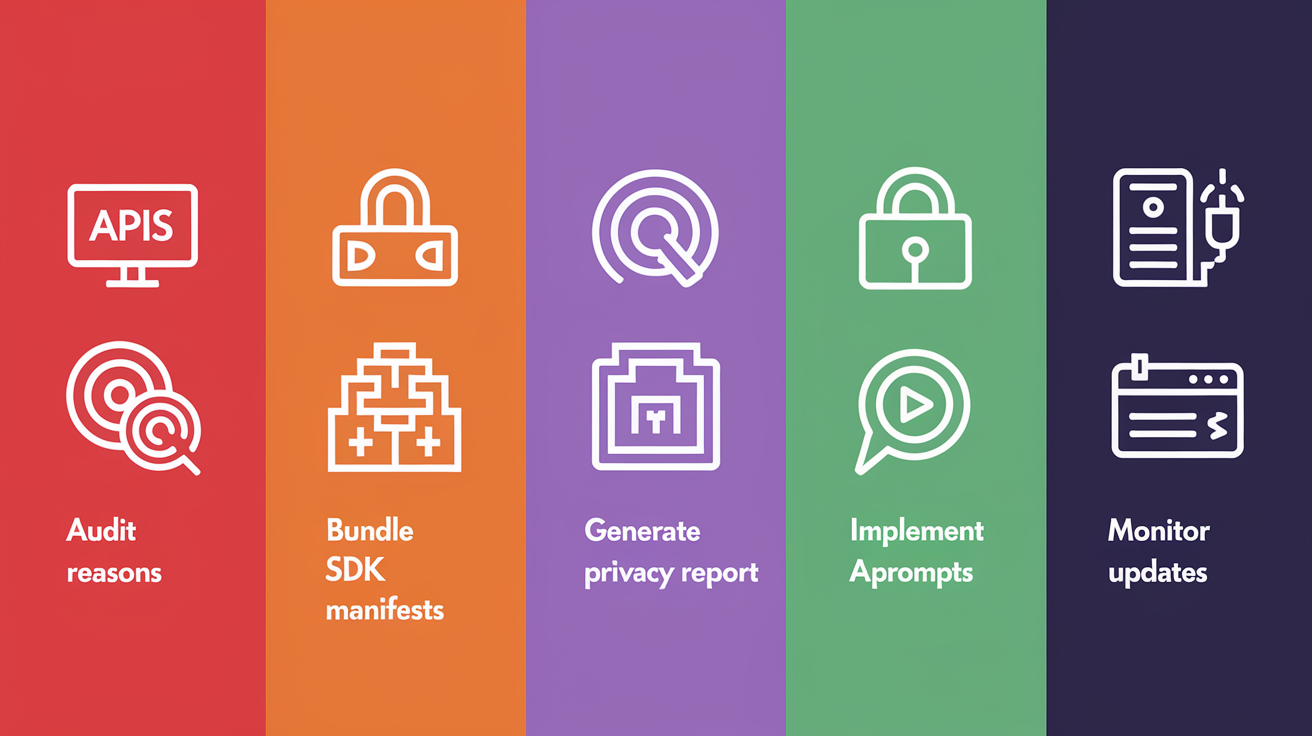
Six steps to achieve full compliance:
- Audit all API usage in your codebase. Scan for calls to file timestamp APIs (creationDate, modificationDate, stat), system boot time (systemUptime, machabsolutetime()), disk space (volumeAvailableCapacityKey, volumeTotalCapacityKey), active keyboard (ActiveInputNodes), and UserDefaults reads or writes.
- Declare reasons for every required reason API. Add a dictionary to NSPrivacyAccessedAPITypes with NSPrivacyAccessedAPIType set to the category name and NSPrivacyAccessedAPITypeReasons listing at least one approved reason code from Apple’s documentation.
- Bundle SDK manifests for all third party dependencies. Verify that every third party SDK on Apple’s commonly used SDK list includes its own PrivacyInfo.xcprivacy. If distributing a static library, use Xcode 15 or later, set the Mach O type to “Static Library,” and add the manifest to the target’s bundle resources.
- Generate and review the combined privacy report. After archiving go to Product → Archive, control click the archive in Organizer, and choose Generate Privacy Report to save the aggregated manifest data. Compare it against your Privacy Nutrition Label metadata in App Store Connect.
- Implement single step ATT consent prompts. Add NSUserTrackingUsageDescription to Info.plist with a clear explanation of why tracking is necessary. Request permission using the ATT framework before attempting any cross app or cross site tracking. Avoid duplicative consent flows that regulators have labeled harmful.
- Set up internal monitoring for policy updates. Subscribe to App Store Connect announcements, monitor Apple Developer News, and schedule quarterly reviews of your manifest and label accuracy to catch newly added required reason API categories or enforcement expansions.
Consent prompts must align with ATT’s opt in requirement. You can’t gate core app functionality behind tracking permission, and you can’t retry the permission prompt after a user denies it unless the user later toggles the setting in iOS privacy controls. If NSPrivacyTracking is true, network requests to domains listed in NSPrivacyTrackingDomains will fail at runtime until the user grants permission, so test your app’s behavior in both granted and denied states. Data minimization is also enforced at the manifest level: declare only the data types you actually collect, and limit collection to what’s necessary for declared purposes. Vendor contracts should require that any third party SDK you integrate provides a valid PrivacyInfo.xcprivacy and keeps it updated as Apple expands the list of required reason APIs.
Third Party SDK Risks and Privacy Manifest Obligations

Third party SDKs introduce compliance risk because App Store Connect aggregates their manifests into your app’s combined privacy report. If an SDK you bundle calls a required reason API (file timestamps to log events, disk space checks for caching, UserDefaults for analytics preferences) and that SDK lacks a PrivacyInfo.xcprivacy or omits the required NSPrivacyAccessedAPITypeReasons entry, your app is rejected at submission even if your own code is compliant. Apple maintains a commonly used SDK list, and every SDK on that list must ship with a manifest. If you integrate one of those SDKs without verifying its manifest, you own the rejection.
SDK behavior also affects Privacy Nutrition Labels. When Xcode generates the combined privacy report, it merges data type declarations from all bundled SDKs. If an SDK collects device identifiers for analytics but doesn’t declare NSPrivacyCollectedDataType in its manifest, your label will underreport data collection, triggering a mismatch audit and potential post release takedown. Static libraries pose an additional challenge: to include a manifest in a static library, you must use Xcode 15 or later, create a framework target, set the Mach O type build setting to “Static Library,” and add the manifest to the target’s bundle resources. Older build configurations that skip these steps leave the SDK’s API usage undeclared.
Five common SDK related pitfalls:
- Integrating an SDK from Apple’s commonly used SDK list without verifying it includes a PrivacyInfo.xcprivacy file, leading to automatic App Store Connect rejection.
- Using a static library SDK built with Xcode 14 or earlier, which can’t bundle a manifest and leaves required reason API calls undeclared.
- Accepting an SDK’s manifest at face value without auditing whether the declared NSPrivacyAccessedAPITypeReasons match the SDK’s actual runtime behavior, risking label inaccuracy.
- Failing to update an SDK when Apple expands the required reason API list, causing a previously compliant SDK to become non compliant and block your next app update.
- Bundling multiple analytics or ad SDKs that each declare tracking usage (NSPrivacyTracking set to true) without consolidating NSPrivacyTrackingDomains, resulting in incomplete domain lists and failed network requests after ATT denial.
Navigating the App Store Appeal Process After a Privacy Enforcement Action
When App Store Connect rejects your app for a privacy manifest violation, the rejection notice includes a specific reason: missing NSPrivacyAccessedAPITypeReasons for a file timestamp API, an unlisted third party SDK, or a mismatch between your Privacy Nutrition Label and the generated privacy report. The first step is to read the reason carefully and locate the exact key or SDK causing the issue. Most rejections are resolved by updating the manifest, adding the missing SDK’s PrivacyInfo.xcprivacy, or correcting the label metadata in App Store Connect, then resubmitting the build. There’s no formal appeal for automated manifest rejections because the system applies a binary test: either the required keys are present and valid, or they’re not.
For post release enforcement actions (an app pulled from the store due to a privacy audit or a notice that your account is under review) you respond through App Store Connect’s Resolution Center. Apple typically provides a description of the violation (undeclared data collection, misleading label, prohibited tracking behavior) and a deadline to submit a corrected build or explanation. You can upload a new binary with an updated manifest, revise your Privacy Nutrition Label to match actual data practices, or remove the offending SDK. If you believe the enforcement action is a mistake, you include a written explanation with supporting evidence (Xcode privacy reports, SDK vendor documentation confirming manifest accuracy, screenshots of your ATT prompt implementation) and request a manual review. Apple’s response time varies, but most developers receive a decision within a few business days.
For account suspensions or terminations, the appeal process is more formal. You submit an appeal through your Apple Developer account dashboard, explaining the steps you’ve taken to achieve compliance and demonstrating that the violation was unintentional or has been fully remediated. Account terminations for deceptive practices or systematic evasion of privacy rules are rarely overturned, but suspensions for first time or technical violations can be lifted if you provide a credible compliance plan and updated builds. The key is specificity: generic promises to “improve privacy” carry no weight, but a detailed audit showing corrected manifest keys, removed non compliant SDKs, and revised consent flows gives reviewers a concrete basis to reinstate your account.
Timelines, Deadlines, and Monitoring for Future Privacy Policy Enforcement
Enforcement of Apple Privacy Manifest began May 1, 2024, when App Store Connect started automatically rejecting new apps that failed to declare required reason API usage. Developers received advance notice starting March 13, 2024, when Apple began contacting teams whose uploaded apps needed clearer data collection explanations. That two month window gave most developers time to audit API usage, create manifests, and test submission flows before the hard cutoff. Apple has announced plans to expand enforcement to cover the entire app binary in the future, moving beyond the initial scope of known required reason APIs to inspect all API calls for undeclared privacy sensitive behavior.
The current enforcement phase focuses on new app submissions and updates. Existing apps already on the App Store are subject to periodic audits, but Apple hasn’t published a fixed schedule for when those audits occur or how apps are selected. Developers should assume any app can be flagged at any time and should treat every update as an opportunity to verify manifest accuracy. Internal compliance timelines should include quarterly reviews of SDK dependencies, especially for analytics and ad libraries that frequently update their data collection practices. When an SDK vendor releases a new version with updated manifest keys or additional required reason declarations, integrating that version before your next App Store submission prevents rejection and keeps your Privacy Nutrition Label current.
Three monitoring strategies to stay ahead of enforcement changes:
- Subscribe to Apple Developer News and App Store Connect release notes. Apple publishes updates to required reason API categories, commonly used SDK lists, and enforcement timelines through official channels. Automated email alerts ensure you don’t miss announcements.
- Schedule quarterly SDK audits. Review every third party dependency for manifest completeness, check vendor changelogs for privacy related updates, and test the combined privacy report generated by Xcode to catch undeclared API usage before submission.
- Set calendar reminders aligned with Apple’s historical enforcement cadence. Major policy changes have historically rolled out in spring (May 2024 manifest enforcement) and fall (aligned with iOS releases). Planning internal compliance reviews one month before those windows reduces last minute scrambles.
Final Words
In the action, we walked through Apple’s tighter privacy rules: mandatory privacy manifests, ATT opt‑in checks, automated App Store Connect scans, enforcement timelines, and recent regulatory fines.
This matters because inaccurate manifests and unchecked SDKs can now trigger enforcement. Developers should update manifests, align consent flows, and add regular monitoring to avoid surprises.
Bottom line: prioritize manifest updates, vet third‑party SDKs, and run quick audits—Apple app privacy policy enforcement changes and penalties are real but manageable with a short, focused compliance plan.
FAQ
Q: What to avoid when using an iPhone?
A: What to avoid when using an iPhone is installing apps from untrusted sources, granting wide permissions, skipping updates, jailbreaking, and using weak passcodes; these actions raise privacy and security risks.
Q: What apps did Apple warn users to delete?
A: Apple warned users to delete apps that collect data without clear consent, contain malware or ad fraud, or come from unverified installers; remove any app Apple flags in privacy or security notices.
Q: Can Apple see my photos?
A: Apple cannot view your photos by default; apps need permission and iCloud Photos sync stores images on Apple’s servers. Apple may access synced photos only with user settings enabled or under legal requests.
Q: How do apps track you?
A: Apps track you by collecting identifiers (IDFA), location, device signals, and activity through SDKs, cookies, or fingerprinting. On iOS, App Tracking Transparency requires opt‑in consent before cross‑app tracking.