
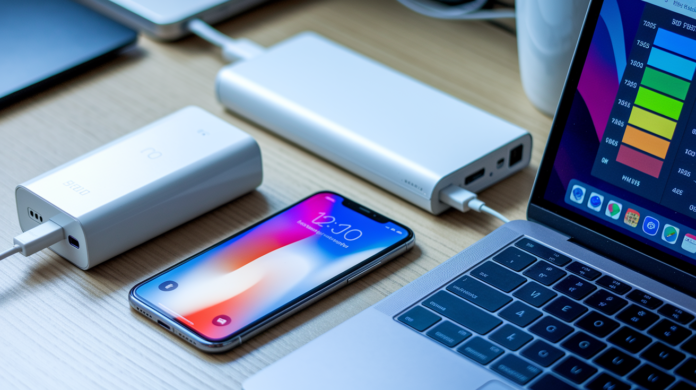

Think the mAh number on a spec sheet tells you how long a device lasts?
It doesn’t — capacity is the size of the tank; battery life is how far you can drive.
This short guide shows how to convert mAh into watt-hours, why lab “up to X hours” tests often miss real use, and which real-world factors (screen, workload, temperature, conversion losses) eat runtime.
You’ll get a quick method to estimate realistic hours and simple checks to spot misleading life claims before you buy.
Understanding Battery Capacity Numbers vs Real-World Usage Time
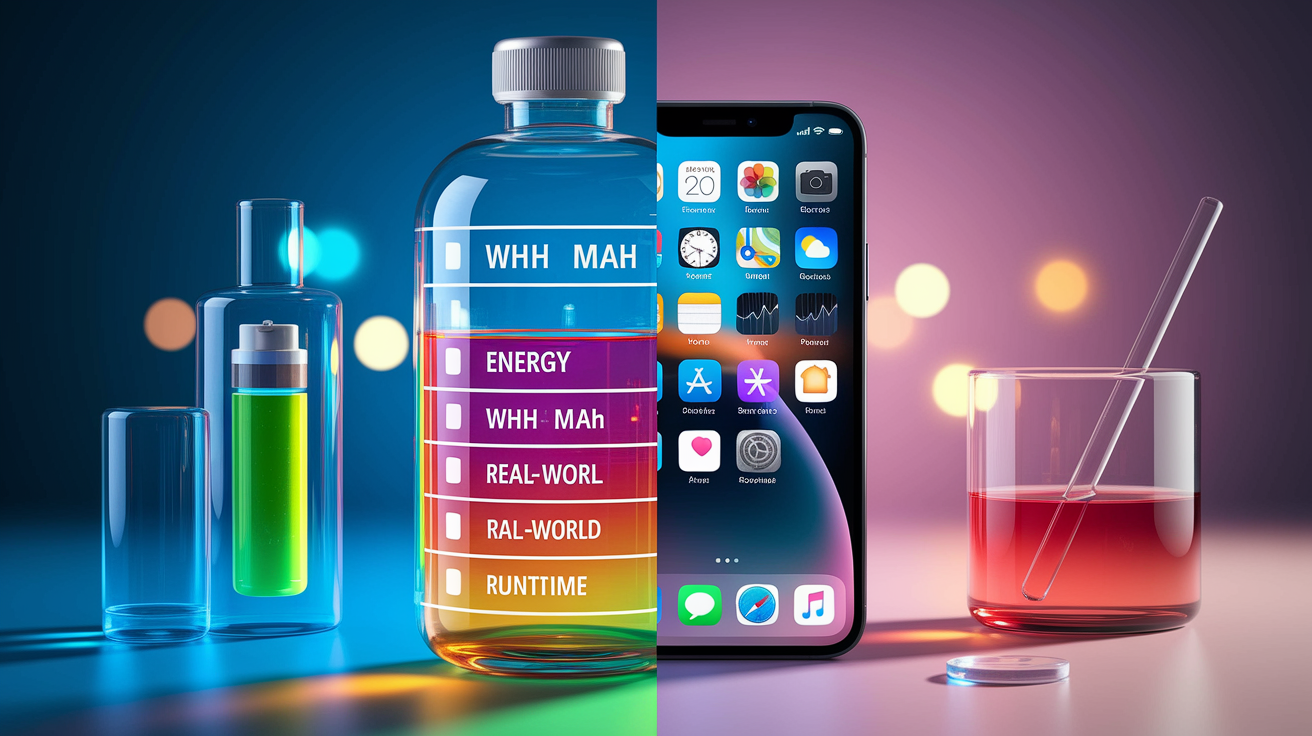
Battery capacity and actual usage time aren’t the same thing. Capacity tells you the size of the tank. Battery life tells you how long you can drive on it. Manufacturers slap milliampere-hours (mAh) or watt-hours (Wh) on the label, but those numbers alone won’t predict how many hours your phone survives. To convert mAh into energy, use Wh = (mAh × V) ÷ 1,000. A 4,000 mAh battery at 3.7 V delivers 14.8 Wh. Runtime depends on how much power your device pulls: a 5,000 mAh battery at 3.7 V equals 18.5 Wh, and if your device draws 5 W, you’re looking at roughly 3.7 hours (18.5 Wh ÷ 5 W).
Manufacturers get those “up to X hours” numbers by testing under controlled lab conditions. Low screen brightness. Minimal background activity. Stable room temperature. Often just a single simple task like video playback at low resolution. Those benchmarks work for comparing devices on the same test, but they rarely match what you’ll actually see. A laptop rated for 12 hours might hit that number during an idle web-browsing script but drop to 7 hours under normal workloads with higher brightness and multiple apps running.
Real-world measurements differ because actual usage introduces variables the test ignores. Your screen’s brighter, you switch apps, the processor ramps up and down, wireless radios scan for networks, ambient temperature fluctuates. Power banks add another gap: conversion losses between the pack and your device can remove 10–30% of the advertised capacity. A 10,000 mAh power bank may deliver only 7,000–9,000 mAh of usable charge to your phone.
Five reasons capacity doesn’t equal usage time:
- Voltage conversion losses when charging or stepping down voltage reduce usable energy
- Workload variability changes processor and GPU power draw second by second
- Display power consumption scales with brightness, refresh rate, and resolution
- Temperature extremes slow chemical reactions in cold or speed up degradation in heat
- Efficiency losses from inverters, charging circuits, and internal resistance
Key Battery Capacity Concepts That Shape Actual Runtime
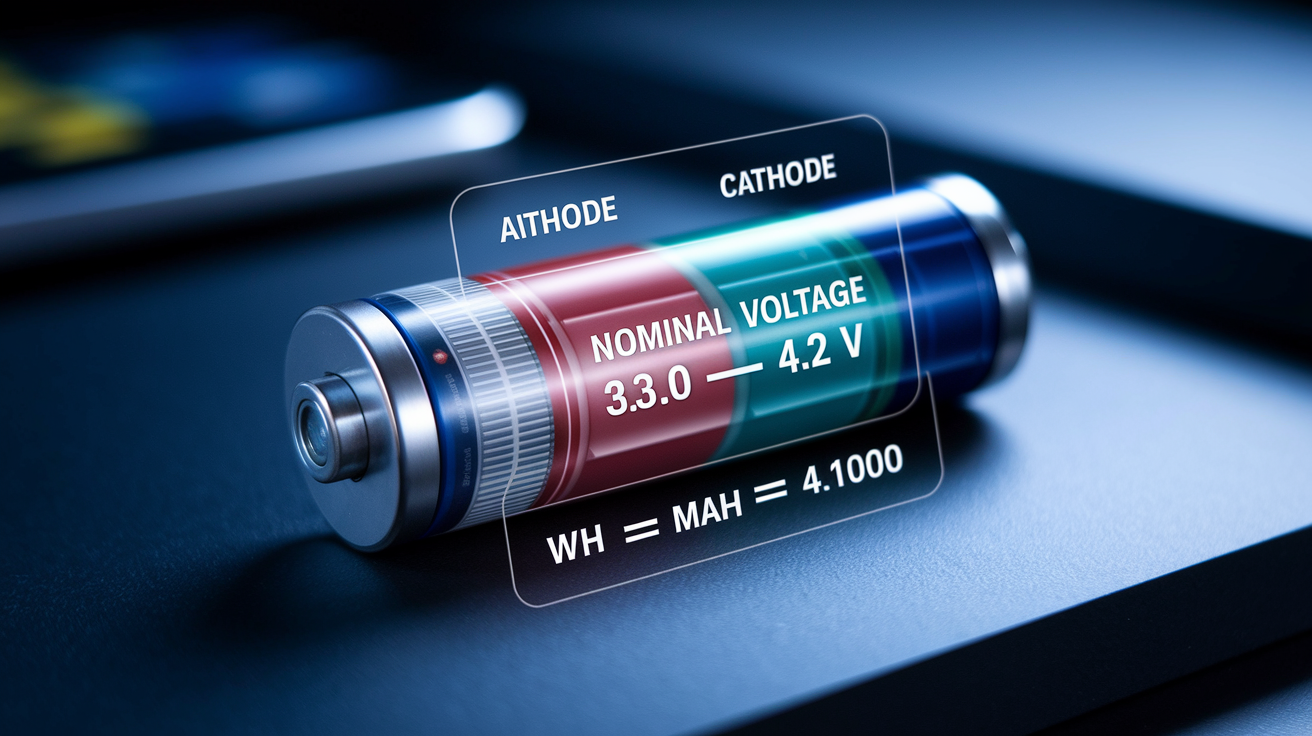
Rated capacity is the manufacturer’s nominal number, measured at a specific discharge rate and temperature. Usable capacity is lower because you rarely discharge a battery from 100% to 0% without damage, and internal resistance plus conversion circuits burn energy as heat. Depth of discharge (DoD) defines how much of the rated capacity you actually use: an 80% DoD on a 10 kWh battery leaves 8 kWh available. Nominal voltage for lithium-ion cells is typically 3.7 V, but cells operate across a range (around 3.0 V when nearly empty to 4.2 V when full). The voltage you plug into the Wh calculation affects the result.
Watt-hours capture total energy better than mAh because they include voltage. A 5,000 mAh battery at 3.7 V and a 5,000 mAh battery at 5 V store different amounts of energy (18.5 Wh vs 25 Wh). Using Wh lets you compare across chemistries and voltages directly. Even after you calculate Wh, real usable energy is lower. Inverter losses, heat dissipation, and battery management overhead each claim a slice. A 56 Wh laptop battery might deliver only 50–53 Wh to components. These efficiency losses compound as energy moves through conversion stages.
| Label | Meaning | Practical Importance |
|---|---|---|
| Rated Capacity | Manufacturer spec at ideal conditions | Starting point for estimates; assume real usable is 5–15% lower |
| Usable Capacity | Energy available after DoD and losses | Determines actual runtime; accounts for safe discharge limits |
| Nominal Voltage | Average operating voltage (e.g., 3.7 V for Li-ion) | Needed to convert mAh → Wh; varies by chemistry |
| System Efficiency | Fraction of stored energy delivered to load | Inverter, heat, and BMS losses reduce delivered Wh by 5–20% |
How Manufacturers Test and Report Battery Life vs Real Conditions

Standardized lab tests run devices through repeatable scripts in climate-controlled chambers. Screen brightness is locked at a fixed nit level (often 150–200 nits), Wi-Fi may be enabled but not actively downloading, cellular radios are sometimes disabled, and the device loops a single task until shutdown. Video playback. Static webpage reload. Idle timer. Temperature stays near 20–25°C. These conditions eliminate variables and let one model be compared directly to another. But the test doesn’t simulate mixed email, messaging, gaming, and streaming.
Synthetic benchmarks measure one dimension at a time. A video-playback loop stresses the display and media decoder but leaves the CPU mostly idle. A web-browsing script refreshes a page every few seconds, exercising the network stack and browser engine but not gaming shaders or camera sensors. Each test produces a number. Vendors or reviewers report “12 hours video playback” or “8 hours web browsing,” but neither number predicts how long the battery lasts during a typical day. Some reviewers script gaming sessions at locked frame rates to measure high-drain scenarios, yet real gaming varies frame-to-frame.
Reviewer test variability adds another layer. One outlet may use airplane mode and 50% brightness. Another uses Wi-Fi on and auto brightness locked at 200 nits. The task mix differs: one runs YouTube at 1080p30, another at 4K60. Results can swing by hours depending on setup. “10 hours” from one reviewer and “7 hours” from another can both be accurate under their respective conditions. Without matching test details, comparing numbers across sources is unreliable.
Four critical test-condition variables to check:
- Screen brightness (measured in nits or percentage; affects display power draw significantly)
- Workload type (idle, video codec, interactive browsing, gaming, or productivity apps)
- Network state (airplane mode, Wi-Fi only, or active cellular with background sync)
- Ambient temperature (controlled lab temp vs real-world seasonal variation)
Converting Battery Capacity Into Realistic Usage Estimates

Start by converting the battery’s mAh rating into watt-hours using the nominal voltage. For lithium-ion devices, assume 3.7 V unless the spec sheet states otherwise. Multiply mAh by voltage, then divide by 1,000: a 4,000 mAh phone battery becomes (4,000 × 3.7) ÷ 1,000 = 14.8 Wh. Next, estimate your device’s average power draw in watts. A smartphone under typical mixed use draws roughly 1.5–2.5 W. A laptop doing web work draws 8–15 W. Divide the battery’s Wh by the power draw to estimate hours: 14.8 Wh ÷ 2 W = 7.4 hours.
Five steps to calculate realistic runtime:
- Find the battery capacity in mAh and nominal voltage. Check the product page, teardown, or regulatory label.
- Convert to Wh: Wh = (mAh × V) ÷ 1,000.
- Estimate device power draw by researching reviews, using a USB power meter, or checking similar devices.
- Divide Wh by watts to get theoretical runtime in hours.
- Subtract 10–20% for real-world losses. Screen variability, background tasks, and efficiency overhead reduce the usable figure.
A manufacturer claims a 56 Wh laptop lasts 12 hours. Under their test, the laptop ran a light web script at low brightness, drawing roughly 56 Wh ÷ 12 h ≈ 4.7 W. In practice, web browsing with multiple tabs, email sync, and medium brightness pulls closer to 8 W. Realistic runtime is 56 Wh ÷ 8 W = 7 hours. The 12-hour claim is technically accurate under the narrow test condition but misleading for daily use. Always compare the test workload to your workload before trusting the advertised number.
Real-World Factors That Reduce Battery Life

Display components eat a large share of total power, often 30–50% during active use. Higher brightness scales power draw nearly linearly: moving from 25% to 100% brightness can double display power. Resolution and refresh rate compound the effect. A 4K panel uses more energy than 1080p for the same image, and a 120 Hz refresh drains faster than 60 Hz because the GPU and display controller render and push frames twice as often. OLED screens draw less power displaying dark content and more on bright whites, while LCDs backlight the entire panel regardless of pixel color. Choosing a lower resolution or refresh rate when battery matters can extend runtime noticeably.
Processor and system-on-chip (SoC) load fluctuates with the task. Streaming video or scrolling feeds keeps the CPU and GPU moderately busy. Gaming, rendering, or compiling code pushes them to peak power, sometimes pulling 10–20 W in a laptop or 3–5 W in a phone. Background apps and operating-system services add baseline draw even when the screen is idle. Email sync, location services, cloud backups, notifications, and software updates each claim milliwatts to watts depending on activity. Network radios scanning for Wi-Fi or switching between cellular towers consume extra energy, especially in areas with weak signal where the modem boosts transmit power repeatedly.
Environmental conditions change battery chemistry and internal resistance. High temperatures speed up degradation and can reduce cycle life by up to 40%, but they also lower internal resistance temporarily, sometimes masking capacity loss until the battery cools. Cold temperatures slow lithium-ion reactions, increasing internal resistance and reducing available capacity: a battery that delivers 100% capacity at 20°C may drop to 70–80% at 0°C. Leaving a device in a hot car or using it outdoors in winter shifts the runtime curve away from lab specs. Charge rate also affects long-term health. Fast charging generates heat and can promote lithium plating, raising internal resistance and shortening the total number of cycles before the battery hits end-of-life thresholds.
Battery Health, Degradation, and Long-Term Capacity Loss

State of Health (SOH) measures current capacity as a percentage of original rated capacity: SOH = (current capacity ÷ original capacity) × 100%. A new battery starts at 100% SOH. After use, capacity declines. Industry convention defines end-of-life (EOL) around 80% SOH, meaning the battery retains only 80% of its original energy storage. Cycle count tracks full charge–discharge cycles: one cycle equals using 100% of rated capacity, whether in a single session or spread across partial charges. A battery rated for 2,000 cycles that’s completed 1,200 cycles has roughly 800 cycles remaining, though degradation is non-linear and accelerates toward EOL.
Deep discharge and high charge rates speed up capacity loss. Discharging below manufacturer-recommended thresholds (often 20% remaining) and frequently topping up to 100% both stress the cells. Fast charging pushes high current through the battery, generating heat and increasing internal resistance over time. Keeping charge between 20% and 80% when possible extends total cycle life. Temperature extremes compound these effects: charging or discharging at high temperatures degrades the electrolyte and separator layers faster, sometimes reducing cycle life by 20% or more compared to controlled conditions.
| Degradation Factor | Quantitative Effect | Practical Outcome |
|---|---|---|
| High Temperature (>30°C sustained) | Cycle life reduced by up to 40% | Battery reaches 80% SOH faster; total usable years drop |
| Deep Discharge (<20% regularly) | Remaining cycles reduced by 20% or more | Fewer total cycles before replacement; faster capacity fade |
| Fast Charging (>1C rate) | Internal resistance increases; lithium plating risk | Lower usable capacity over time; heat generation during charge |
| Age (calendar time even if unused) | Gradual capacity loss (typically 2–5% per year) | Old batteries deliver less energy even with low cycle count |
Tools, Apps, and Review Methods for Measuring Real Battery Life
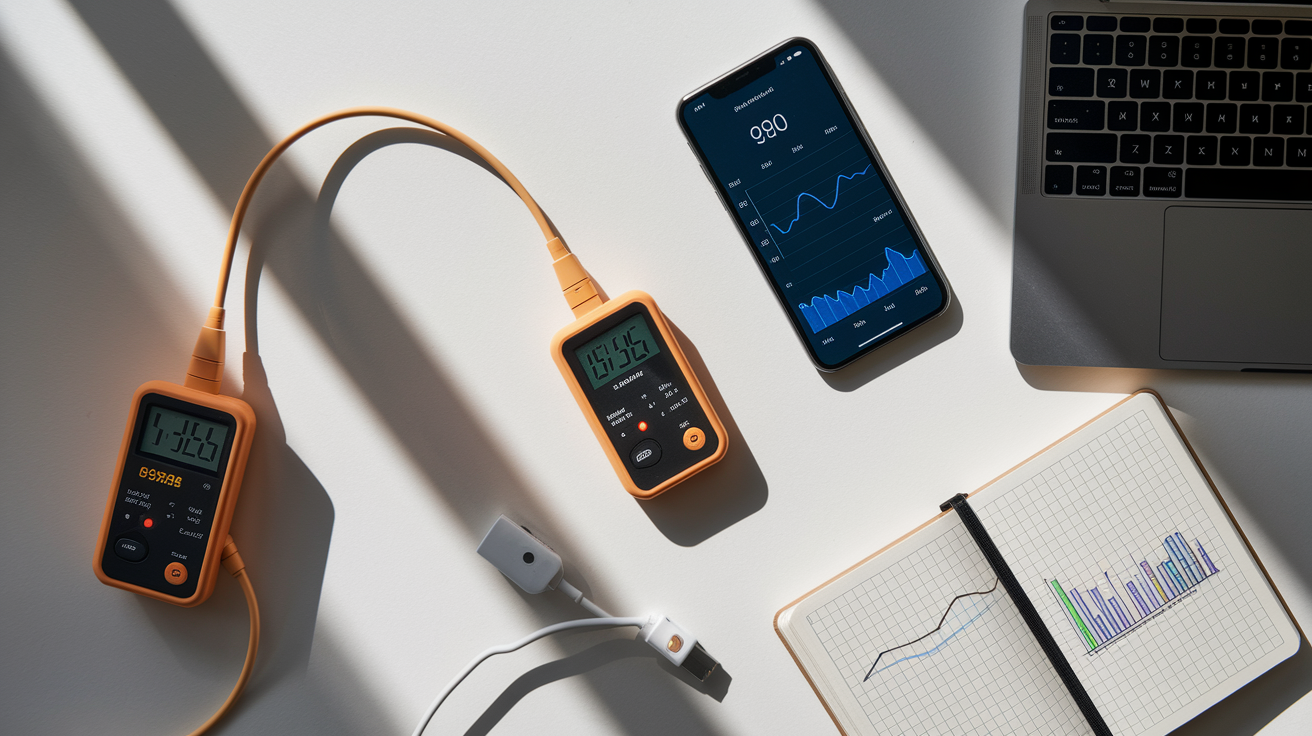
Reviewers standardize testing by scripting repeatable workloads and logging runtime until shutdown. A common video-playback test loops an offline HD or 4K video file with the screen set to a calibration target (often 150 or 200 nits), Wi-Fi on, and all background tasks disabled. The timer starts at 100% charge and stops when the device powers off. Web-browsing loops reload a set of static pages at fixed intervals, simulating moderate interactive use without the variability of live browsing. Gaming tests lock frame rate and resolution, then run a benchmark scene or scripted gameplay until the battery dies. Each method isolates variables but represents only one use case.
Third-party apps and built-in battery monitors track real-world consumption by logging app-level power draw, screen-on time, and charge cycles. On smartphones, utilities like AccuBattery (Android) or the built-in Battery section (iOS) estimate mAh used per session and display charge/discharge rates. Laptops running Windows report battery drain in the Battery settings or PowerCfg utility. macOS Activity Monitor shows energy impact by app. Dedicated USB power meters placed inline with the charging cable measure actual wattage flowing in or out, providing ground-truth data independent of software estimates. Combining app logs with metered measurements reveals which tasks drain the battery fastest and whether manufacturer claims align with observed performance.
Six testing tools and methods to validate battery life:
- Video-loop test at controlled brightness and codec (offline file eliminates network variance)
- Web-browsing script with fixed page-reload interval and known page weight
- Gaming benchmark with locked settings (resolution, frame rate, quality preset)
- Battery-monitor apps (AccuBattery, CoconutBattery, BatteryInfoView) for real-time logging
- USB power meters (inline hardware) to measure charge/discharge wattage directly
- Manual mixed-use tracking recording screen time, task mix, and time to shutdown over multiple days
Comparing Manufacturer Claims vs Realistic Runtime: Worked Examples

A smartphone with a 4,000 mAh battery at 3.7 V holds (4,000 × 3.7) ÷ 1,000 = 14.8 Wh. The manufacturer claims “up to 48 hours,” measured under standby conditions with the screen off, airplane mode on, and minimal background tasks. Active use is different: typical mixed tasks (messaging, browsing, social media) draw 300–500 mA on average. Using 400 mA as a midpoint, runtime is 4,000 mAh ÷ 400 mA = 10 hours of continuous screen-on time. If you use the phone intermittently across a day with the screen off between sessions, 48 hours is possible. But 8–12 hours of active use is the realistic expectation. The “48 hours” claim is accurate only in the narrow standby scenario.
A laptop advertises 12 hours of battery life with a 56 Wh pack. The test used an automated web-browsing script at 150 nits brightness, drawing roughly 56 Wh ÷ 12 h ≈ 4.7 W. Real-world web work with multiple tabs, video calls, and medium-to-high brightness pulls 8–12 W. At 8 W, runtime drops to 56 Wh ÷ 8 W = 7 hours. At 12 W it falls to 56 ÷ 12 ≈ 4.7 hours. The 12-hour claim holds under light, controlled conditions but collapses under normal workloads. Check the test workload description and compare it to your planned use.
A 10,000 mAh power bank at 3.7 V contains (10,000 × 3.7) ÷ 1,000 = 37 Wh. Charging a 3,000 mAh phone (11.1 Wh at 3.7 V) should theoretically provide 37 Wh ÷ 11.1 Wh ≈ 3.3 full charges. In practice, voltage conversion from the power bank’s cells (typically 3.7 V) to USB output (5 V, 9 V, or 12 V) introduces 10–20% loss, and charging the phone’s battery adds another 5–10% loss. Total efficiency is roughly 70–80%. Usable energy delivered is closer to 37 Wh × 0.75 = 27.75 Wh, yielding 27.75 ÷ 11.1 ≈ 2.5 full charges instead of 3.3. The headline “10,000 mAh” number is accurate for the cells inside the pack but misleading about how much actually reaches your device.
Key takeaways from these examples:
- Standby and active-use claims refer to completely different scenarios; distinguish them
- Manufacturer test workloads are often lighter than real tasks; check stated brightness and task type
- Conversion losses and efficiency overhead reduce usable capacity, especially in power banks and multi-stage systems
- Realistic runtime is typically 50–70% of the headline claim under normal mixed-use conditions
Practical Tips to Evaluate Battery Specs Before Buying
Reading a spec sheet carefully reveals whether a claim is grounded or inflated. Start by converting any mAh figure into Wh using the device’s nominal voltage so you can compare energy capacity across products. Ask the manufacturer or check detailed reviews for the test conditions behind runtime claims: screen brightness level (in nits or percentage), workload type (video, web, idle), network state (Wi-Fi, cellular, airplane mode), and ambient temperature. If those details are missing, treat the claim as a best-case lab number rather than a real-world average. For batteries with user-replaceable cells or integrated packs in laptops and power tools, request the usable Wh at a specific depth of discharge. 80% DoD is common for lithium-ion, so a 10 kWh rated pack yields roughly 8 kWh usable.
Seven quick checks to evaluate battery specs:
- Convert mAh to Wh using nominal voltage and compare energy capacity, not just mAh
- Request or verify test conditions: brightness, workload, network, and temperature used for runtime claims
- Look for cycle-life rating and the manufacturer’s definition of end-of-life (commonly 80% SOH)
- Check for stated efficiency losses (inverter, charging, voltage conversion) and subtract those from rated capacity
- Confirm whether quoted capacity is nominal or usable (some vendors list usable Wh after DoD adjustment)
- Prefer devices with accessible battery health metrics (cycle count, SOH percentage, internal resistance) via software or BMS
- Review independent third-party testing from outlets that publish their full test methodology and measured runtimes
Final Words
You learned the practical math—what mAh measures, how to convert mAh to Wh, and how that maps to runtime estimates using simple division by watts.
We also unpacked how manufacturers test devices, why lab “up to” numbers overstate everyday performance, and which real-world factors cut usable capacity. Worked examples, tools, and a short checklist showed how to turn specs into realistic expectations.
Use the steps here to judge claims and ask for usable Wh; knowing how to read battery capacity vs real-world battery life claims helps you pick devices that actually last.
FAQ
Q: How to interpret battery capacity?
A: To interpret battery capacity, read mAh as stored charge and Wh as stored energy (Wh = mAh × V ÷ 1000). Convert to device power draw to estimate real runtime.
Q: Is 100Wh the same as 20000mAh?
A: 100Wh equals 20000mAh only if the assumed voltage makes the math match; Wh = (mAh × V) ÷ 1000. At 3.7 V, 20000mAh ≈ 74Wh, not 100Wh.
Q: What does 7000mAh mean?
A: 7000mAh means the battery can supply 7000 milliamps for one hour at its nominal voltage; convert to Wh (mAh × V ÷ 1000) to compare actual energy.
Q: Is battery capacity the same as battery life?
A: Battery capacity is not the same as battery life; capacity (mAh/Wh) shows stored energy, while life or runtime depends on device power draw, settings, temperature, and conversion losses.