

Can your carrier still map your every move even when you’ve turned off Location Services?
iOS 26.3 adds a carrier-level “Limit Precise Location” that tells Apple’s C1/C1X modems to report coarse tower data instead of street-level coordinates, reducing carrier triangulation to a neighborhood scale for participating networks.
This intro explains what the control does, who actually benefits (devices with Apple modems and signed-up carriers), what stays the same (emergency calls, app permissions), and why hardware and carrier limits mean many users won’t see full protection yet.
Core Changes to Location Data Handling in Apple’s Updated Privacy Policy

iOS 26.3 introduces “Limit Precise Location,” a carrier-level privacy control that cuts down how accurately wireless carriers can track your device through cell towers. Before this, carriers could pinpoint your location down to a street address even when you’d turned off Location Services. That’s a tracking layer app permissions never touched. The new setting drops that resolution from street level to neighborhood level, putting more control in your hands without messing with emergency calls, which still send exact coordinates to first responders.
The feature only works on devices with Apple’s custom cellular modems, the C1 or C1X chip. You’ll find those in the iPhone Air, iPhone 16e, and the cellular iPad Pro with M5. The iPhone 17 still uses a Qualcomm modem, so it can’t support the restriction. Carrier participation is just as limited at launch: in the U.S. only Boost Mobile has signed on. Verizon, AT&T, and T-Mobile users are out of luck. Germany’s Telekom, the UK’s EE and BT, and Thailand’s AIS and True round out the initial list.
The update lands against a backdrop of regulatory enforcement. In April 2024 the FCC hit Sprint/T‑Mobile, AT&T, and Verizon with nearly $200 million in combined fines for illegally sharing customer location data with third-party aggregators. One of those aggregators, LocationSmart, reportedly ran a public demo that could pinpoint most phones across North America. Apple’s new control doesn’t eliminate carrier tracking. But it makes building detailed movement profiles substantially harder by removing the finest layer of geospatial resolution.
What the update does and doesn’t change:
Building-level tracking drops to neighborhood-level for participating carriers. Find My, navigation, and app-based location sharing aren’t affected. Your per-app Location Services permissions stay exactly the same. GPS accuracy for applications continues working as before. Emergency services still get full precision when you dial 911. But you need both Apple-built modem hardware and explicit carrier cooperation, which means only a small subset of users get protection initially.
How Apple’s New Rules Affect Location Permissions and Controls

The carrier-level “Limit Precise Location” setting runs independently of the per-app “Precise Location” toggle you’ve controlled since iOS 14. When you grant an app access to your location, you still choose whether it gets exact GPS coordinates or only an approximate position. Those choices haven’t changed. The new control addresses a separate pathway: the inference carriers make from which towers your device connects to. That’s tracking that kept going regardless of whether you denied location access to every app on your phone or disabled Location Services entirely.
Emergency services keep full precision under all configurations. When you dial 911 or equivalent emergency numbers, your device sends exact coordinates to first responders. The carrier-level restriction doesn’t apply. Apple’s own services that depend on shared device positioning are unaffected too. Find My for locating lost devices, Family Sharing location features, turn-by-turn navigation. They all rely on device-side GPS and user-authorized sharing, not carrier triangulation data.
How the two permission layers differ in practice:
App-level permissions control whether individual applications can read GPS, Wi‑Fi, and Bluetooth signals to figure out where you are. The app-level “Precise Location” toggle lets you downgrade an app’s access from exact coordinates to approximate region. Useful for weather or local news apps that don’t need your street address. Carrier triangulation historically operated outside user control, inferring position from cell tower connections even when all Location Services were disabled.
The new carrier-level “Limit Precise Location” instructs the modem to transmit only coarse position data to the network. That reduces what carriers collect passively. Emergency overrides ensure precise coordinates always reach first responders, bypassing both the app and carrier privacy layers. Find My and system services stay unaffected because they use on-device location data, not the carrier’s inferred position from tower connections.
Technical Breakdown of Carrier Triangulation Under the Updated Policy
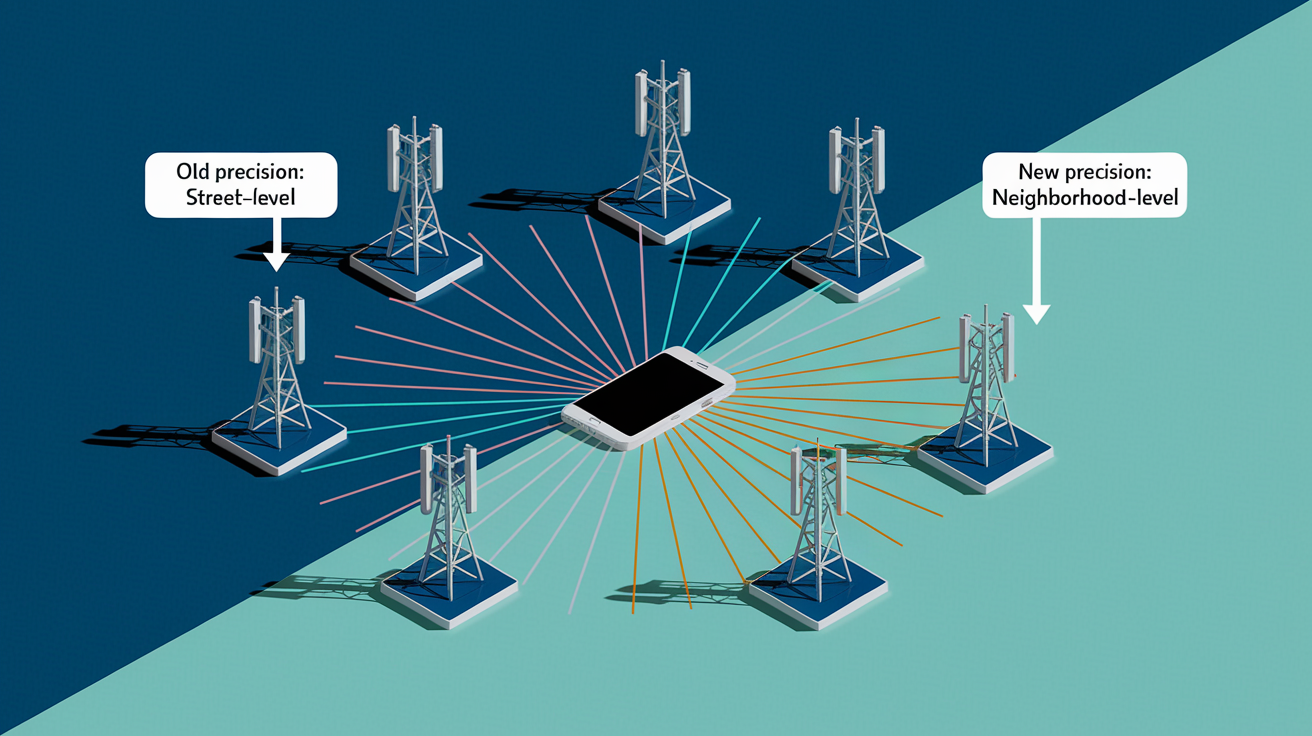
Carrier triangulation calculates device position by measuring signal strength and timing from multiple cell towers. Your phone constantly reports which towers it can see and the relative power of each connection. The network uses that metadata to estimate location. Historically this estimation reached street-address precision in urban areas with dense tower clusters. Carriers kept these inferred coordinates for network management, billing fraud detection, and in some cases resale to aggregators. All without requiring your permission because it was treated as operational data rather than a user-initiated service.
Apple’s “Limit Precise Location” tells the C1 or C1X modem to round or coarsen the radio-frequency measurements before sending them to the carrier. Instead of reporting exact signal timing offsets that allow triangulation to a few meters, the modem supplies only enough information to place you within a broader area. Roughly equivalent to a neighborhood or several city blocks. The carrier still knows you’re connected and can route calls and data. But it can’t construct a fine-grained movement path or figure out which building you’re inside. Because the restriction is enforced in hardware at the modem level, software alone can’t bypass it.
Android 15 introduced a parallel capability through the Location Privacy Hardware Abstraction Layer (HAL). In theory that allows the operating system to instruct modems to limit precision. In practice, most Android devices ship with Qualcomm, MediaTek, or Samsung Exynos modems that don’t honor those HAL commands. Modem vendors have to choose to cooperate, and most haven’t. Apple’s vertical integration gives it the control needed to enforce the restriction without relying on third-party chipmakers. That structural advantage explains why the feature isn’t available on Qualcomm-based iPhones like the 17.
| Carrier Technique | Old Precision | New Precision |
|---|---|---|
| Cell-tower triangulation using signal timing and strength | Street address or building level (5–50 meters in urban areas) | Neighborhood or district level (several hundred meters) |
| Passive connection metadata (tower handoffs, signal logs) | Continuous fine-grained movement path | Coarse zone transitions only |
| Emergency call location (E911 / E112) | Street address or building level | Unchanged, still street address or building level |
Device and Carrier Compatibility for Updated Location Data Handling
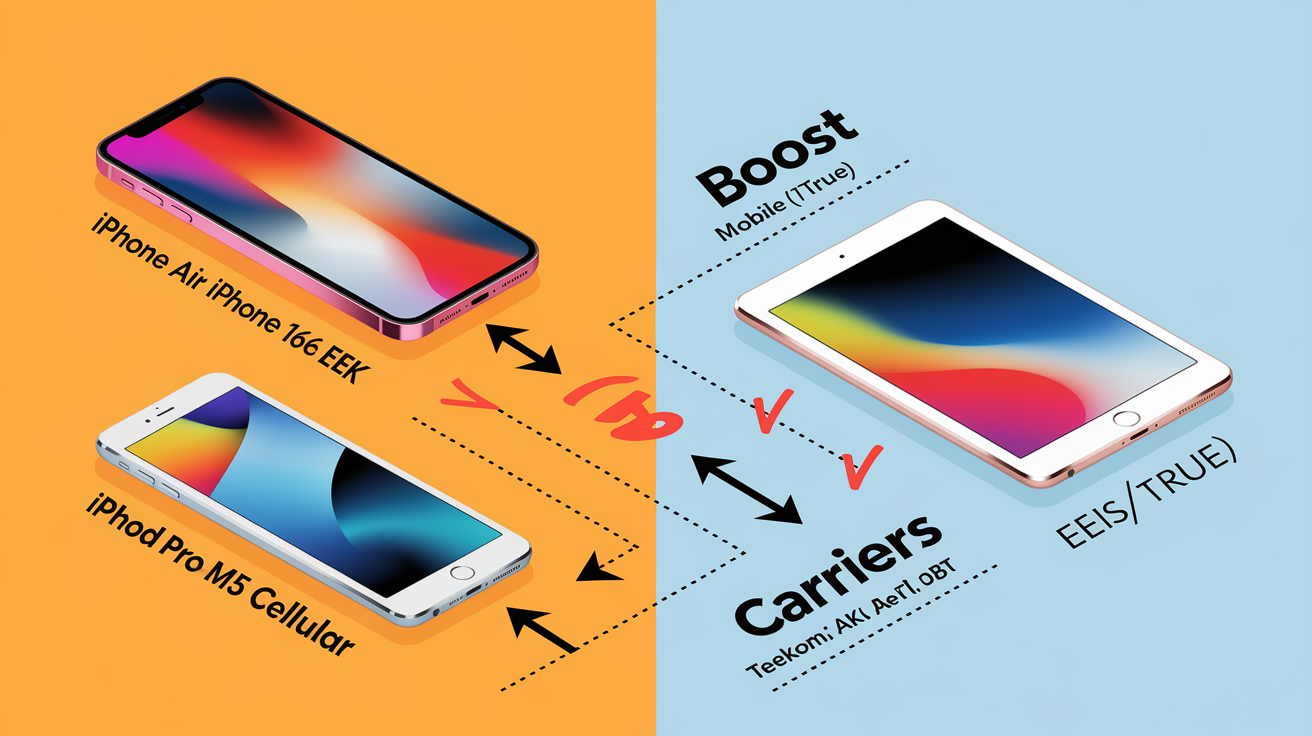
Support for “Limit Precise Location” is confined to devices that carry Apple’s internally designed cellular modems. At launch that’s the iPhone Air, iPhone 16e, and the Wi‑Fi + Cellular variant of the iPad Pro with M5 chip. The iPhone 17, despite running iOS 26.3, can’t enable the feature because it relies on a Qualcomm X75 modem. Apple doesn’t control the baseband firmware in third-party chips, so precision reduction can’t be enforced. This hardware dependency means millions of recent iPhones sit outside the protection boundary until Apple finishes its multi-year transition to in-house modems across the entire product line.
Carrier participation is equally selective. Even if your device has a C1 or C1X modem, the feature activates only if your wireless provider has implemented the corresponding network-side support. As of the iOS 26.3 release, participating carriers include Boost Mobile in the United States, Telekom in Germany, EE and BT in the United Kingdom, and AIS and True in Thailand. Major U.S. networks haven’t joined. Verizon, AT&T, and T-Mobile are all absent, leaving the bulk of American subscribers without carrier-level precision reduction regardless of which iPhone model they own.
| Device / Carrier | Support Status | Reason |
|---|---|---|
| iPhone Air, 16e; iPad Pro M5 cellular | Supported | Equipped with Apple C1 or C1X modem under Apple’s firmware control |
| iPhone 17 | Not supported | Uses Qualcomm X75 modem; Apple cannot modify baseband behavior |
| Boost Mobile (US), Telekom (DE), EE/BT (UK), AIS/True (TH) | Participating at launch | Network infrastructure updated to accept and honor coarse location data |
| Verizon, AT&T, T-Mobile (US) and most global carriers | Not participating | Have not implemented network-side support; feature remains inactive even on compatible devices |
Regulatory and Compliance Pressures Driving Apple’s Location Data Policies

In April 2024 the Federal Communications Commission wrapped up a multi-year investigation by fining the four largest U.S. wireless carriers a combined total approaching $200 million. The charge? Illegally selling real-time customer location data to third-party aggregators without meaningful consent. The FCC found that Sprint (later absorbed by T-Mobile), T-Mobile, AT&T, and Verizon had all provided location streams to intermediaries who resold access to bounty hunters, private investigators, and other actors with no legitimate law enforcement purpose. One aggregator, LocationSmart, operated a public-facing demo that could pinpoint nearly any mobile phone in North America by phone number. That capability existed because carriers treated triangulation data as a commodity rather than sensitive personal information.
That enforcement action formalized what privacy advocates had documented for years. Carrier-level location tracking operated in a regulatory gray zone where user permissions were considered unnecessary because the data was classified as network operations metadata. Apple’s “Limit Precise Location” directly addresses that gap by giving you a control that never existed before. It reduces the fidelity of what carriers collect in the first place, rather than relying on carriers to self-police how they handle precise data after the fact. The feature can’t prevent all carrier inference. But it sharply raises the cost of reconstructing detailed movement histories from tower logs.
Key regulatory events that shaped Apple’s policy:
April 2024 FCC fines totaling nearly $200 million against Sprint/T‑Mobile, AT&T, and Verizon for unlawful disclosure of customer location information to aggregators. The LocationSmart public demo that allowed anyone to query real-time phone locations, exposed in investigative reporting and cited in the FCC’s enforcement findings. Ongoing GDPR and CCPA scrutiny in Europe and California, where carriers face stricter consent requirements and where Apple’s update may ease compliance burdens by reducing the precision of data collected. Congressional pressure in the U.S. following reports that aggregators sold location data to immigration enforcement and other government buyers without warrants, prompting calls for baseline federal privacy legislation.
Developer Impact: Updating Apps for Apple’s New Location Privacy Framework

The carrier-level precision limitation doesn’t change how apps request or receive location data. Location Services APIs and the associated permission prompts stay identical. Developers who already handle approximate location gracefully won’t see any functional breakage. But apps that depend on carrier-provided location as a fallback or cross-check against GPS spoofing may need to adjust expectations. Particularly in markets where carrier participation is high and precise triangulation data is no longer available through backend partnerships or network-operator APIs.
Privacy policy updates may be necessary. If your app previously disclosed that “network-provided location” or “carrier-assisted positioning” could refine accuracy, that statement may no longer hold for users on participating carriers with supported devices. Retention policies should be reviewed too. If your backend logs included carrier-sourced coordinates for fraud detection or analytics, you may now receive only coarse zones from a subset of users. That requires adjustments to how you store and aggregate that data to avoid false positives or gaps in geofencing logic.
Fallback logic becomes more important when precise carrier signals are absent. Apps that use cell tower data to validate GPS readings or detect spoofing will need alternative checks. Comparing Wi‑Fi BSSID databases, cross-referencing accelerometer and compass data, or simply increasing tolerance thresholds in geofence triggers. In all cases, degrading gracefully when carrier precision isn’t available will deliver a better user experience than failing silently or flooding logs with false anomalies.
Developer Tasks to Maintain Compliance
Audit privacy policies for references to “network-provided location” or “carrier-assisted positioning.” Update language to reflect that precision may be limited by user settings and carrier participation. Review location fallback chains in code where carrier triangulation supplements GPS, ensuring logic handles coarse carrier data without breaking features like fraud detection or delivery tracking.
Adjust geofence radii and confidence thresholds to account for reduced carrier precision in regions with high adoption of the “Limit Precise Location” setting. Test on supported devices and carriers to confirm apps degrade gracefully when precise carrier signals are replaced with neighborhood-level zones. Update consent logging to record whether users have enabled carrier-level precision limits, ensuring audit trails reflect the full permission posture for regulatory compliance. Evaluate backend retention policies for carrier-sourced coordinates, reducing storage duration or anonymizing coarse data to align with GDPR and CCPA data minimization requirements.
User Experience Changes in Apple’s Updated Location Data Handling

Enabling “Limit Precise Location” adds a single toggle to the cellular settings menu, separate from the app-level Location Services controls most users already recognize. The new setting appears under Settings > Cellular > Cellular Data Options, where it sits alongside options for Low Data Mode and roaming preferences. Flipping the toggle on instructs the modem to transmit only coarse position data. Some devices prompt for a restart to ensure the modem firmware loads the new restriction, though many apply the change immediately once cellular registration refreshes.
Day-to-day use stays nearly unchanged. Apps continue requesting location permissions as they always have. You still choose between “While Using,” “Always,” or “Never” for each app, with the additional “Precise” sub-toggle controlling GPS accuracy. The carrier-level control operates silently in the background. No prompts, no location services icons in the status bar, no app-by-app granularity. Carriers simply receive less detailed position data. Which means you see no difference in app behavior but gain protection against passive tracking that previously ran unrestricted.
Steps to enable carrier-level precision limiting:
Open Settings on a supported device (iPhone Air, iPhone 16e, or iPad Pro M5 with cellular). Tap Cellular to open the cellular configuration menu. Select Cellular Data Options near the top of the screen. Locate the toggle labeled Limit Precise Location and switch it on. If prompted, restart the device to complete activation. Otherwise the setting takes effect within seconds as the modem re-registers with the carrier network.
Data Minimization and Privacy-Safe Location Techniques

Apple’s carrier-level precision limit exemplifies data minimization. Collecting only what’s necessary for the task at hand. Carriers still receive enough signal data to route calls, manage handoffs between towers, and provide emergency location to first responders. But they no longer accumulate street-level breadcrumbs that can be aggregated into detailed movement histories. For developers, the same principle applies to app-collected location. Storing coordinates at the finest resolution “just in case” creates liability and privacy risk. Rounding to the precision actually required for a feature reduces both exposure and storage costs.
Secure storage stays essential regardless of precision. Even neighborhood-level coordinates, when logged over weeks or months, can reveal home addresses, work locations, and behavioral patterns. Encrypting location logs at rest, rotating encryption keys regularly, and setting automatic deletion windows ensure a data breach or subpoena surfaces only the minimum historical footprint. Pseudonymization adds another layer. Replacing user identifiers with one-way hashes before storing coordinates makes it harder to link location histories to named individuals without access to the original identifier mapping.
| Technique | Purpose | When to Use |
|---|---|---|
| Coordinate rounding (e.g., storing only to 2 decimal places) | Limits precision to ~1 km, sufficient for weather or regional content | Apps that need general area but not exact address |
| Pseudonymization (hashing user IDs before logging coordinates) | Prevents direct linkage of location history to named accounts | Analytics and aggregation where individual identity is unnecessary |
| Automatic purge (e.g., deleting logs older than 30 days) | Reduces regulatory exposure and storage liability | All apps unless long-term history is contractually or legally required |
Industry and Ecosystem Comparison After Apple’s Update
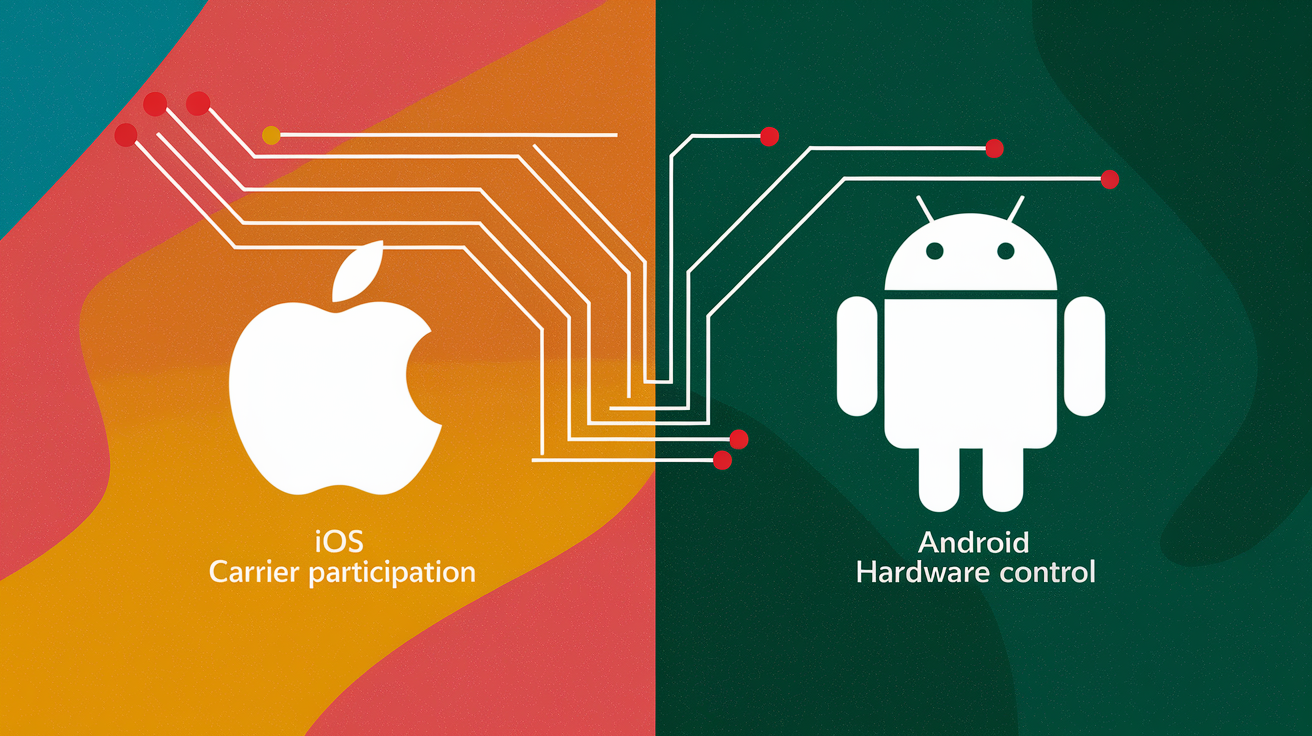
Android 15 introduced the Location Privacy Hardware Abstraction Layer, a software interface that in theory allows the operating system to instruct cellular modems to limit the precision of data sent to carriers. The technical approach mirrors Apple’s: rather than relying on carriers to voluntarily discard fine-grained data after receiving it, the modem itself transmits only coarse measurements. But Android’s open ecosystem creates a coordination problem. Qualcomm, MediaTek, Samsung, and other modem vendors must choose to implement HAL support. Device manufacturers must ship updated firmware. Carriers must cooperate on the network side. As of early 2026, only a handful of Pixel and Samsung flagship models honor the HAL on select carriers, leaving most Android users without equivalent protection.
Apple’s vertical integration removes the multi-party coordination hurdle. Owning the modem design, the operating system, and the hardware integration means once Apple decides to enforce a privacy control, it can ship it across every device that contains the necessary chip. The limitation is that Apple-designed modems are still rolling out. The iPhone 17’s reliance on Qualcomm means even Apple can’t unilaterally protect its entire user base. This creates a temporary asymmetry where a small fraction of iPhone and iPad owners gain carrier-level privacy, while most of the smartphone market stays exposed to unrestricted triangulation. Android and Qualcomm-based iPhones alike.
Carrier participation stays the bottleneck. Boost Mobile’s early adoption in the United States likely reflects its position as a smaller carrier seeking differentiation. Verizon, AT&T, and T-Mobile haven’t announced timelines for support. In Europe, GDPR’s stricter consent requirements may accelerate carrier adoption. Reducing the precision of collected data simplifies compliance and cuts the risk of enforcement actions. Over time, regulatory pressure and competitive differentiation may expand the list of participating networks. But until then the feature’s real-world impact is narrowly concentrated among a small subset of devices and geographies.
Final Words
Apple’s update immediately limits carrier triangulation to broader, neighborhood-level locations on supported devices and participating carriers, while keeping Find My and emergency location unchanged.
That changes how apps and carriers interact: app permissions still control precise coordinates, but developers should update disclosures and fallback logic. Users get a new toggle in Settings to reduce passive tracking.
For anyone tracking location data handling under apple privacy policy update, this is a meaningful step toward less silent tracking and clearer choices — a firmer privacy baseline going forward.
FAQ
Q: How to check if your iPhone is being monitored?
A: To check if your iPhone is being monitored, look for unfamiliar profiles (Settings > General > VPN & Device Management), sudden battery/data drain, odd pop-ups, active location sharing, and suspicious apps; contact Apple or reset if needed.
Q: Which iPhones will no longer work in 2027?
A: iPhones that will no longer work in 2027 are those losing carrier network support or reaching Apple’s end-of-software updates; check your carrier’s shutdown notices and Apple’s vintage/obsolete list for exact models.
Q: What is the secret iPhone setting everyone should know?
A: The secret iPhone setting everyone should know is “Limit Precise Location,” which reduces carrier triangulation accuracy to neighborhood level; find it under Settings > Cellular > Cellular Data Options. It doesn’t affect Find My or emergency call precision.
Q: Can you tell if someone is checking your location on an iPhone?
A: You can tell if someone is checking your location on an iPhone for app-based sharing by checking Settings > Privacy > Location Services and Find My > People, but carrier triangulation was historically invisible; new Apple limits only reduce precision.